


How to Choose a Wireless Gaming Keyboard for Work and FPS
Match wireless gaming keyboards to work keys, desk space, PC-and-laptop connections, charging habits, typing conditions, and FPS controls before you buy.

Country
Language
Explore practical buying guides, setup ideas, and product tips from the latest articles.
Featured
Match wireless gaming keyboards to work keys, desk space, PC-and-laptop connections, charging habits, typing conditions, and FPS controls before you buy.
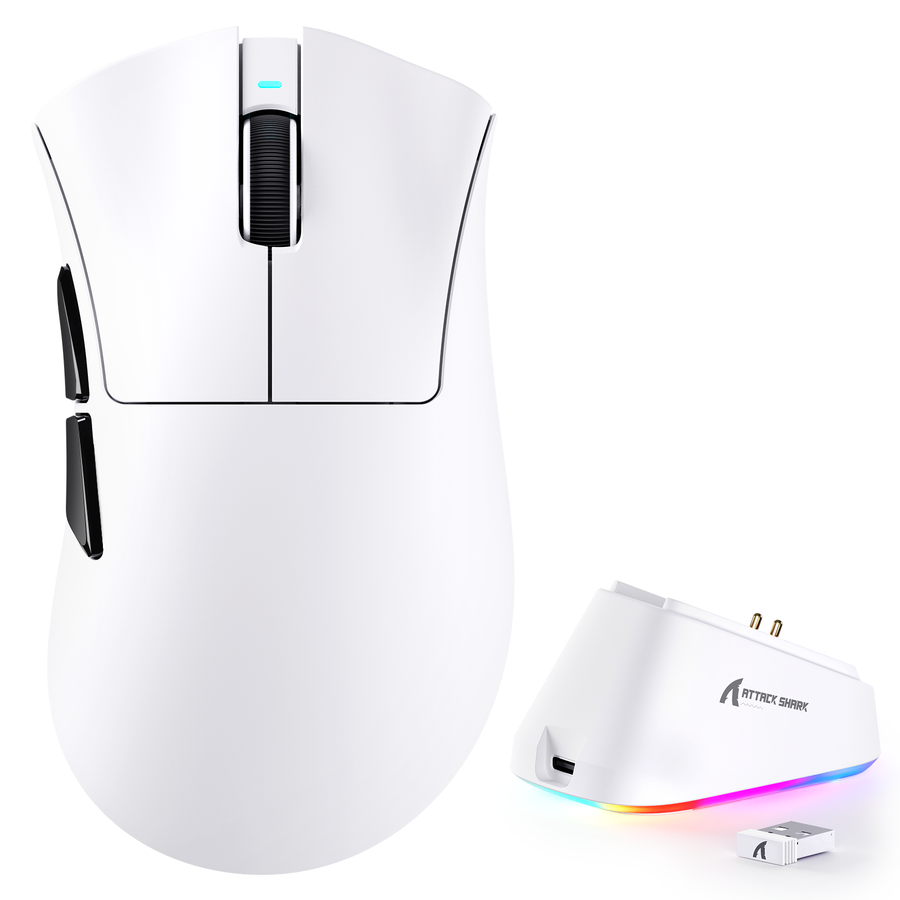
Find out whether a silent click gaming mouse suits a bedroom or shared office, how to isolate wheel and desk noise, and how to test it before keepi...
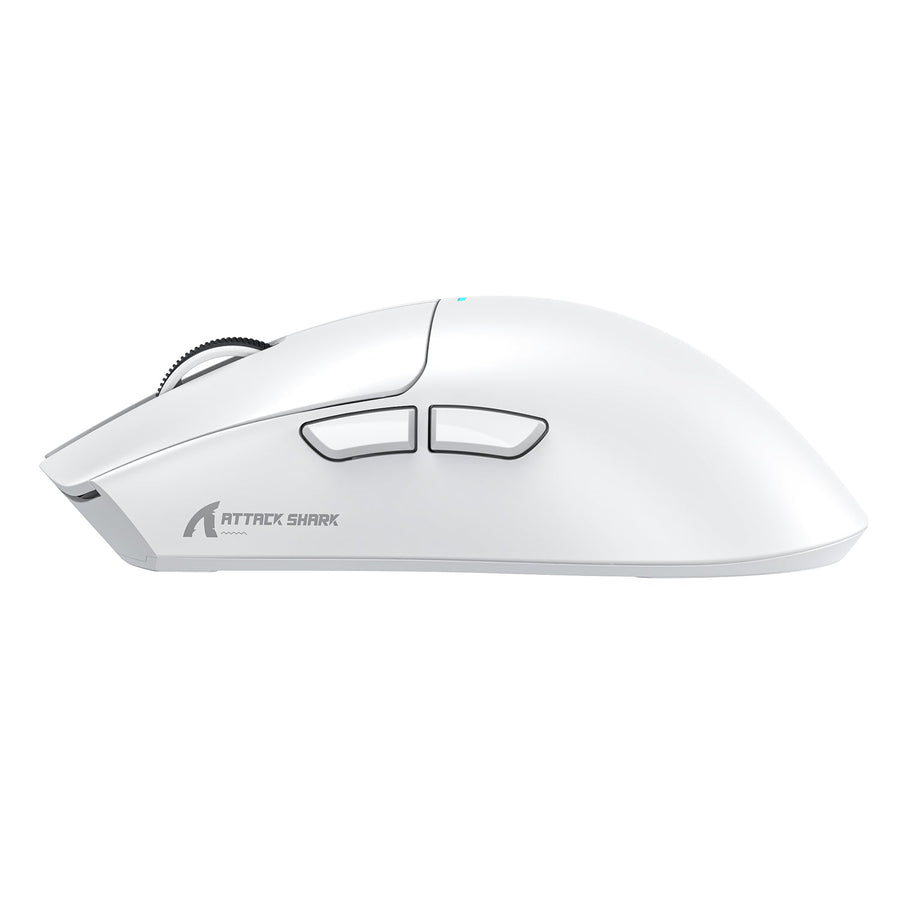
Decide whether a wireless gaming mouse charging dock fits your desk by comparing return habits, cable routing, USB needs, and model-specific chargi...
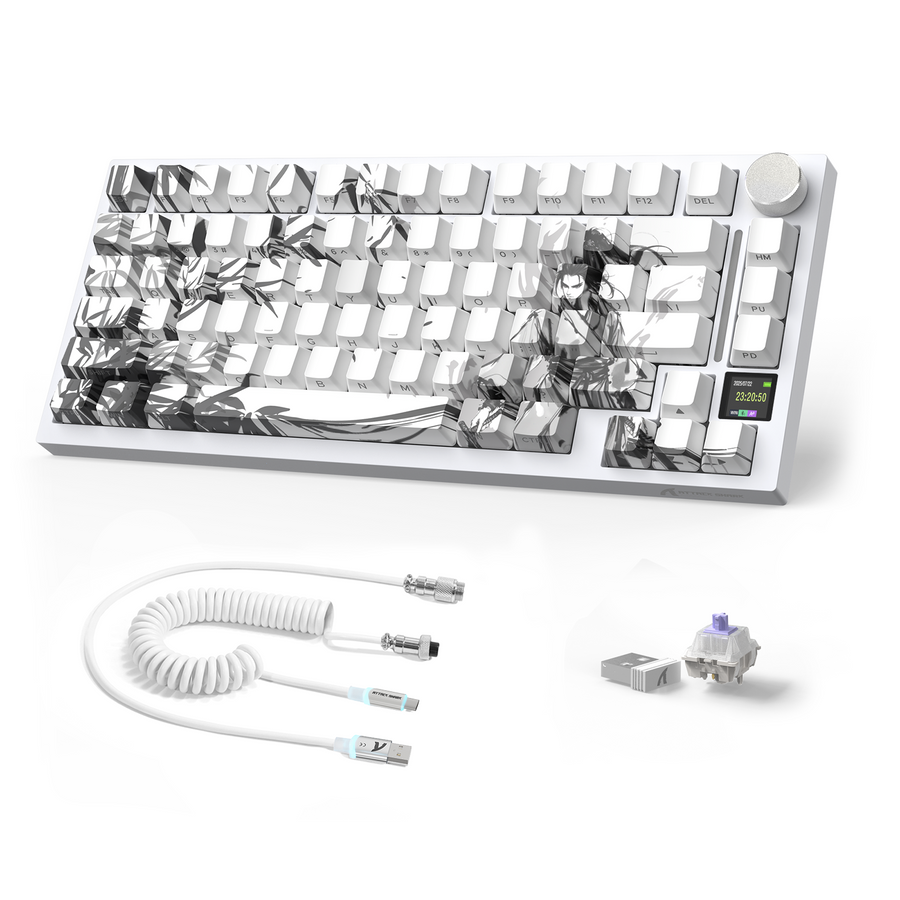
Find out when a wireless gaming keyboard USB cable handles charging, wired fallback, receiver setup, or firmware, then match each need to your model.

Plan a gaming keyboard and mouse for a small desk by measuring width and depth, reserving mouse travel, and checking cable clearance before you buy.
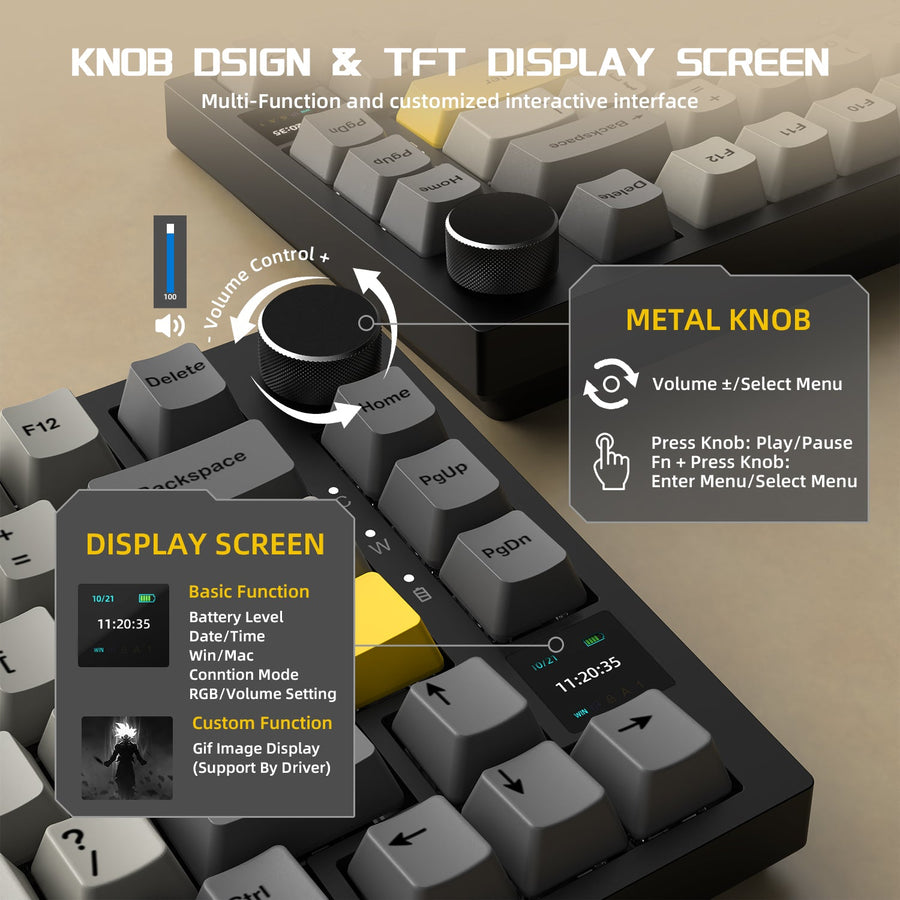
Choose a keyboard layout for work and gaming by matching dedicated keys, mouse room, and desk footprint to compact, 75%, TKL, or full-size options.
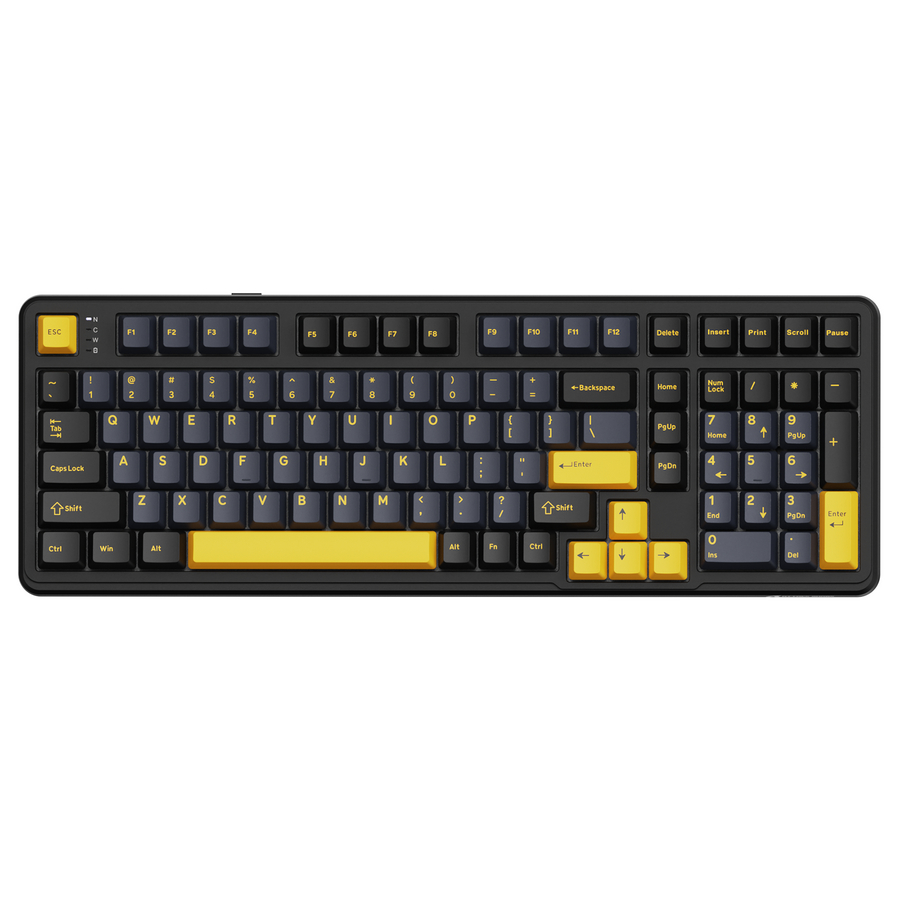
Compare a cheap gaming keyboard's simpler, mechanical, and Hall Effect options with layout, connection, software, build, and pre-cart checks.
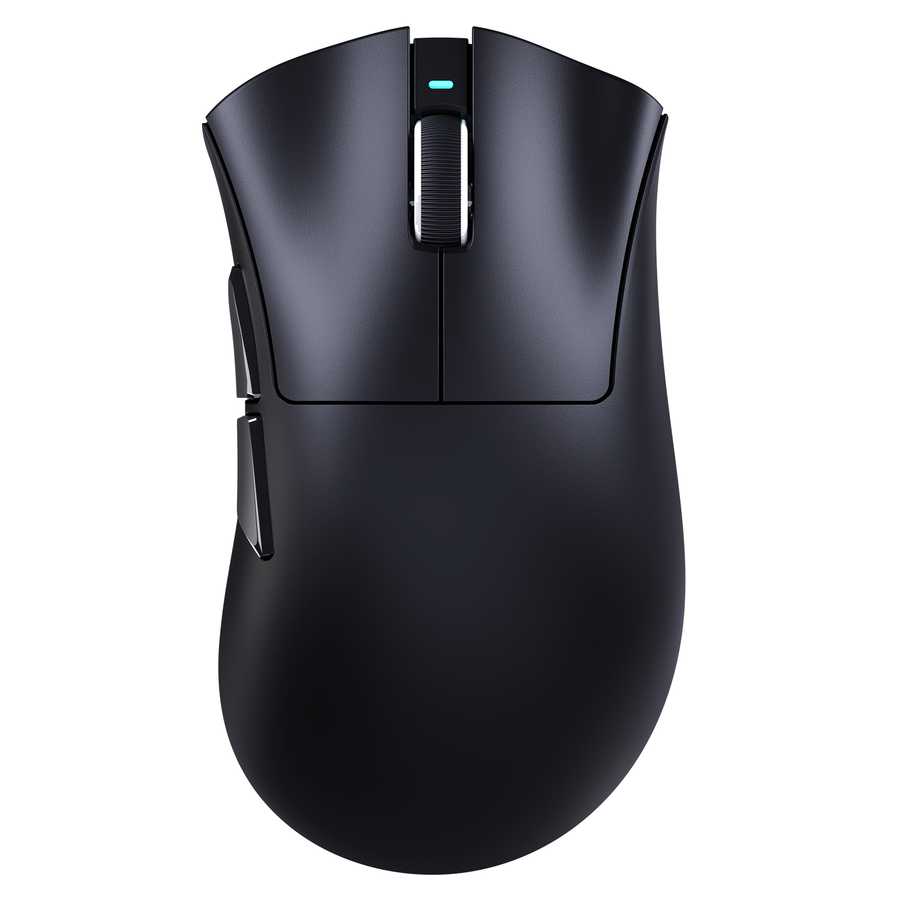
Use this cheap gaming mouse quality checklist to separate harmless feel differences from repeatable faults that affect control, comfort, or confide...
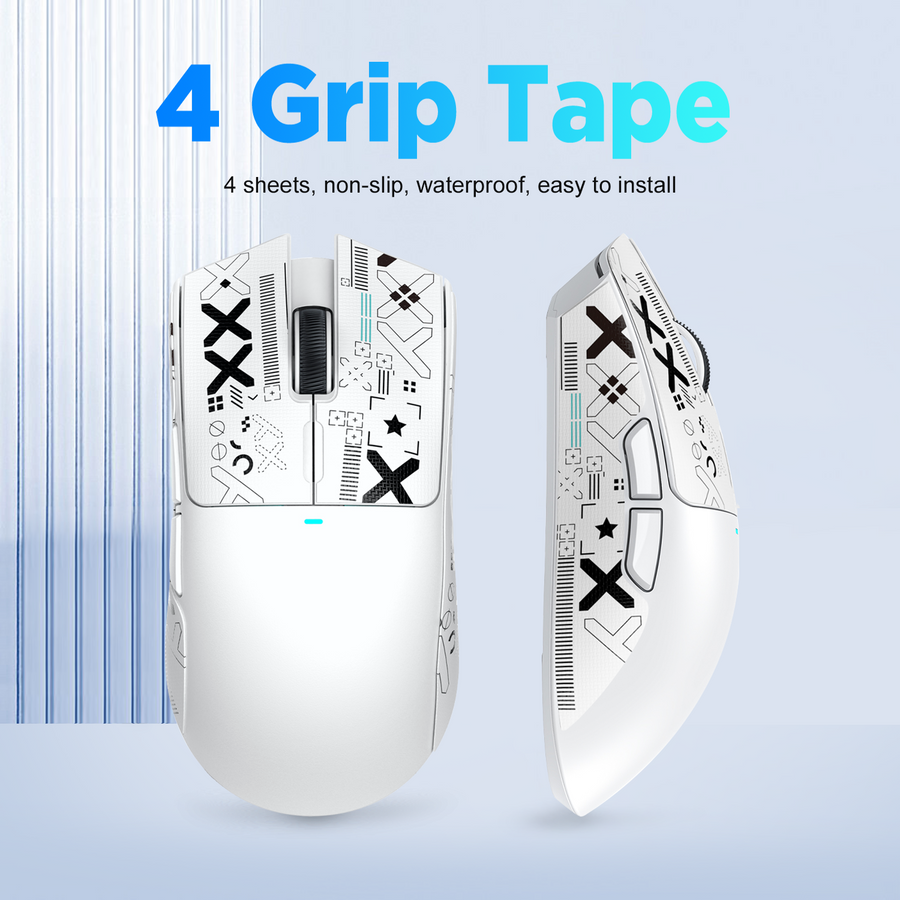
See when mouse grip tape can steady a slippery mouse, when fit matters more, and how to test texture, thickness, coverage, and removal before commi...
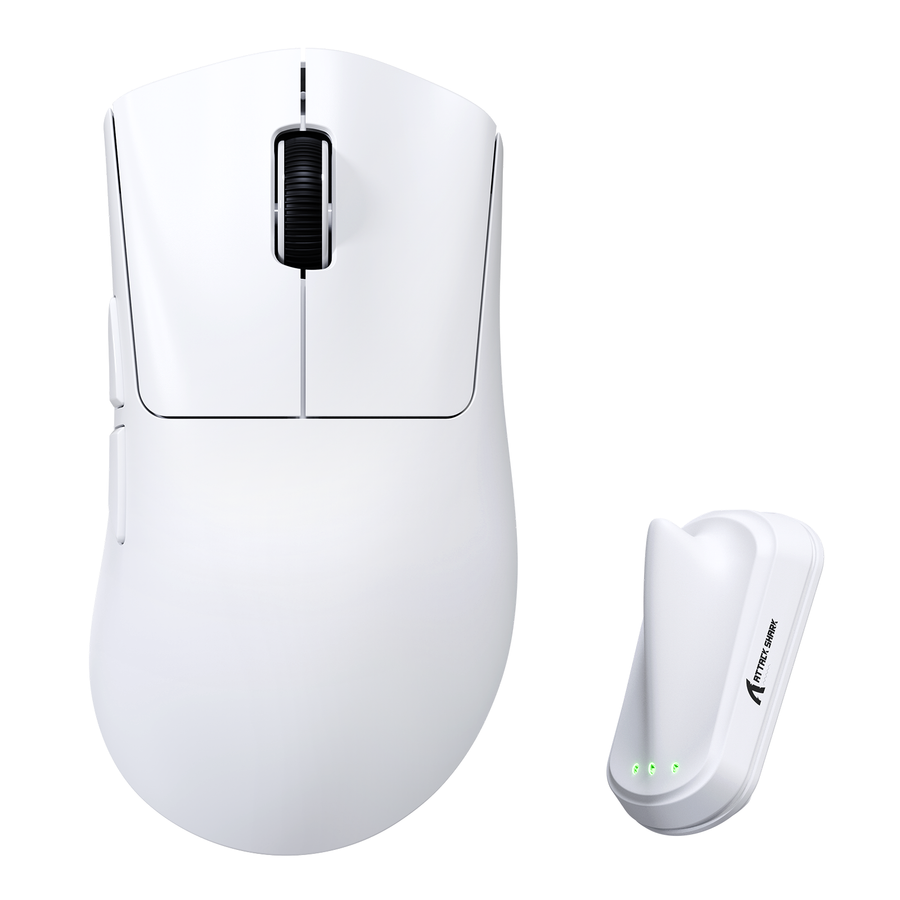
Choose a gaming mouse polling rate by testing 1,000Hz first, then moving up only when your game, CPU headroom, monitor, and battery priorities supp...
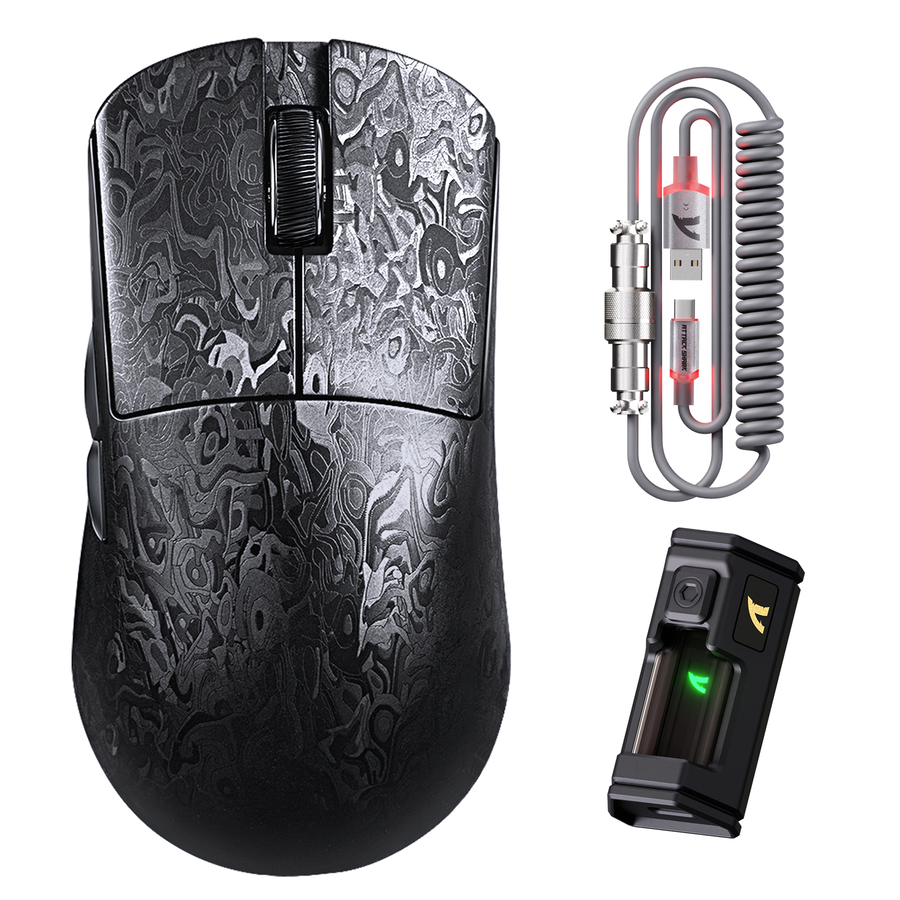
Use a gaming mouse test to check tracking, buttons, wireless, and wired modes, then use repeatable results to troubleshoot the setup or contact sup...
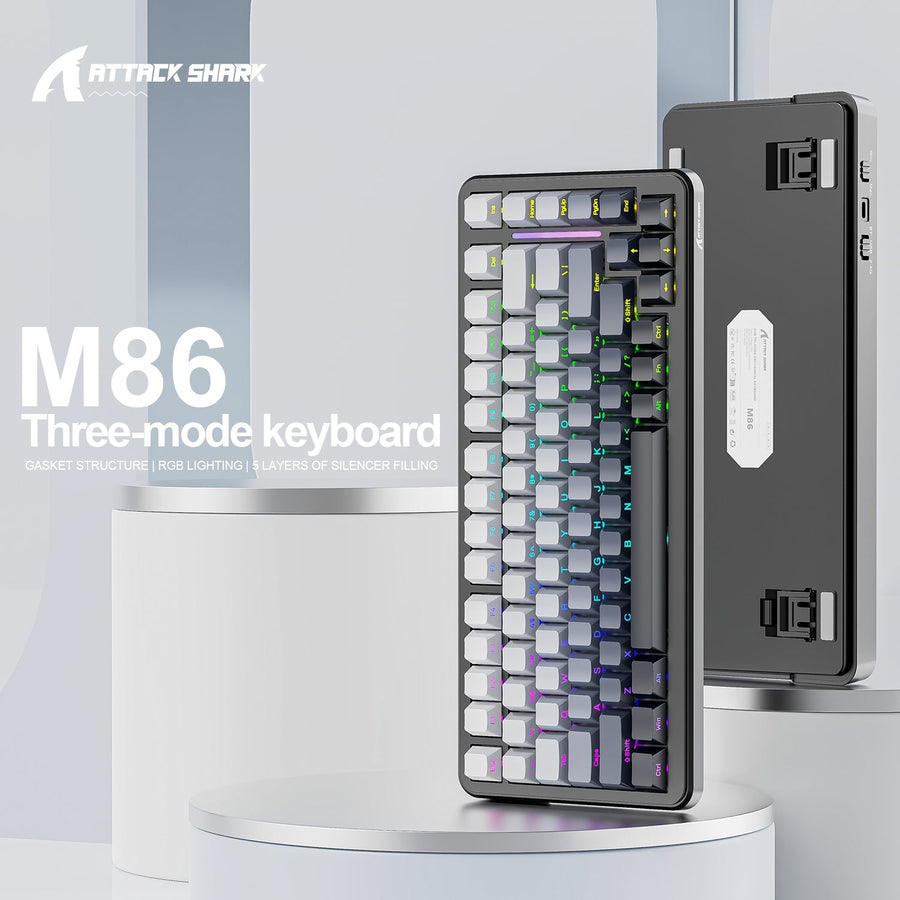
Compare a gaming keyboard for Mac and Windows layouts, connections, shortcuts, and software support so you can choose the right gaming setup before...
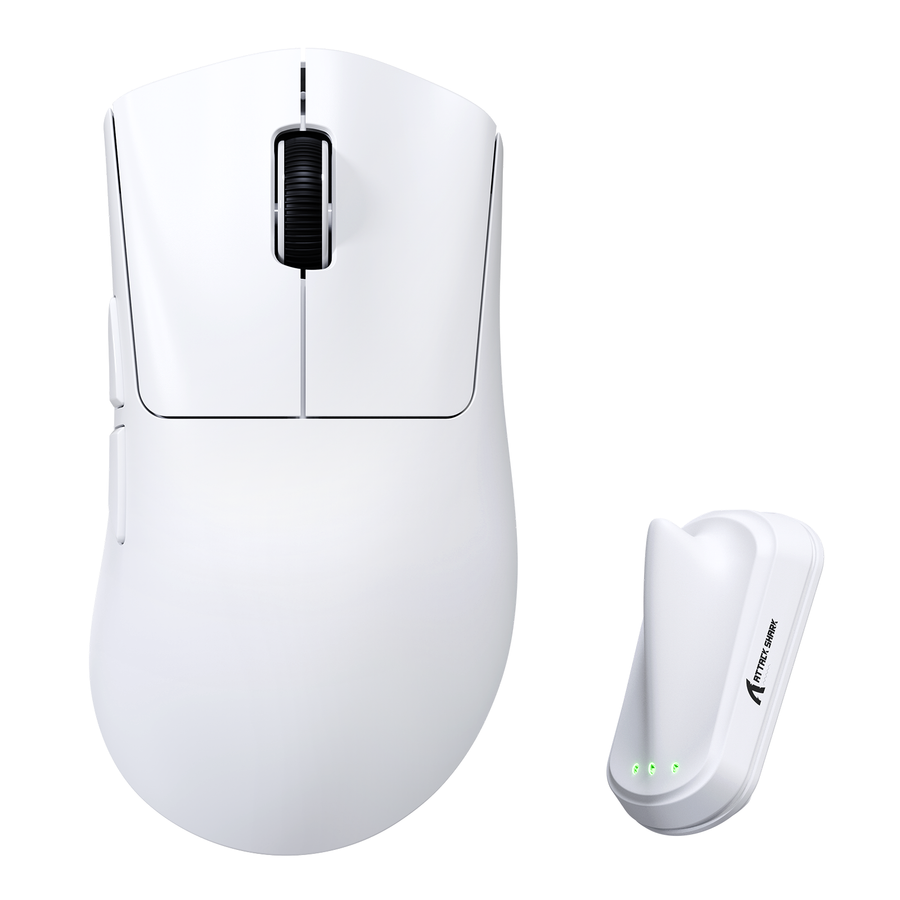
Choose a wireless ergonomic mouse or gaming mouse by matching comfort, grip, game demands, hand fit, wireless details, and control to your main act...
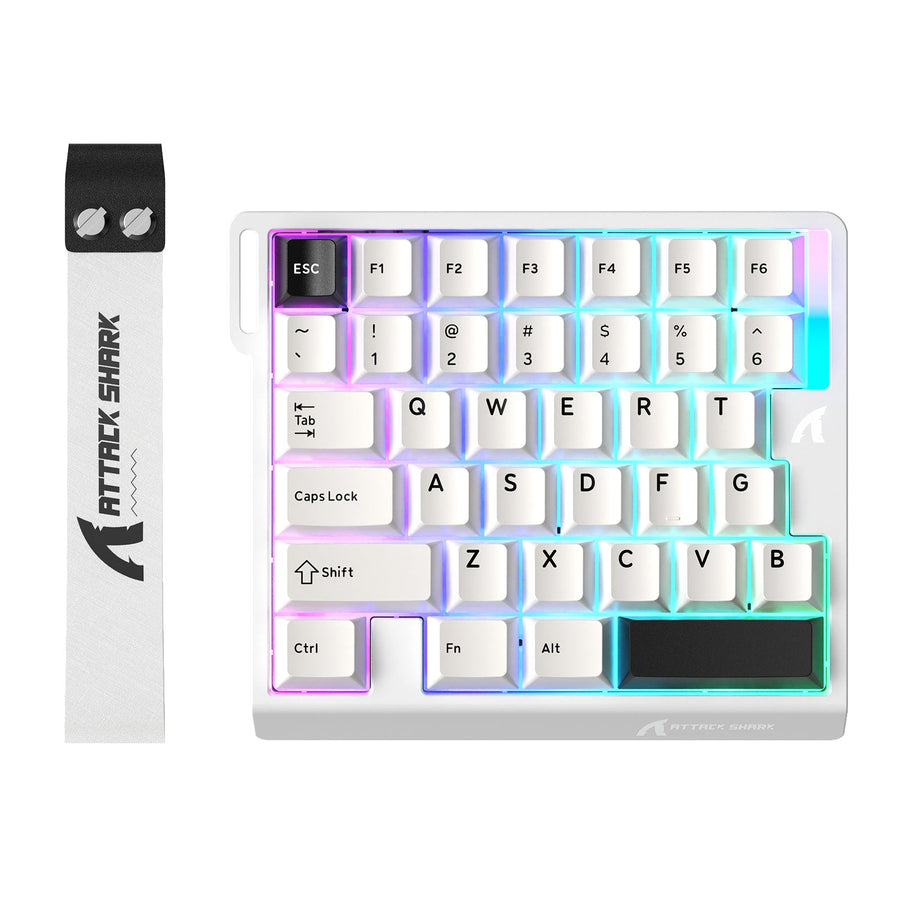
Use a one-handed gaming keyboard setup without losing desktop control. Map game inputs, preserve fallbacks, add supported layers, and test both con...
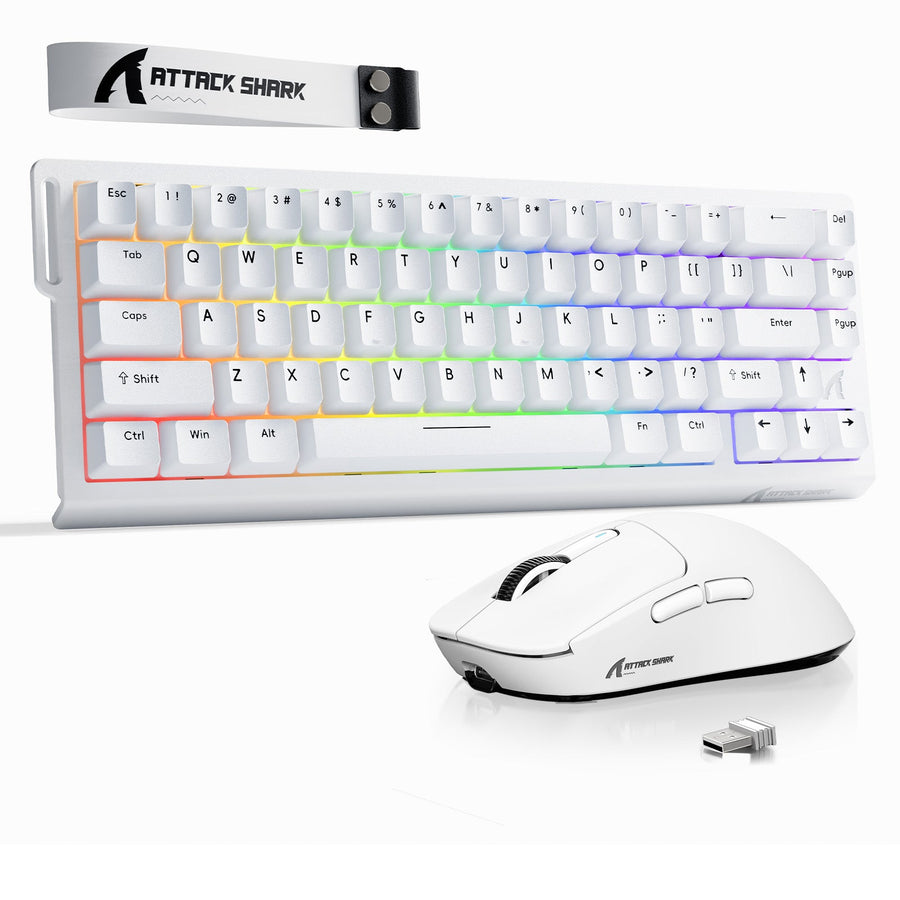
Use fit, connection, checkout, and replacement checks to decide whether a gaming keyboard and mouse combo or separate purchases suit your setup bef...
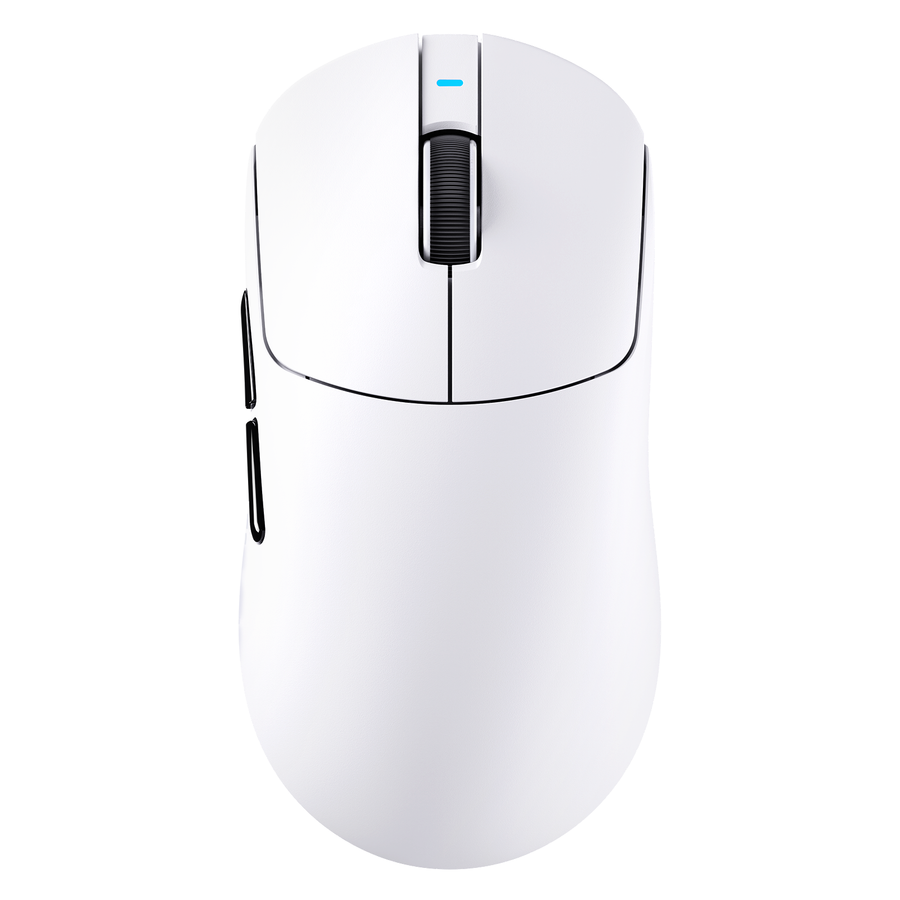
Compare gaming mice in a fixed order: start with hand fit and controls, then weigh sensor context, connection, battery conditions, and ownership be...


