On a strict budget, spend first on what you cannot easily change later: a layout that fits your desk and daily tasks, a switch feel you can live with, and a connection that won't drop out. Hot-swap sockets and replaceable parts come next, mainly if you plan to experiment later. RGB counts, tiny displays, and headline polling-rate numbers should wait until those core needs are covered. This order protects daily use first and treats cosmetic extras as optional add-ons rather than reasons to overspend.

What to Pay for First on a Cheap Mechanical Keyboard
The clearest rule for a tight budget is simple: fund what's hard to change after purchase before anything that's easy to swap later. Layout and switch feel shape every keystroke you type, while lighting effects or a small display are things you can live without or add later through accessories.
Software, RGB patterns, and cosmetic finishes are comparatively reversible. A missing numpad or an uncomfortable switch is not something a firmware update fixes. That's why layout fit, switch feel, and a dependable connection deserve first claim on your budget, with replaceability and useful software next, and cosmetic or headline specs last.
| Priority tier | Feature | Must-have when | Nice-to-have or defer when |
|---|---|---|---|
| 1 | Layout fit | You regularly need specific keys (numpad, arrows, function row) | — |
| 1 | Switch feel | You know you prefer linear, tactile, or clicky feedback | — |
| 1 | Connection reliability | You need the board to work without interruption | — |
| 2 | Replaceability / hot-swap | You expect to try or replace switches later | You won't change switches |
| 2 | Usable software | You'll actually remap keys, layers, or macros | You only need default typing |
| 3 | RGB quantity, display | Looks matter to you personally, core needs are met | Core needs are unmet |
| 3 | Polling-rate marketing | You have specific evidence it matters for your use | No specific need identified |
This ladder is a decision aid, not a promise that a cheap board will match a premium one feature for feature. It simply tells you where limited dollars do the most good. If you're comparing sizes, our keyboard size options group full-size, TKL, 75%, and compact boards so you can match layout to your desk before anything else.
Choose Layout, Switch Feel, and Hot-Swap Around Your Use
Layout and switch feel should follow how you actually use a keyboard, not a marketing label. Hot-swap only earns its price when you're likely to change switches later.
For Daily Typing, School, or Work
If you type for hours at school or work and regularly use a numpad, choose a full-size layout. If you need dedicated navigation keys or a full function row but do not need a numpad, consider TKL instead. For switch feel, pick linear, tactile, or clicky based on your own preference and where you sit. A shared office or bedroom often calls for quieter linear or tactile switches, since clicky feedback can bother people nearby.
For Gaming and Small Desks
A smaller layout frees up room for longer mouse swings, which helps on tight desks. The trade-off is missing or layered keys, so only go compact if you rarely use the numpad, dedicated arrows, or full function row. Match the layout to the games and other tasks you actually do at that desk, not to what looks the most "gaming."
When Future Switch Changes Matter
Hot-swap sockets let you pull out a switch and snap in a new one without soldering, which is worth paying for if you expect to experiment, replace a worn switch, or maintain the board over time. Before counting on that flexibility, check that the listing states the socket family and supported switch pin format. Kailh, for example, documents its own Rainbow MX hot-swap socket as MX-compatible with a mechanical life rated up to 6,000 cycles, but that figure describes one named component, not a guarantee for every budget keyboard's overall lifespan. Don't choose a compact layout if you regularly need a numpad, dedicated navigation keys, or a full function row; that fit issue won't go away later. If you want a board built around swappable switches, our hot-swappable keyboards collection groups options by that feature.
Spend on Connection and Usable Software, Not Headline Numbers
Connection and software choices protect the value of a cheap keyboard more than any spec sheet number. Pick the simplest connection that won't interrupt you, and only pay for programmability you'll actually use.
- Choose a wired-only board when you want the simplest, most dependable connection with no extra checks.
- Choose wireless only when the listing clearly states a usable wired fallback mode, so a dead battery or dropped signal doesn't stop your work or game.
- Pay extra for programmable software only if you'll actually remap keys, build layers, or set up macros and custom controls.
- Confirm the listing names the operating system or configuration app the software needs, especially if you're on Mac or Linux.
Programmable firmware such as QMK can remap keys and layers in useful ways, but its own configuration documentation notes that hardware resources like USB endpoints are finite, which can limit which features work together on a given board. That's a reason to confirm the specific implementation supports what you want, rather than assuming any "programmable" label covers it.
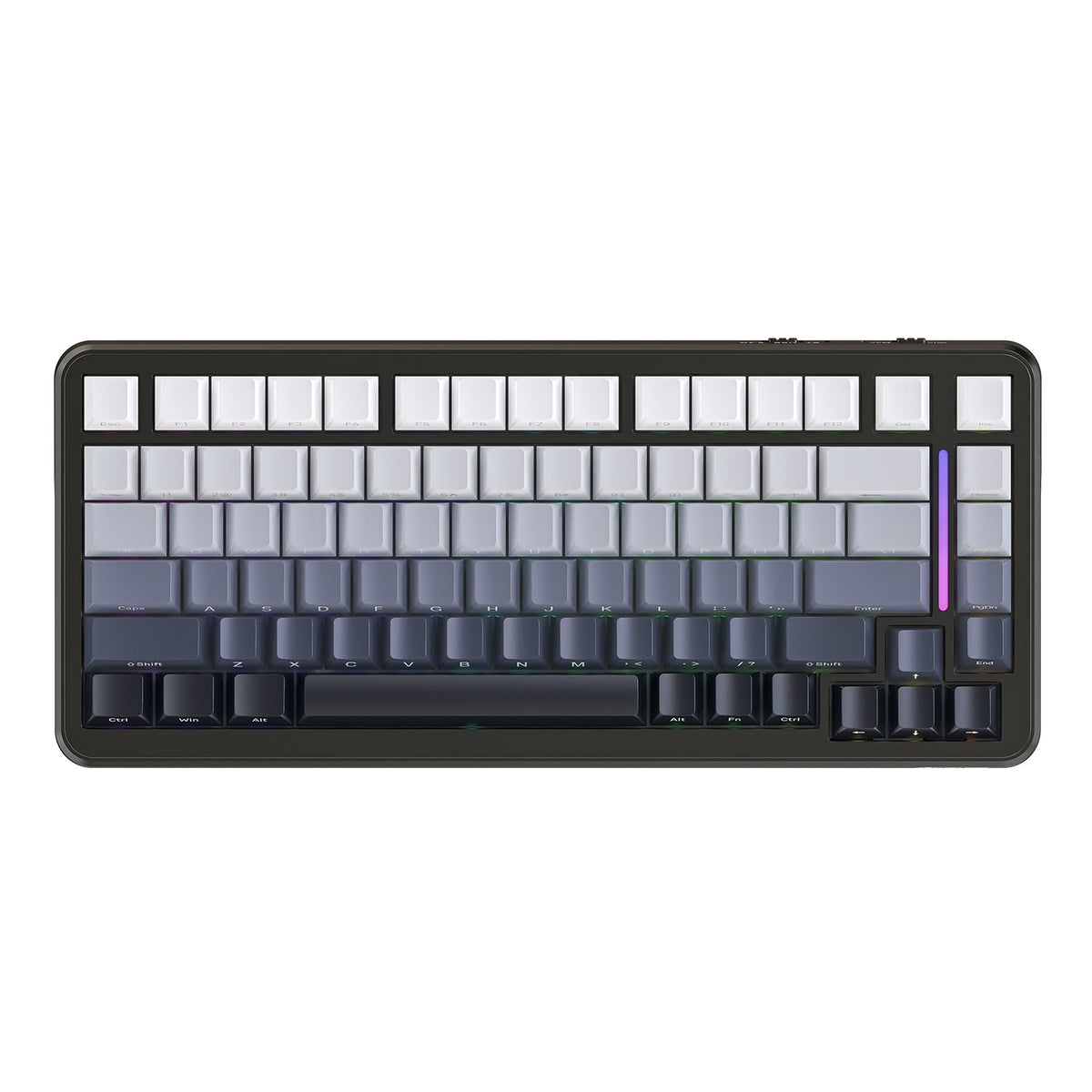
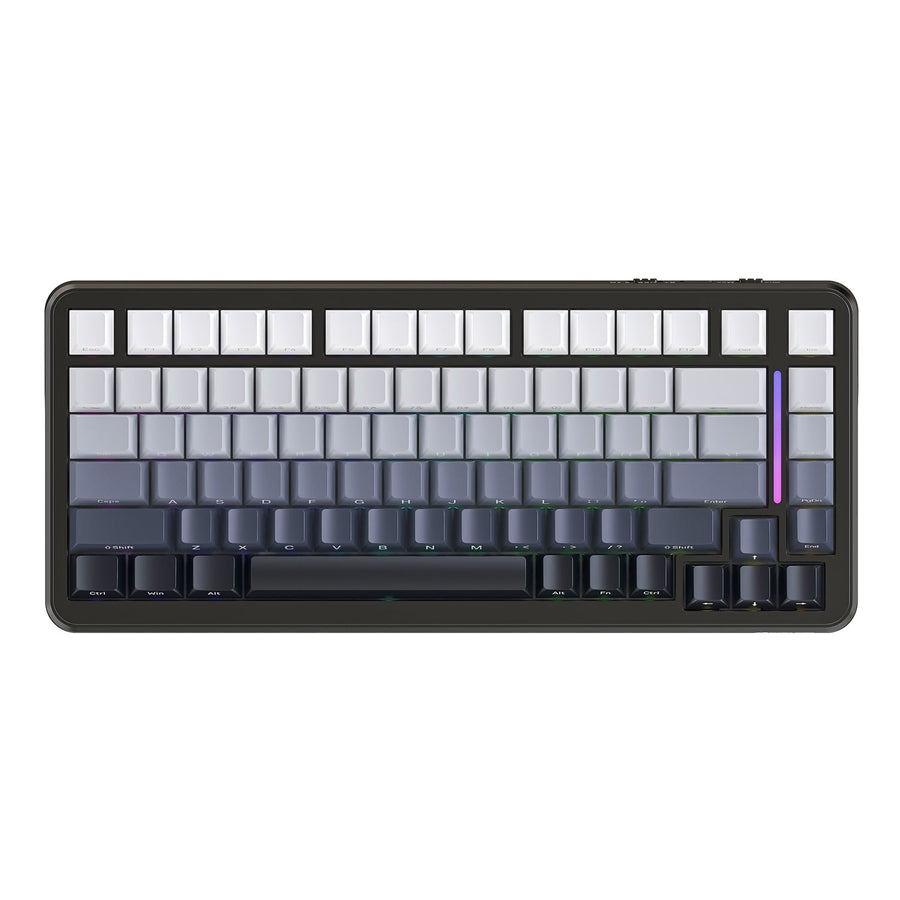
For someone who wants a compact 75% layout and multiple connection options, our M86 tri-mode keyboard is a concrete example. Choose another layout if you regularly need a numpad, because our product information lists the M86 as 75% ANSI. It also lists Bluetooth 5.0, 2.4G wireless, and USB-C wired connectivity alongside 3/5-pin hot-swappable switches. Those are the kinds of connection and compatibility facts to look for on a product page.

Features to Skip or Deprioritize on a Strict Budget
Several attractive-sounding specs rarely change how a cheap keyboard performs for you, so they can wait until layout, switches, and connection are settled.
- Skip for now: RGB lighting quantity and small onboard displays. These are cosmetic and don't affect typing feel, gaming response, or durability.
- Verify before valuing: Polling-rate numbers, NKRO claims, and generic "gaming" branding. Most current keyboards already offer adequate key rollover for typing, programming, and gaming, and anti-ghosting is no longer a meaningful differentiator on modern boards, so a bigger number alone isn't a reason to pay more without a specific need.
- Be cautious with: Sound-dampening, plate material, or durability language that isn't backed by a stated, comparable fact on the listing. A vague claim about "premium" feel doesn't tell you anything you can verify.
- Redirect the savings: Put budget you save here toward the layout, switch compatibility, connection fallback, and replaceability checks covered above, since those change daily use more directly.
Verify the Listing Before You Buy
Before you order, run through one short sequence using the decisions you've already made.
- Confirm the layout matches your key needs: check for the numpad, arrows, and function row you actually use.
- Confirm switch feel and, if hot-swap matters to you, use the compatibility rule above.
- Apply the connection rule above to the listed connection mode.
- Confirm a usable configuration path exists if you plan to use programmable software, and check your operating system is supported.
- Check the return and support terms, then decide: buy if the core facts are stated and fit your scenario, keep looking if an important fact is missing, or walk away if the board fails a fit requirement you already know matters.
A cheaper board is a better buy only when it actually solves your use case. Getting the layout, switch feel, and connection right matters more than any single headline spec, so use this sequence before checking out. When you're ready to compare specific options, browse our hot-swappable keyboards to find a feature-matched board without paying for extras you won't use.
FAQs
What features matter most in a cheap mechanical keyboard?
Layout fit, switch feel, dependable connection, and replaceability generally deserve your budget first, ahead of RGB, displays, or polling-rate numbers. The exact order can shift depending on whether you're typing all day or gaming, so match it to your own use before deciding.
Is hot-swap worth it on a budget mechanical keyboard?
Yes, if you expect to try different switches or replace a worn one later. Use the compatibility check above before buying.
Are cheap mechanical keyboards good for gaming?
A cheap mechanical keyboard can suit gaming when its layout, switch feel, and connection actually fit how you play. A "gaming" label or a high polling-rate number doesn't by itself guarantee better results, so check fit and connection reliability first.
What should I avoid when buying a cheap mechanical keyboard?
Deprioritize RGB quantity, small displays, polling-rate marketing, and generic gaming branding until your layout, switch choice, and connection needs are settled. These extras rarely change daily performance and are easy to add value to later if you upgrade.