In the world of custom mechanical keyboards, few accessories are as visually striking as the coiled cable. With its vibrant colors and industrial-style connectors, it has become a staple of modern desk aesthetics. However, many users wonder if a coiled keyboard cable provides any functional advantage or if it is purely a decorative choice. This article examines the practical utility, performance implications, and aesthetic value of these cables to help you decide if they are a necessary upgrade for your setup.

What Is a Coiled Keyboard Cable?
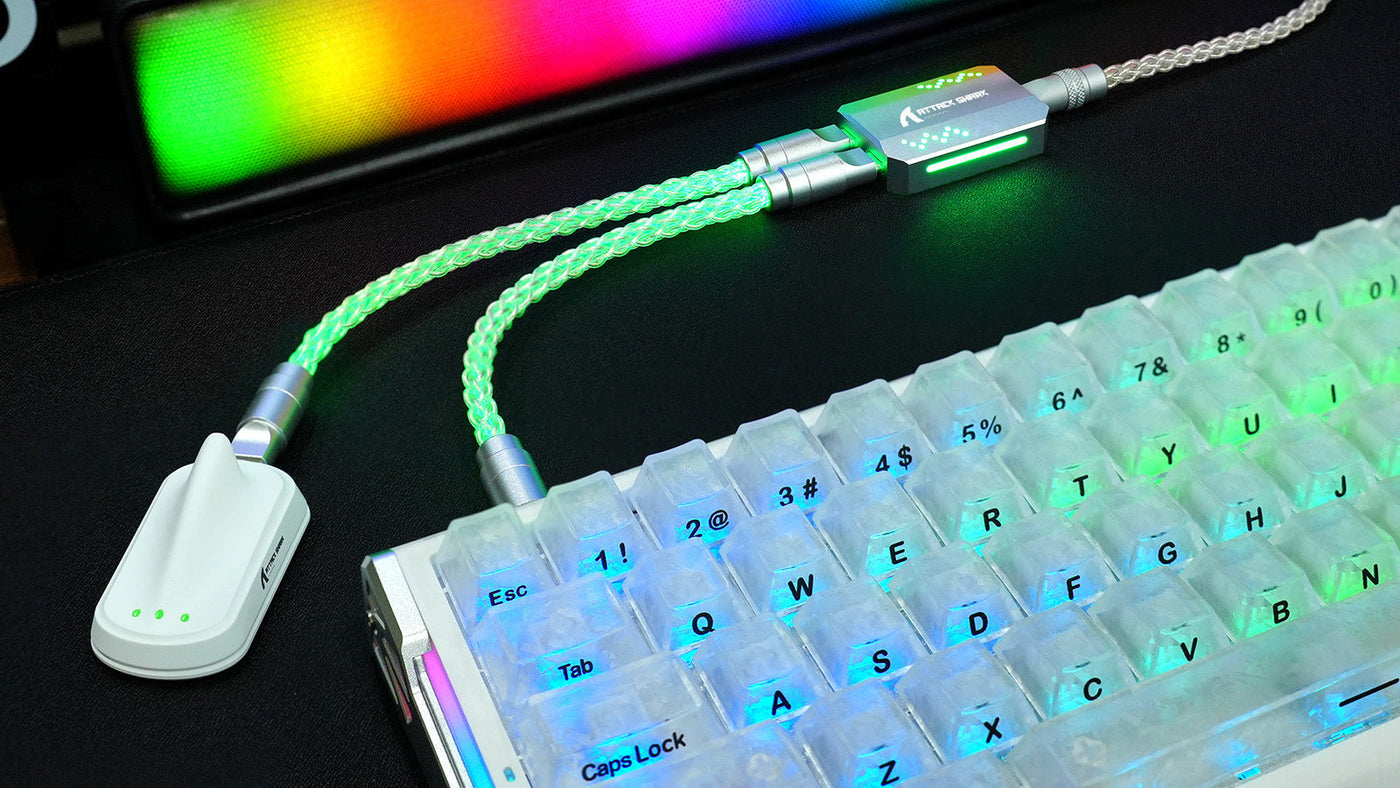
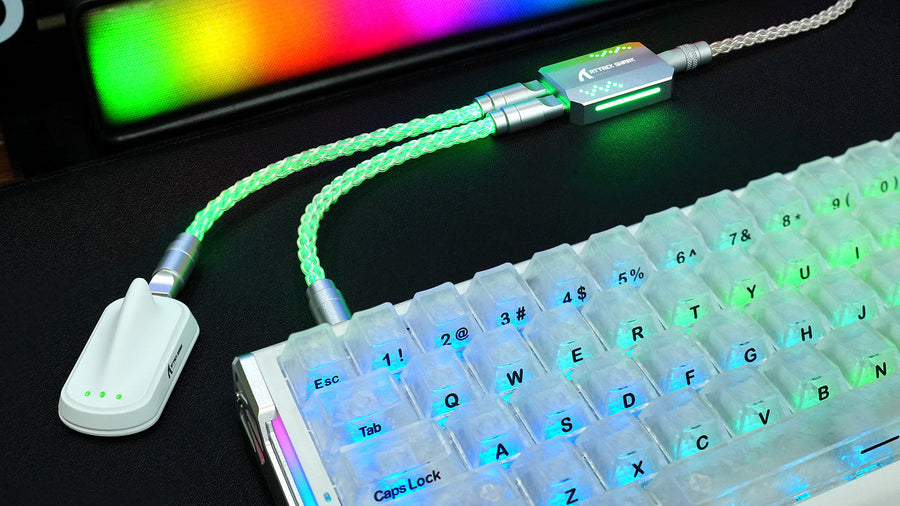
A coiled cable is a specialized USB cable characterized by a spring-like section, similar to the cords found on vintage landline telephones. Unlike the standard flat or braided cables that come in the box with most peripherals, these are often hand-crafted or manufactured with premium materials. They consist of a straight section that plugs into the computer and a coiled section that connects to the keyboard, often joined by a quick-release metal connector.
The "coil" is created by wrapping the wire around a mandrel and heat-treating it to retain its shape. High-quality versions often undergo a "reverse coiling" process, where the wire is wound once, heated, and then wound in the opposite direction. This double-processing ensures the coil remains tight and springy over years of use, preventing it from sagging or losing its aesthetic form.
Most custom cables feature a circular, multi-pin metal link known as an "aviator connector" or "detachable connector." Originally designed for industrial and aviation use, these connectors allow users to swap the keyboard-side of the cable without unplugging the entire wire from the PC. It adds a heavy, industrial feel to the coil cable setup while serving as a modular interface for enthusiasts with multiple keyboards.

Are Coiled Keyboard Cables Only for Aesthetics?
For many, the primary motivation for buying a custom keyboard cable is indeed visual. These cables serve as the "finishing touch" for a curated workspace. Because they are available in nearly infinite color combinations, they allow users to perfectly match their cable to their keycaps, desk mat, or PC case. While the visual impact is undeniable, labeling them as "only" for looks ignores the subtle functional improvements they bring to a desk.
A well-designed coil cable setup creates a sense of intentionality in a workspace. Standard cables are often black or gray, which can clash with a colorful custom keyboard. By choosing specific sleeve materials like Paracord or Techflex, you can create a texture and color profile that elevates the entire room. This is particularly important for streamers and content creators who want their peripheral setup to look professional on camera.
The ability to customize every component—from the heat-shrink tubing to the metal finish of the aviator plug—makes the cable a form of self-expression. In the mechanical keyboard community, a custom keyboard cable is often considered an essential part of a "build," much like the switches or the case itself. It transitions the cable from a utility item into a piece of desk art.
What Are the Practical Benefits of a Coiled Cable?
Beyond the visual appeal, there are several coiled keyboard cable benefits that improve daily usability. While these benefits might not increase your typing speed, they contribute to a more organized and durable workspace. Many users find that once they switch to a coiled design, standard straight cables feel cluttered and unmanageable.
Manage desk clutter effectively
One of the most immediate advantages of a coiled design is cable management. Because the coil is naturally compact but can stretch if needed, it prevents excess wire from tangling across your desk. This "self-management" keeps the area directly behind your keyboard clean, which is especially useful for gamers who need a clear path for their mouse movements during high-intensity sessions.
Simplify device swapping with detachable connectors
If you own multiple keyboards with different USB ports (such as USB-C, Mini-USB, or Micro-USB), a custom keyboard cable with an aviator connector is incredibly efficient. Instead of reaching behind your computer to swap the entire cable, you simply unscrew the aviator link and attach a different "device end" connector. This saves time and reduces wear and tear on your computer's USB ports.
Increase durability through double-sleeving
Custom cables are typically much thicker and more durable than stock cables. They usually feature "double-sleeving," which involves a layer of 550 Paracord covered by a layer of plastic Techflex mesh. This dual-layer construction protects the internal copper wiring from kinks, fraying, and accidental damage, making it a long-term investment for your peripheral setup.
Can a Coiled Cable Affect Keyboard Performance?
A common concern among gamers is whether a coiled keyboard cable introduces input lag or power issues. Because the coil significantly increases the total length of the wire, the electrical signal must travel further. For most standard keyboards, this has zero impact on performance, but for high-end or power-hungry boards, there are technical considerations to keep in mind.
Understand the signal distance
A cable that looks like it is only 5 feet long may actually contain 10 to 15 feet of wire once the coil is unraveled. According to USB 2.0 specifications, the maximum reliable length for a cable is about 16 feet.
To counteract signal degradation, premium custom cables are engineered with high-grade 24AWG internal wiring and superior shielding. These technical enhancements allow the cable to support a more stable 8KHz polling rate, ensuring that high-speed data transmission remains consistent even with the extra wire length inherent in a coiled design.
Account for high-power RGB and OLED screens
Modern keyboards with bright RGB lighting, OLED screens, or high-performance sensors require a steady 5V power supply. Long cables have higher electrical resistance, which causes a "voltage drop." If the voltage drops too low, your keyboard might flicker, fail to wake from sleep, or show erratic behavior. When ordering a custom keyboard cable, it is vital to ensure the total wire length (including the coil) stays within the limits recommended by your keyboard manufacturer.
Who Should Use a Custom Keyboard Cable?
Not every user needs an aftermarket cable, but certain groups will find them particularly valuable. Determining if you fall into these categories can help justify the higher price point of a premium coiled keyboard cable.
Cater to the keyboard enthusiast
If you have invested hundreds of dollars into a custom mechanical keyboard, a stock plastic cable can diminish the premium feel of the build. Enthusiasts use these cables to complete a specific "colorway." For this group, the cable is a necessary component that validates the effort and money spent on the rest of the keyboard hardware.
Optimize minimalist and organized workspaces
Minimalists who value "cable-free" or "clean-desk" looks often prefer coiled cables because they do not sag or loop awkwardly. The structured, geometric shape of the coil aligns well with organized desk layouts. By keeping the wire taut and tucked away, it complements a professional or aesthetic-focused home office environment.
Provide a solution for professional gamers
Gamers who travel to tournaments often appreciate the detachable aviator connector. It allows them to leave the long USB-A section plugged into a PC while quickly disconnecting the keyboard to pack it in a carrying case. This modularity is a subtle but effective workflow improvement for players who are constantly on the move with their gear.
What Should You Check Before Buying One?
Before purchasing a coiled keyboard cable, you must verify several technical and physical specifications. Not all cables are compatible with all keyboards, and choosing the wrong specs can result in a cable that is either non-functional or aesthetically disappointing.
Verify the USB connector type and housing size
Check if your keyboard uses USB-C, Mini-USB, or Micro-USB. More importantly, check the "port clearance." Some keyboards have recessed USB ports with very narrow openings. If your custom keyboard cable has thick heat-shrink tubing or a wide plastic housing around the connector, it might not fit into the keyboard's port. Always measure the opening before buying.
Select the right coil diameter and orientation
Coils typically come in 1/2-inch or 3/8-inch diameters. A larger coil looks more substantial and "industrial," while a smaller coil is more subtle. You also need to consider the orientation: do you want the cable to exit to the left, the right, or straight back? Matching the cable's exit direction to your keyboard's port location ensures the coil cable setup looks symmetrical and clean.
Confirm total cable length and power requirements
As mentioned previously, check your keyboard's manual for maximum cable length. If you have a high-power board, you should generally keep the total wire length under 10-12 feet. For competitive gamers, it is essential to choose a cable that can support a stable 8KHz polling rate. Ensure the manufacturer uses high-quality 24AWG copper cores and dual-layer shielding; these features are necessary to maintain the signal integrity required by ultra-high polling rate keyboards, providing both aesthetic flair and elite-level performance.
Conclusion: Coiled Cables Deliver More Than Just Style
While a coiled keyboard cable is primarily an aesthetic upgrade, it offers real functional value in cable management, durability, and modularity. It is the ideal accessory for those who want to eliminate desk clutter or simplify the process of swapping between multiple devices. As long as you remain mindful of total cable length and power requirements for high-performance boards, a coiled cable is a durable and stylish investment. It transforms a simple utility into a centerpiece, proving that form and function can indeed exist in a single cord.
FAQs
Do coiled keyboard cables improve gaming performance or reduce lag?
No, they do not improve performance. In fact, if the coiled cable is excessively long (over 15-16 feet of total wire), it could potentially increase latency or cause power issues. For standard gaming, there is no perceptible difference in lag compared to a high-quality straight cable.
Why are coiled cables so much more expensive than regular cables?
The price reflects the labor-intensive manufacturing process. Each custom keyboard cable is typically hand-sleeved, coiled, and heat-treated multiple times to ensure the shape holds. Additionally, the high-quality aviator connectors and premium materials like Techflex and Paracord add significantly to the material costs.
Can I use a coiled cable with any mechanical keyboard?
Most mechanical keyboards are compatible, provided the USB connector (USB-C, etc.) matches. However, some extremely high-power keyboards with large RGB arrays or high polling rates may require shorter cables to function correctly. One of the main coiled keyboard cable benefits is its modularity, but you must ensure the power draw is supported.
Will the coil lose its shape over time?
A cheap, mass-produced coil may sag over time. However, a high-quality coiled keyboard cable that has been "reverse coiled" and properly heat-treated will retain its springy shape for years. Avoid over-stretching the coil manually, as this can eventually deform the plastic memory of the internal wire.