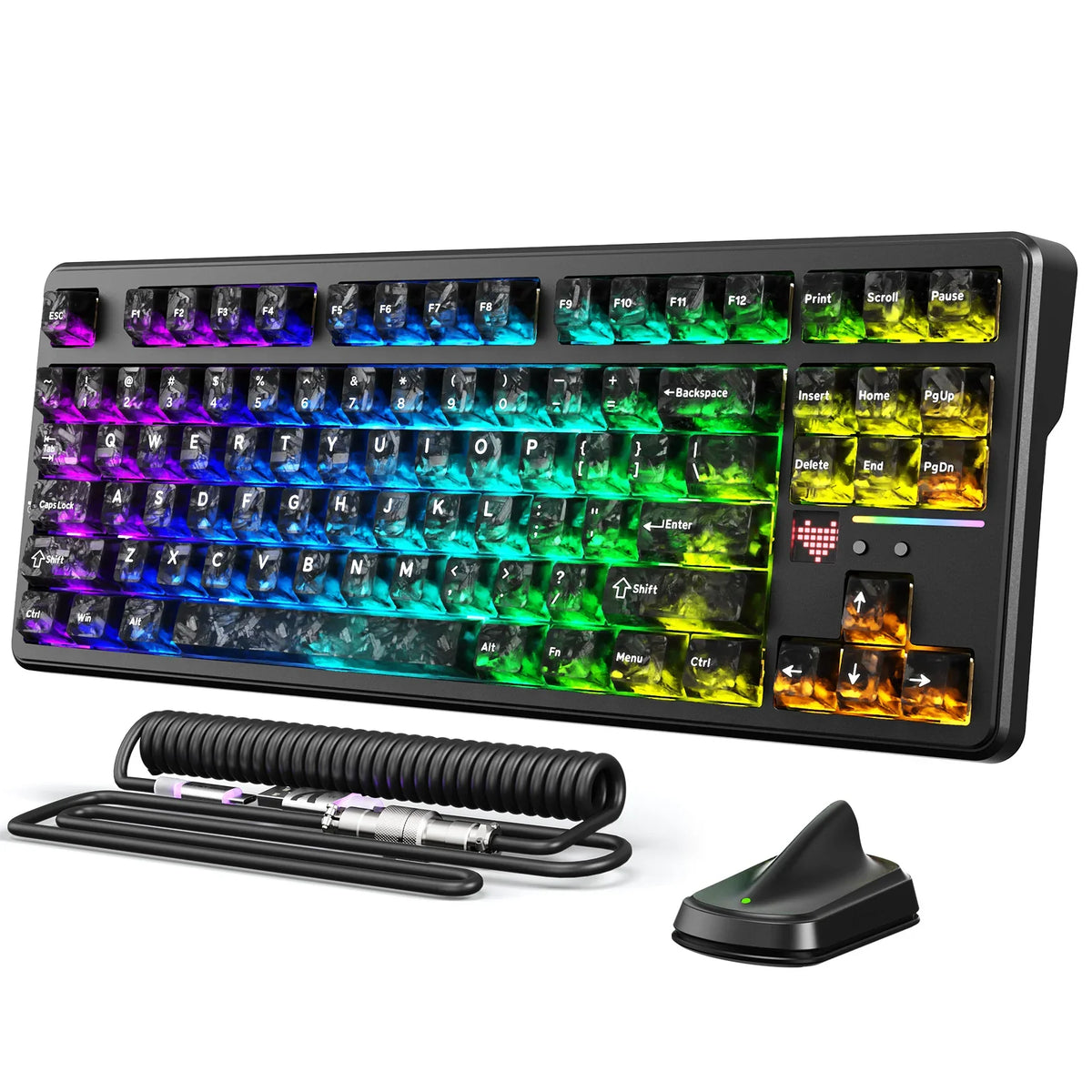
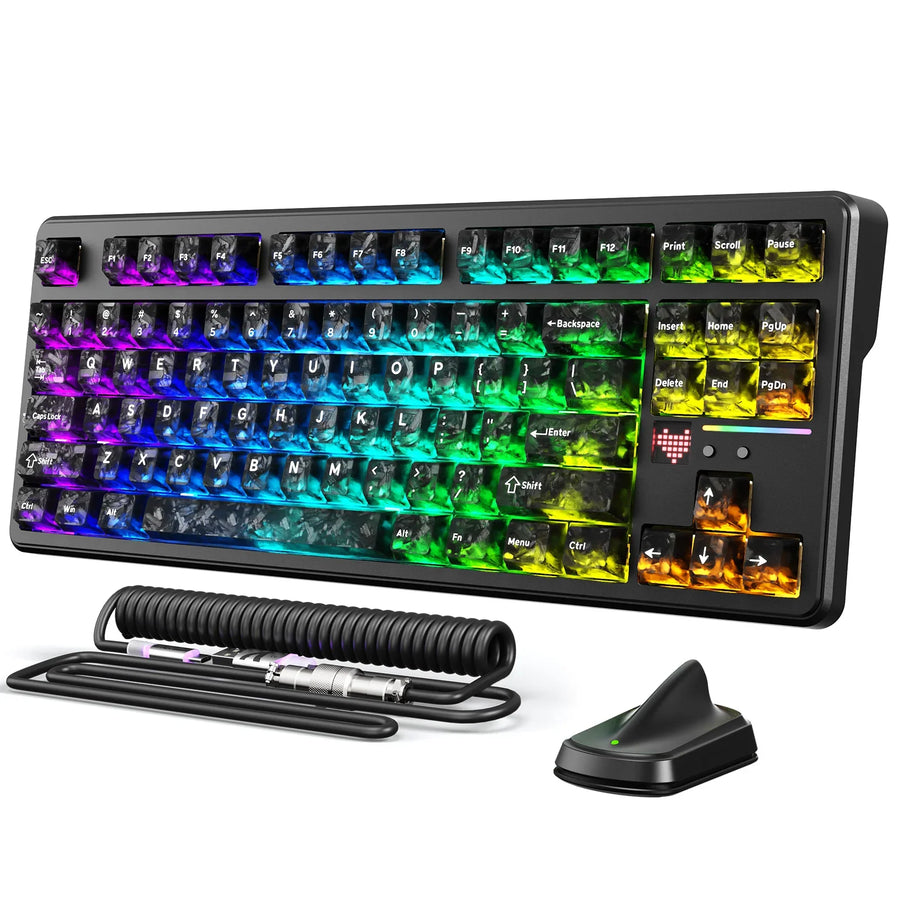
A top wireless gaming keyboard is not defined by one spec. You have to weigh connection mode, layout, and battery conditions together, because a sub-1ms latency claim only means something when it is tied to the exact wireless mode you plan to use.
Treat a headline polling-rate number as a configuration detail, not proof of measured latency. Match the layout to the keys you actually use every day before you consider gaming features. Compare battery-life claims only when the connection type and backlighting match, since an "LEDs off" runtime is not the same test as a fully lit one.
Key Takeaways
- Use wired or 2.4GHz for latency-sensitive competitive play; reserve Bluetooth for device switching and lower power draw.
- A high polling rate describes a configuration, not measured input latency; sub-1ms claims need mode-specific evidence.
- Pick your layout (full-size, TKL, 75%, or compact) from your daily keys and desk width, not from a product name.
- Compare battery-life claims only when connection mode and backlighting match; battery capacity alone does not equal runtime.
- The X87 ULTRA and X82 PRO HE fit different priorities: tri-mode endurance versus a verified compact layout with separate wired/wireless polling figures.
Choose the connection mode before judging latency
Pick wired or 2.4GHz when your setup is a fixed, competitive desk, and reserve Bluetooth for situations where switching between devices matters more than shaving off milliseconds. A 2.4GHz connection for gaming latency is generally the better fit for competitive play, while Bluetooth trades a small amount of latency for wider compatibility and typically lower power use.
2.4GHz and wired for a fixed competitive desk
If you play at one desk and latency is the priority, judge the 2.4GHz receiver mode or a wired connection on its own, not blended with Bluetooth performance. A manufacturer's polling-rate figure, even a high one like 8,000Hz, describes how often the keyboard can report data. It does not by itself confirm measured end-to-end input latency for that connection. Before you accept a sub-1ms claim, look for latency evidence tied specifically to the wireless mode you intend to use, not a wired-only test or a generic marketing number.
Bluetooth and multi-device switching for flexibility
Choose Bluetooth or a tri-mode keyboard when you regularly switch between a desktop, laptop, or tablet and don't want to carry a receiver around. Tri-mode support only helps if you can tell which mode is active, since a keyboard connected over Bluetooth for convenience is not delivering the same latency profile as its 2.4GHz mode. If your routine mixes gaming and multi-device work, our laptop and desktop routine guide walks through how to keep the low-latency mode reserved for gaming while using Bluetooth for everything else.

Match the layout to your desk and daily keys
Start with the keys you use every single day, then check how much desk width and mouse room you actually have. Gaming preference and productivity needs don't always point to the same layout, so don't assume a compact board is automatically the right call just because it looks like a gaming keyboard.
Full-size and TKL layouts
- Full-size: choose this when a dedicated numpad is essential for your workflow and your desk has the width to spare; the trade-off is less room for wide mouse swings.
- TKL (tenkeyless): choose this when you want to keep arrow keys and function-row access but don't need a numpad; you gain mouse space while losing dedicated number-entry keys.
75% and compact layouts
- 75%: choose this when your desk is compact but you still want more retained navigation access than a 60% board offers, since it usually keeps arrow keys and some function keys in a tighter footprint.
- Compact/60%: choose this when maximum mouse room matters most and you're willing to use layers or shortcuts for keys that aren't printed on the board.
For a side-by-side look at footprint options, our keyboard size guide breaks down 60%, 75%, 80%, and full-size boards by dimensions. Exact key counts and layout percentages still need to come from a specific product's listed specifications rather than an assumption based on its name.
Compare battery life only on a matching basis
Compare runtime numbers only when the connection mode and backlighting setting match, because connection type and backlighting affect runtime enough to change the result from dozens of hours to hundreds. A large battery capacity, expressed in mAh, tells you how much energy is stored, but it does not by itself tell you how long the keyboard will actually run under your settings.
Read the runtime condition before comparing hours
When a keyboard lists a runtime figure with an "LEDs off" qualifier, that condition has to stay attached to the number. It is not interchangeable with a runtime claim made under different lighting or connection settings. If a listing doesn't state its test conditions at all, treat that figure as unverified rather than assuming it matches a condition-labeled claim from a competing keyboard.
Treat charging and power management as part of battery life
Before comparing two keyboards on endurance, check four things separately: the connection mode used for the test, whether backlighting was on or off, whether the figure reflects typical use or a specific benchmark, and how the keyboard charges or manages power day to day. If a product lists battery capacity in mAh but no comparable runtime figure, leave its endurance unresolved instead of estimating hours from capacity alone.
Narrow the shortlist with the verified trade-offs
Two of our own wireless keyboards illustrate different priorities rather than a single category winner. Check the table below against the connection, layout, and battery guidance above before deciding which trade-offs fit your setup.
| Model | Verified connection, battery, and layout facts | Best-fit priority | Important limit |
|---|---|---|---|
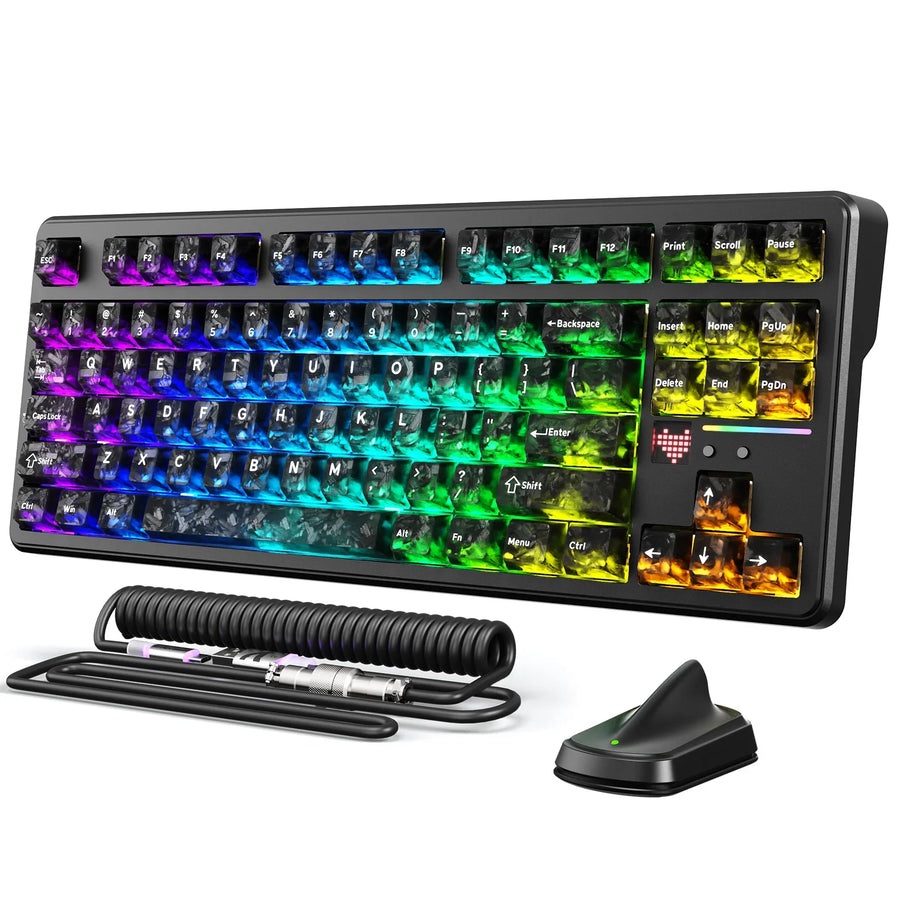
| X87 ULTRA wireless keyboard | Tri-mode 2.4G/Bluetooth/wired, up to 8,000Hz polling, 10,000mAh battery, up to 5,000 hours with LEDs off | Tri-mode flexibility with the stronger documented endurance claim | Exact layout, key count, and wireless latency are not established by these facts |
| X82 PRO HE wireless keyboard | 75%, 82-key, tri-mode USB-C/2.4GHz/Bluetooth, 8,000Hz wired polling, 1,000Hz wireless polling, 5,000mAh battery | Verified compact layout with an explicit wired-versus-wireless polling split | No supplied runtime figure, and the 1,000Hz wireless polling is not itself a measured latency result |
Favor the X87 ULTRA when tri-mode flexibility and a documented LEDs-off runtime claim matter most to you, as long as you verify its exact layout and wireless-mode latency for your own use before committing. Favor the X82 PRO HE when a confirmed 75%/82-key footprint and a clearly separated wireless polling figure fit your desk and games better, keeping in mind that its runtime and wireless latency remain unresolved by the supplied facts. Neither keyboard's polling number alone proves sub-1ms wireless latency, so treat that as the one condition still worth checking against your own gaming setup. We're glad to walk you through either model's connection and layout details before you order, so you can match the keyboard to how you actually play.
FAQs
What if a wireless keyboard's battery-life claim does not say whether the LEDs are on?
Treat that figure as an unverified manufacturer claim rather than a number you can benchmark against an "LEDs off" or fully illuminated rating. When test lighting conditions are omitted, the number cannot indicate expected real-world endurance under RGB lighting. If battery life is a key buying factor, focus on boards that explicitly document whether backlighting was active during testing.
Does a higher polling rate ensure sub-1ms wireless input latency?
No, a high polling rate such as 1,000Hz or 8,000Hz defines how frequently the keyboard interface communicates with the computer, not the full click-to-screen input latency. Transmission overhead, wireless processing, and debounce delay all influence total response time. Sub-1ms performance should only be assumed if independent testing validates measured latency in that specific wireless mode.
How do I decide between a 75% layout and a tenkeyless (TKL) keyboard?
Base your decision on whether you prefer standard key spacing or a tighter desk footprint. A TKL keyboard keeps the traditional separated arrow and navigation cluster alongside the function row while dropping only the number pad. A 75% board compresses those navigation keys into the main typing block, saving an extra inch or two of horizontal mouse room at the expense of non-standard keycap sizing.