Pick your layout before you pick your color when shopping for a pink gaming keyboard, or a white or yellow alternative. Any of these choices should match your ANSI or ISO layout, your board format, and your plans for replacement keycaps. Skip that check and a great-looking board can still leave you with a Shift key that's too short, a keycap set that won't cover your bottom row, or RGB legends you can't actually read. This guide walks through layout, keycap fit, material, lighting, and cleanup in that order, then ends with one short list to run before checkout.

Start With Layout and Keycap Plans, Not Color
Two different shoppers need two different starting points. If you already own a keyboard, your existing layout controls what will fit later. If you're buying a new board and a keycap set together, pick the physical format first and treat color as the last filter, not the first.
If You Already Own the Keyboard
Look at your Enter key and left Shift key before you shop for color. Their shape tells you whether your board is ANSI or ISO, and that answer decides which replacement-cap sets are even worth considering. Write down your board's overall size, its bottom-row layout, spacebar length, and any nonstandard modifier keys. You'll need every one of those details before you add a colorful set to your cart.
If You Are Buying the Board and Caps Together
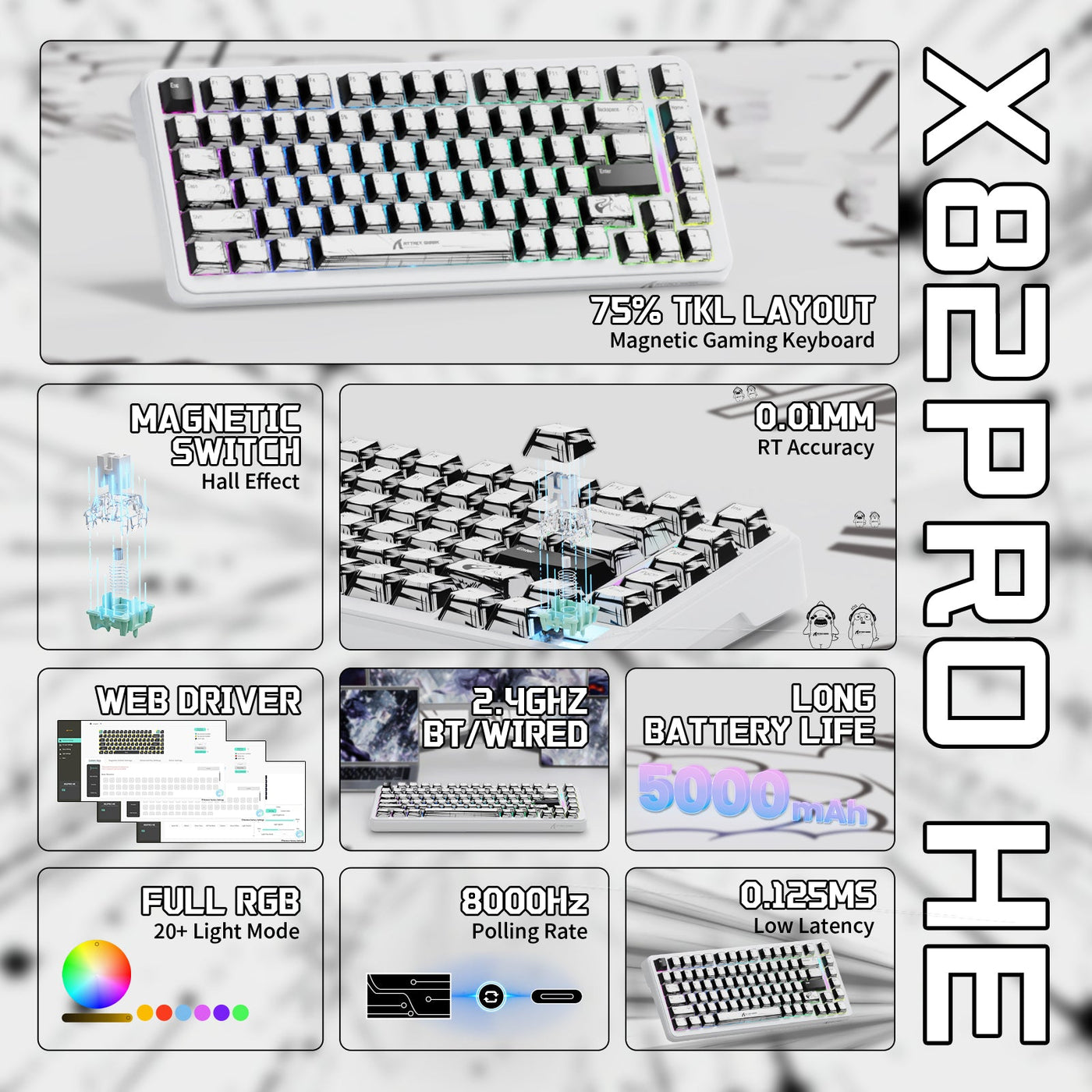
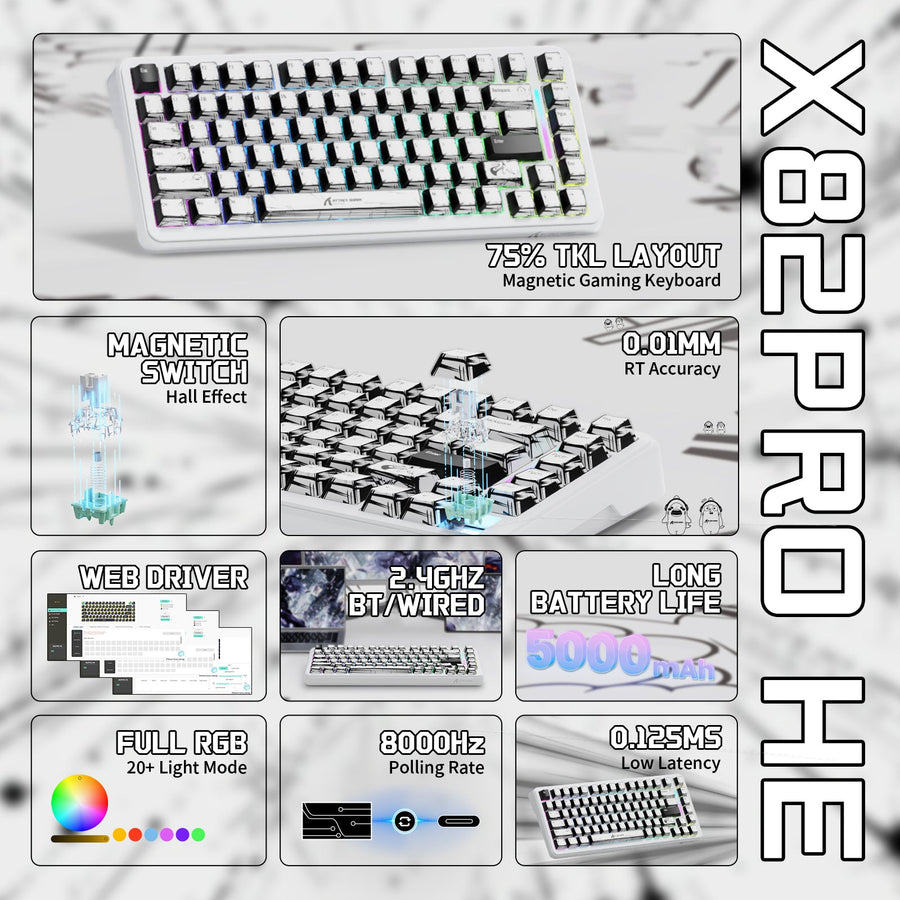
When you're shopping for a new keyboard and a matching keycap set at the same time, settle on the physical format, full-size, 75%, 65%, or another compact size, before you start comparing pink, white, and yellow options. A pink gaming keyboard can still need a different keycap plan from another board in the same color family. A 66-key board like our 66-key X68 PRO HE and a 75%-style board like our 75% X82 PRO HE show why format matters: each has its own key count and arrangement, so a keycap set built for one won't necessarily cover the other. Keep the keycap set's listed layouts and profile visible while you're still choosing the keyboard.
ANSI vs. ISO: Which Layout Fits Your Setup?
ANSI and ISO are two different physical layouts, and the fastest way to tell them apart is to look at the Enter key and the left Shift key. That single check matters more than any advertised key count when you're shopping for replacement caps.
How to Identify ANSI and ISO at a Glance
ANSI keyboards use a wide, horizontal Enter key and a long left Shift key. ISO keyboards use a taller, L-shaped Enter key, a shorter left Shift, and an extra key between the left Shift and Z keys. Don't assume a compact board follows full-size key-count rules; smaller formats often reshape or remove keys that a full-size layout keeps standard, so check the actual key photos or specs instead of estimating from a percentage label.
Which One Makes Sense for a US Setup?
For most US shoppers, ANSI is a common starting point. If you've built your typing habits around an ISO layout or you rely on ISO-specific characters, switching layouts just to chase a color or a slightly wider keycap selection usually isn't worth the adjustment period. Match the layout to how you already type, then look for your color inside that layout.
Check Keycap Fit Beyond the Key Count
A colorful replacement set fits only when it matches your board's exact layout, format, profile, and switch interface, not just its key count or color name. Treat any one of these as a hard filter before you check out.
Match More Than the Number of Keys
Key count and percentage labels are a starting clue, not a full specification. Two boards can both be called "75%" or "65%" and still use different bottom rows, spacebar lengths, or modifier widths. Before ordering a colored set, compare your board's Enter key, left Shift key, bottom-row keys, and spacebar length against the set's included key list. If any of those measurements is missing from the listing, treat that gap as a reason to hold off rather than guess.
Match Profile and Switch Interface
Profile refers to the keycap's height and sculpt across rows; mixing profiles on one board usually creates an uneven typing feel. Confirm the set's profile matches what you want to keep consistent, and separately confirm its switch-stem interface works with your switches. Our colored OEM keycaps are one example worth checking this way: they're built in an OEM profile for MX-structure switches and listed across specific keyboard sizes, so match those specifics against your own board rather than assuming any colored set will fit.
ABS vs. PBT: Pick the Legend Construction Before the Material
Material name alone doesn't tell you how a keycap set will look or feel over time. ABS and PBT can both be used on RGB keyboards, and neither material guarantees a specific brightness, legend clarity, or wear pattern on its own. Legend construction and finish matter as much as the plastic type.
| Material | Surface and feel | Legend and RGB check | Choose this path when |
|---|---|---|---|
| ABS | Often smoother, glossier feel out of the box | Can support shine-through legends; check the listing to confirm | You want a specific finish or color range and plan to check legend construction directly |
| PBT | Often has a slightly textured, matte finish | Legend method varies by set; shine-through is not automatic | You prefer a matte finish and still verify RGB legend construction before buying |
Whichever material you pick, read the legend construction and finish details on the product listing itself instead of assuming one plastic type settles the RGB or maintenance question for you.
White, Pink, or Yellow: Match Color to Lighting and Legends
White isn't automatically the best color for RGB, and pink or yellow isn't automatically harder to read. Legend construction and your actual room lighting decide readability, so confirm those before you lock in a color for looks alone.
If RGB Readability Is the Priority
Check whether the legends are described as shine-through or translucent before you buy for RGB. Then compare that description against your intended lighting, bright daylight, a dim room, or mixed desk lighting, rather than judging from a single bright product photo. Check that construction in your intended lighting rather than assuming it will read well from the color alone.
If Desk Theme Is the Priority
Choose white for a neutral or light desk theme, pink for a pastel or playful setup, and yellow for a warm or high-contrast accent. Make that choice only after the layout, keycap fit, and legend readability checks pass, then compare each color in bright, dim, and mixed lighting before you order. A pink gaming keyboard can suit a theme-led setup, but its color does not resolve an unreadable legend or an incompatible keycap set.
Keep a Lighter Keyboard Presentable Without Overcomplicating Maintenance
A lighter-colored keyboard needs a simple routine, not a reason to skip white, pink, or yellow altogether. How often you game, whether the desk is shared, and how much you notice visible dust will shape that routine more than the color or material itself.
Power the keyboard down before cleaning it, then follow its specific care instructions rather than a generic method borrowed from another model. Clear loose debris carefully, wipe the surface as the product instructions describe, and handle spills or buildup right away instead of letting them sit. For dust inside a clear case, our guide to cleaning transparent gaming peripherals covers internal cleaning for transparent gaming mice and keyboards. No plastic type or color comes with a guaranteed cleaning interval, so build a routine around your own use pattern instead of a universal claim.
Before You Add It to the Cart
Run these five checks on the product page before you check out. Each one should resolve to a clear yes or no.
- Identify the layout. Confirm ANSI or ISO from the Enter key and left Shift key shown in the listing photos.
- Confirm the board format and key dimensions. Match bottom row, spacebar length, and modifier widths, not just the key count or percentage label.
- Match profile and switch interface. Verify the keycap profile and switch-stem compatibility against your own switches.
- Verify legend and RGB construction, plus the exact color variant. Look for a stated shine-through or translucent legend if RGB readability matters to you.
- Review the return and support policy. Confirm it before ordering, especially if any layout or key-size detail above is unclear.
If a layout, key-dimension, or keycap-compatibility detail is missing from the listing, treat that as an open question and keep looking rather than trading compatibility for color. Once every check resolves, you can browse our custom keycap compatibility guide to confirm your next set before adding it to the cart.
FAQ
Are white keyboards harder to keep clean?
Not automatically. Visible dust or marks show up more on a light surface, but your use routine and the board's finish matter more than the color itself. A simple routine, powering down, wiping per the product's instructions, and addressing spills promptly, works for white boards just as it does for darker ones.
Does keycap color affect RGB brightness?
Color alone doesn't determine RGB brightness or readability. What matters is whether the legends are built to be shine-through or translucent. Check that construction detail on the listing, then compare it against your actual room lighting rather than a single product photo.
What is the most common layout for gaming?
ANSI is the common starting layout for US gaming keyboards. You can identify it by its wide, horizontal Enter key and long left Shift key. Don't assume a compact board follows full-size key-count patterns; check the actual key shapes instead.
Do keycaps fit every keyboard layout?
No. Some individual keys may overlap between layouts, but a full replacement set only fits when its layout, size, profile, switch interface, and nonstandard key widths all match your board. Check every one of those fields before ordering a set for your keyboard.