Magnesium is not automatically fragile, and plastic is not automatically longer-lasting. Magnesium mouse durability depends on the shell design, finish, openings, handling, moisture exposure, care routine, and available product coverage. For a stable desk setup and careful use, magnesium may be worth considering. For frequent travel, drops, spills, or a low tolerance for cosmetic marks, choose the material and model that best fit your routine—not the material label alone.

Choose magnesium or plastic based on how you use your mouse
A magnesium shell is a better fit when your mouse stays on a stable desk, you can protect it from impacts and spills, and the specific model has clear construction details, care guidance, and usable coverage. Plastic is more practical when tight packing, rough handling, moisture exposure, or a low tolerance for visible wear matters most. Neither material has a universal longevity advantage.
| Reader condition | Magnesium is the better fit when | Plastic is the better fit when |
|---|---|---|
| Stable daily desk use | You handle the mouse carefully and can follow the model's care guidance. | You want to avoid material-specific care requirements. |
| Frequent travel or rough handling | The specific model has convincing construction and coverage for your conditions. | Tight packing, drops, desk-edge impacts, or concentrated pressure are realistic concerns. |
| Scratches and finish changes | You accept that cosmetic changes must be assessed separately from structural damage. | You have little tolerance for visible marks and prefer a straightforward material choice. |
| Moisture-prone use | You can keep sweat and spills away from seams, ports, buttons, and sensor openings. | Spills are frequent or consistent care around openings is unlikely. |
| Model-level confidence | The listing, manual, current terms, and credible long-term reports fit your use. | The magnesium model's durability information is too limited for your risk tolerance. |
Shell design, finish, seams, openings, feet, electronics, and care can matter more than the broad material category. Ordinary hand and desk contact is also different from a drop, desk-edge impact, concentrated pressure, liquid entry, or cable and port strain. If you are still comparing categories, use this magnesium versus plastic comparison for context, but do not treat a comparison article as proof of a universal lifespan.

The next step is simple: compare the specific mouse's construction, manual, current return and warranty terms, and long-term reports with the way you actually handle it. That is a more useful way to judge whether a magnesium gaming mouse is worth it than relying on weight or marketing language.
What wear can a magnesium gaming mouse develop?
Inspect dents, scratches, finish changes, moisture exposure, and contamination as separate issues. Identify the likely cause of a visible change before treating it as structural damage.
How sweat and moisture change the risk
Sweat from a long gaming session is best treated as a moisture-management issue, not proof that magnesium will corrode or fail. Wipe exterior moisture carefully and keep it away from seams, button gaps, ports, sensor openings, switches, and other entry points. A spill or liquid that reaches an opening is a different situation from a surface that needs a routine wipe.
Magnesium construction alone does not establish liquid resistance or corrosion protection. Do not infer either from a model's low weight, sensor, polling rate, switch rating, or other performance specification. If liquid enters an opening, stop using the mouse and follow the manufacturer's specific guidance before reconnecting it.
Where dust and grime collect
Dry dust and grime can collect around seams, button gaps, mouse feet, sensor openings, and other joints. These areas deserve inspection because contamination may affect handling or operation, but dirt alone does not show that the shell is failing. Start with routine exterior cleaning before considering internal access.
Treat scratches and finish wear as cosmetic issues separate from dents or structural damage. A scratch may change the appearance without proving there is a shell problem, while an impact mark, distorted seam, loose part, or damaged opening calls for model-specific guidance. For the R2 and R3, the listed material and frame details should not be read as predictions of finish life or impact performance.
Clean a magnesium gaming mouse without adding moisture or chemical risk
The safest general approach is conservative exterior care: disconnect or switch off the mouse, check the exact model guidance, remove dust while the surface is dry, use only a permitted lightly dampened cloth, and let the mouse dry fully before reconnecting it. The R2 and R3 listings provide downloadable model manuals, but their cleaning instructions were not verified here, so the manual controls liquid, chemical, and disassembly instructions.
- Disconnect or switch off the mouse. Remove it from the work area, and check the exact model manual before choosing a cloth, tool, or cleaning solution.
- Remove loose dust while the surface is dry. Use a soft, dry tool and avoid forcing debris into seams, button gaps, ports, switches, or sensor openings.
- Wipe only when the model guidance permits it. Use a clean cloth that is lightly dampened, not wet. Keep moisture away from openings, and do not apply cleaner directly to the mouse.
- Dry the exterior completely. Do not reconnect or switch on the mouse until it is fully dry and the manufacturer's instructions do not require another step.
- Keep routine care separate from internal cleaning. Do not open the mouse or use a disassembly method unless the exact model guidance or manufacturer support addresses it. For a different shell design, internal dust-cleaning guidance may provide context, but it does not override the R2 or R3 manual.
Avoid direct spray, poured liquid, soaking, aggressive scrubbing, unverified chemicals, and unsupported disassembly. If liquid enters an opening or your planned method conflicts with the model's instructions, stop cleaning and do not reconnect the mouse until the manufacturer's guidance addresses the situation. These are practical magnesium gaming mouse care tips, not a claim of universal chemical compatibility.
Verify magnesium mouse durability for an Attack Shark R2 or R3 before purchase
The R2 and R3 have listed construction details, but neither listing proves dent resistance, finish longevity, or a longer life than plastic. For magnesium mouse durability, use the exact product page, model manual, current policy, and credible long-term reports as purchase filters rather than treating magnesium construction as a guarantee.
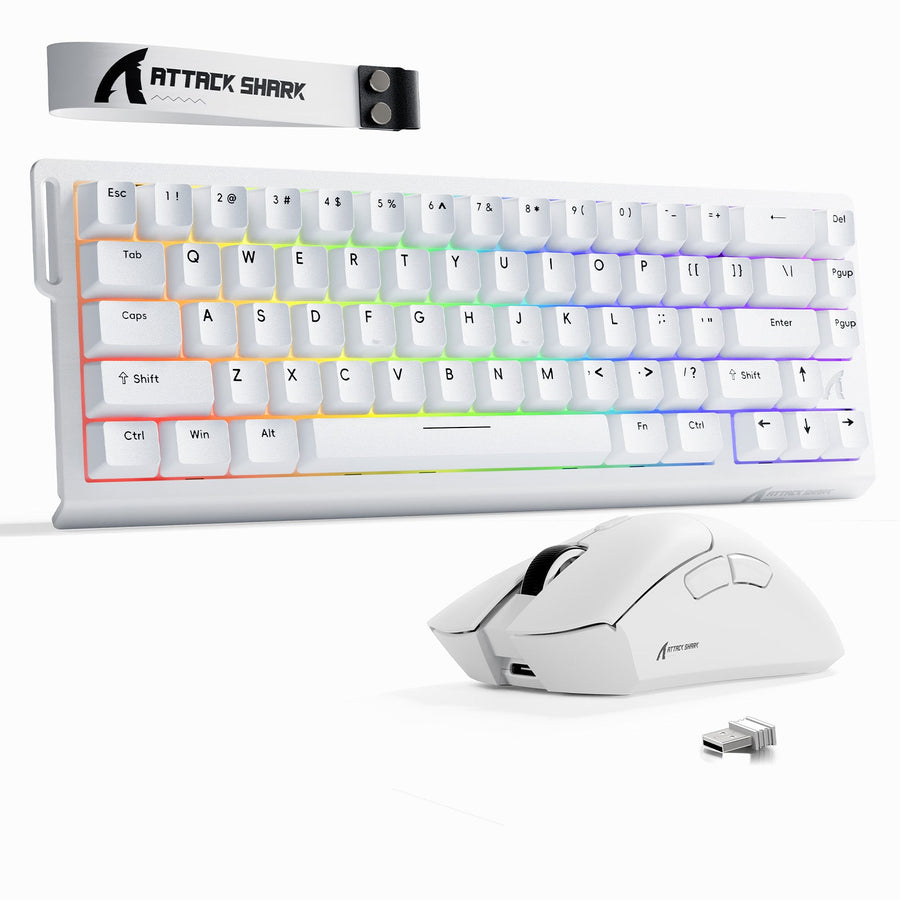
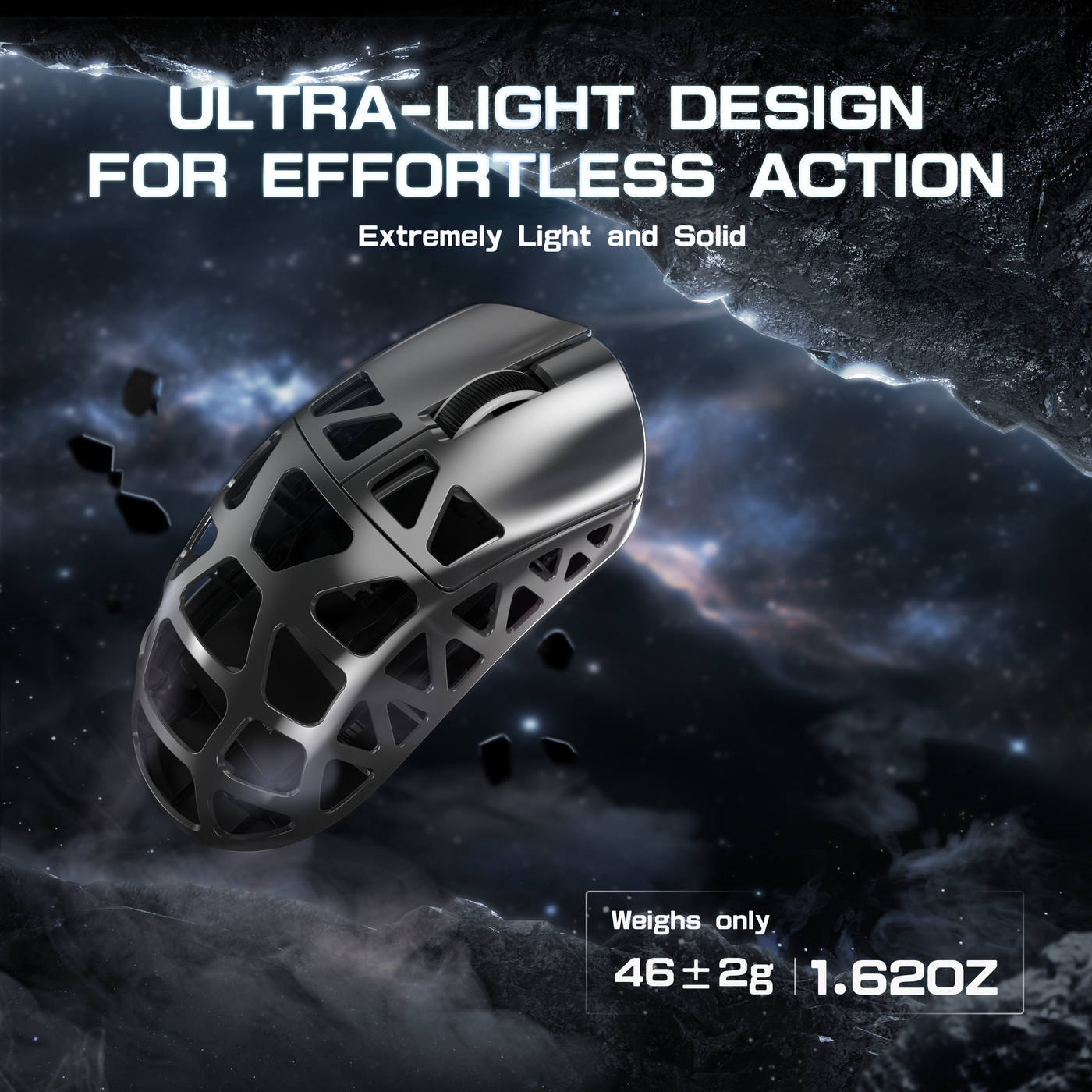
- Confirm the exact variant and listed construction. The Attack Shark R2 product details identify magnesium alloy and plastic in the R2 material specification. The Attack Shark R3 product details identify a magnesium alloy frame with a CNC-integrated metallic frame. These are listed construction facts only. They do not establish impact resistance or wear rates.
- Inspect the areas that show condition. Look for finish changes, scratches, dents, distorted seams, openings, button gaps, feet, and contact areas in reliable product or hands-on reports. Do not turn a single user comment into a general failure rate.
- Read the exact manual before care or disassembly. The product listings provide model manuals. Check the relevant manual before applying liquid, using a chemical, or opening the mouse because the cleaning instructions were not verified for this article.
- Check returns and warranty separately from durability. Attack Shark's 15-day return and one-year warranty policy is subject to conditions and exclusions, including misuse, modification, neglect, and failure to follow instructions. Confirm the current terms for the exact purchase. Policy coverage is not evidence that a shell will resist dents, retain its finish, or withstand moisture.
- Screen long-term reports carefully. A useful report should identify the exact model, time in use, handling conditions, and specific wear or failure mode. No usable model-specific information establishes R2 or R3 dent resistance, finish longevity, corrosion resistance, failure rates, or superiority over a comparable plastic mouse.
- Match the information to your routine. Compare the findings with stable desk use, travel, tight packing, spill exposure, sweat, cleaning habits, and tolerance for cosmetic change. Buy only when the available information and current terms fit those conditions.
| Check before buying | What to look for | Purchase takeaway |
|---|---|---|
| R2 construction | The listing specifies magnesium alloy and plastic. | Compare the exact variant page, not a general R2 title, when assessing the model. |
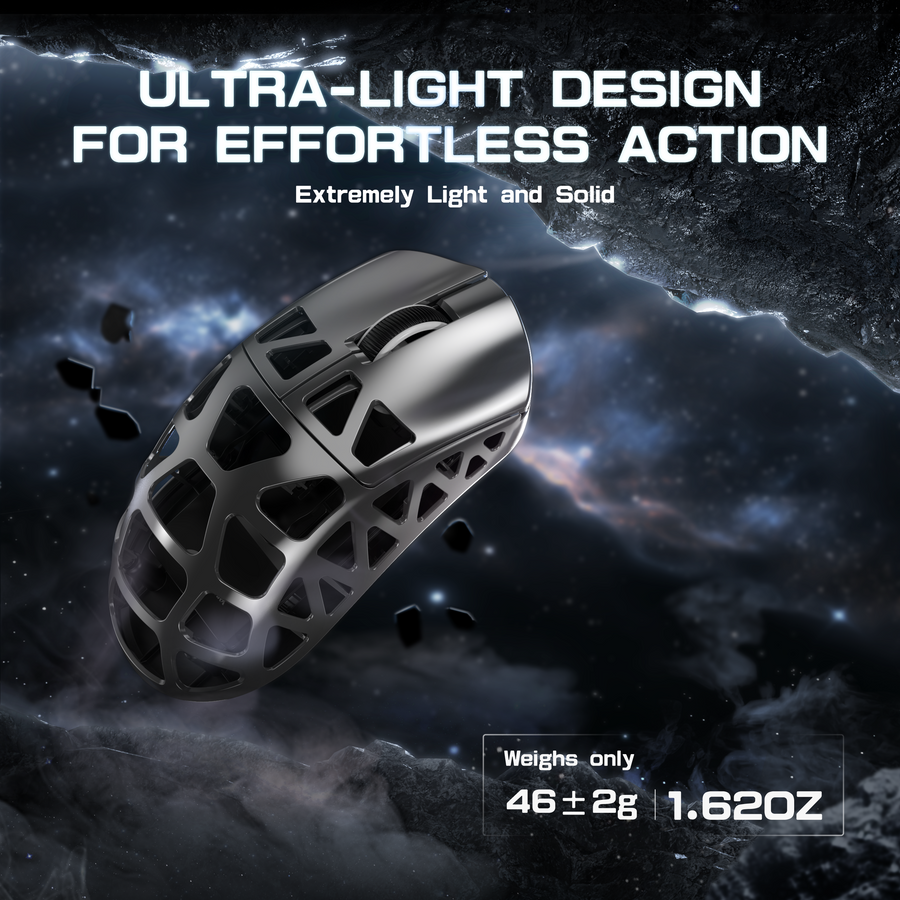
| R3 construction | The listing describes a magnesium alloy frame with a CNC-integrated metallic frame and lists 46g ± 2g. | Treat the frame and weight as specifications, not impact or finish-life results. |
| Model care | R2 and R3 product pages provide downloadable manuals. | Read the exact manual before cleaning, applying liquid, or opening the mouse. |
| Coverage | The current policy describes a conditional 15-day return window and one-year warranty, with stated exclusions. | Read coverage separately; it does not predict shell durability. |
| Long-term wear | No usable model-specific information establishes dent resistance, finish longevity, corrosion resistance, failure rates, or superiority over plastic. | Buy only if this unresolved durability question fits your handling and care requirements. |
The purchase decision is conditional: choose magnesium for a stable, care-conscious setup when the exact model information is adequate; choose plastic when rough handling, travel, spills, cosmetic-wear concerns, or limited model information make it the better-supported fit. Save the exact listing, and review the current manual and terms before adding either the R2 or R3 to your cart.
FAQ: magnesium gaming mouse durability and care
These questions address common follow-ups about handling, cleaning, and material choice.
Does a magnesium mouse dent easily?
A magnesium mouse can be damaged by a drop, hard impact, or concentrated pressure, but the material label does not establish how easily a particular model dents during normal desk use. Compare the model's construction information with your travel and handling conditions rather than assuming impact resistance.
How do you clean a magnesium gaming mouse?
Switch it off or disconnect it, remove loose dust with a dry, soft tool, and use a lightly dampened cloth only if the exact manufacturer's guidance permits it. Keep liquid away from openings and let the mouse dry fully before reconnecting it. Do not choose a universal chemical or disassembly method without model guidance.
Does magnesium last longer than plastic in a gaming mouse?
Neither material universally lasts longer. Magnesium versus plastic mouse longevity depends on construction, finish, impacts, moisture, other components, care, and model-specific coverage. Compare those conditions for the exact mouse instead of treating the shell material as a lifespan guarantee.