No. Standard mechanical switches are not drop-in replacements for magnetic (Hall Effect) switches, and the reverse is also true. The two designs read a keypress in different ways, so a switch that fits the socket does not always mean the board can sense it correctly. Mechanical keycaps are a separate question. A keycap set can often be reused on a magnetic board, but only when the stem, clearance, stabilizers, and layout actually match. Magnetic keyboard switch compatibility depends on checking both interfaces, sensing and physical fit, before you order anything.

The short answer: switches are not interchangeable, but keycaps may be
Standard mechanical switches and Hall Effect switches use different input mechanisms, so treat any standard mechanical switch as unsupported in a magnetic board unless the manufacturer documents an unusual exception. A mechanical keycap, on the other hand, may be reusable when its physical interface and layout match the replacement switch and the board.
These are two separate compatibility gates. The first is electrical: can the printed circuit board (PCB) read the switch's signal? The second is physical: does the keycap sit correctly on the stem and fill the board's layout? A keycap that snaps on and feels right tells you nothing about whether the PCB underneath can sense that switch.
Why the sensing system matters
A magnetic keyboard and a standard mechanical keyboard expect different signals, so one board's supported parts cannot be assumed to work on the other.
Hall Effect switches report a magnetic signal
Hall-effect sensors detect magnetic fields and convert field strength into an electrical output. In a keyboard that uses this method, the sensor, magnet, and related board design must work together to interpret the keypress. Magnetic sensing also depends on factors such as polarity and sensitivity, so the exact arrangement is model-specific rather than universal.
Mechanical switches close physical electrical contacts
A conventional switch works differently. Standard mechanical switches use physical contacts that touch to complete a circuit at a fixed point in the keystroke. That is a binary, contact-based signal, not a continuous magnetic reading.
| Interface | Magnetic (Hall Effect) system | Standard mechanical system |
|---|---|---|
| Sensing method | Magnet position read by a PCB sensor | Physical contact closes a circuit |
| Board requirement | PCB and firmware built to interpret magnetic input | PCB built for contact-based switching |
| Replacement-switch decision | Requires a documented, supported magnetic family | Requires a documented, contact-compatible family |
| Keycap question | Check the actual stem, clearance, and layout | Check the actual stem, clearance, and layout |
How to identify your keyboard before buying parts
Start by confirming what technology your keyboard actually uses instead of guessing from its features. This model-specific check is the core of magnetic keyboard switch compatibility.
Start with the board's exact identity
- Record the full model name and any listed revision number.
- Check the manual or the official product page rather than relying on a general category label.
- Do not assume Hall Effect technology just because the board has RGB lighting, rapid-trigger marketing, or a hot-swap claim. None of those alone confirm magnetic sensing.
Find the switch-system evidence
- Look for a named, supported magnetic switch family in the documentation.
- Note any stated pole direction or magnet orientation requirement, since sensor polarity and sensitivity affect magnetic sensing in ways that vary by design.
- Check whether the listing mentions firmware, calibration, or a web driver. Our own HE software documentation explains when that kind of software needs to stay running and when settings save onboard.
If the listing only says "hot-swappable" or "magnetic" without naming a supported switch family, treat the board as unidentified for compatibility purposes and contact the manufacturer before buying parts.
How to verify a replacement switch
Before ordering, record the exact board model, the listed switch family, the socket or PCB details, any orientation requirement, and any firmware or calibration notes.
Match the switch family, not just the label
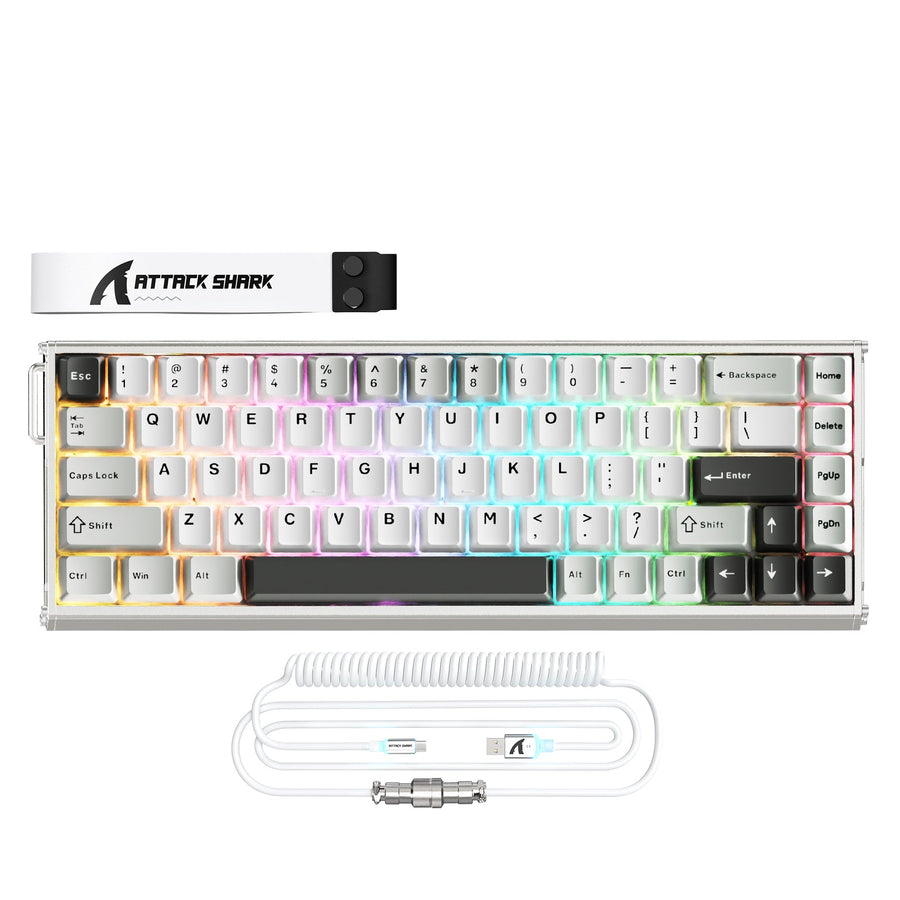
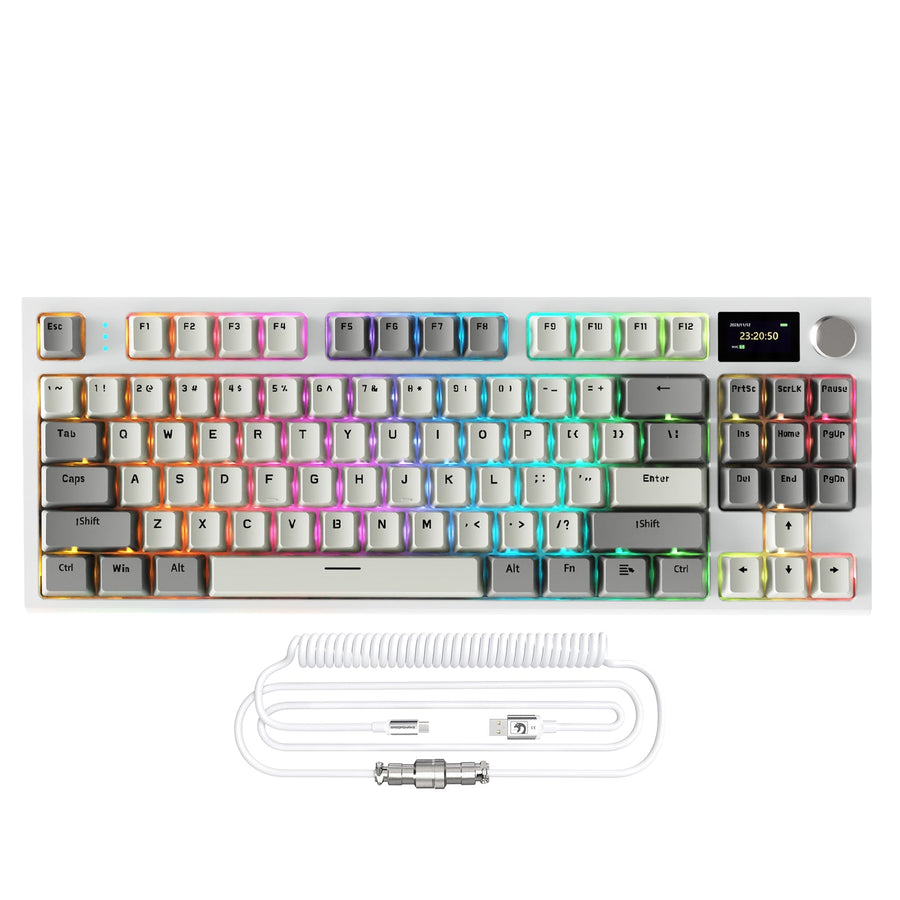
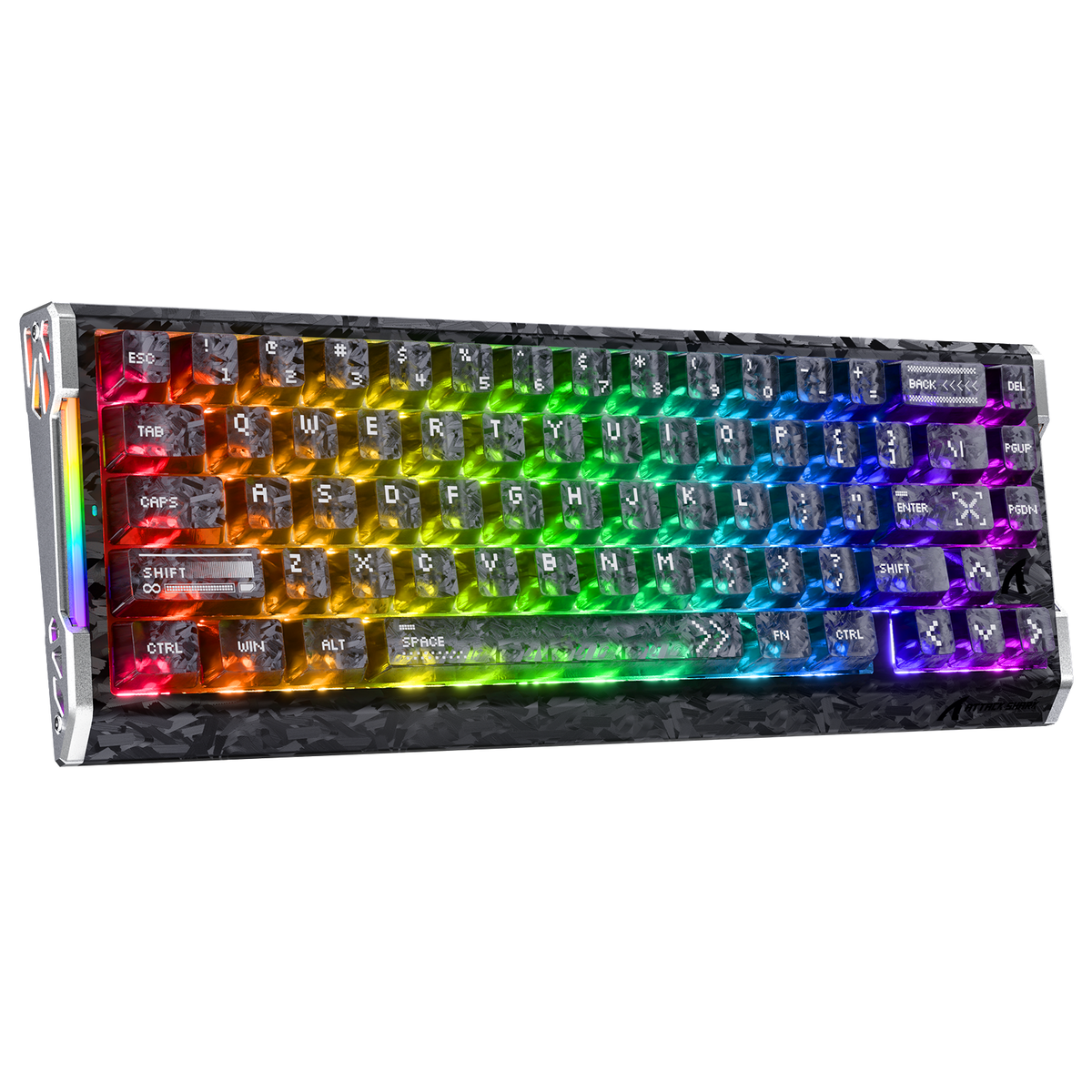
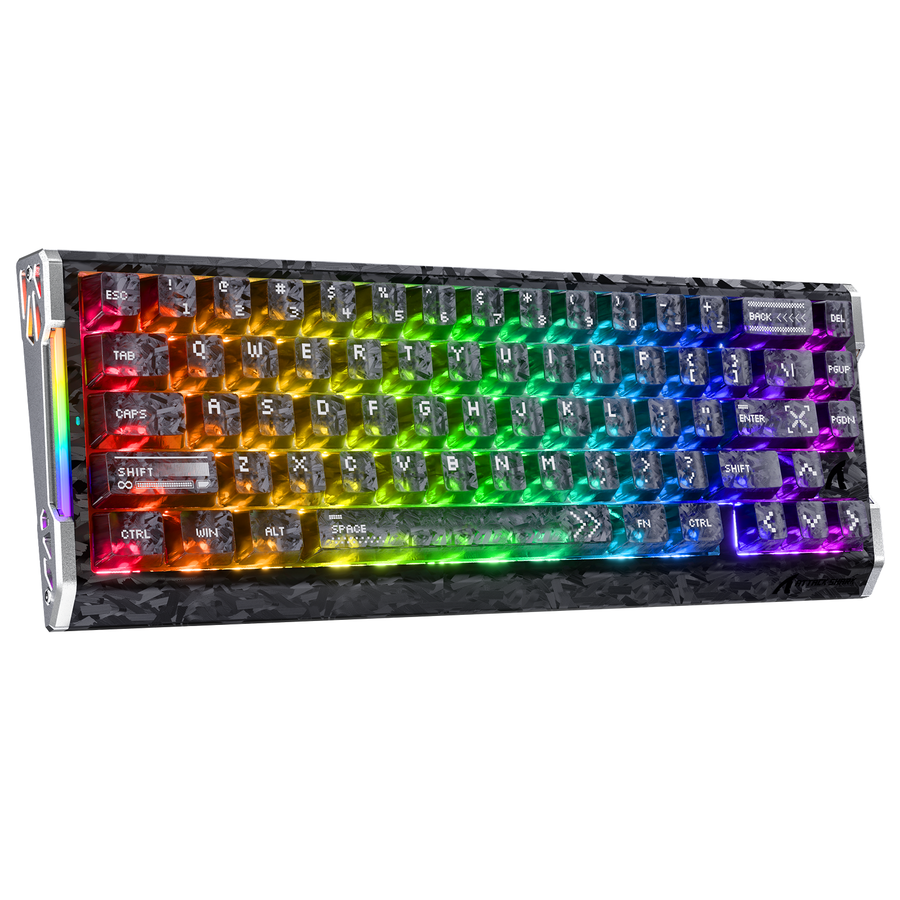
Product listings illustrate why this matters. Our R68 HE switch support page names specific magnetic switch families that work with that model, while the X68 MAX HE product page lists N-pole-downward magnetic-switch support. Neither listing tells you what another Hall Effect keyboard supports. Each board's page is a bounded example, not a general rule.
Confirm the board and firmware path
Check that the board is designed for the socket and PCB arrangement your proposed switch uses. Record any firmware, calibration, or driver requirement the manufacturer states. If the documentation does not clearly confirm your exact switch, send the board model and switch listing to the manufacturer before installing anything. A hot-swap socket only tells you a switch can be inserted, not that it will be read correctly.
How to check whether your keycaps can be reused
Keycap reuse depends on physical fit. It is separate from the board's sensing design.
Check the stem and clearance
- Confirm whether the replacement switch has the keycap stem or mount required by your keycap set. Do not assume a magnetic switch uses a particular mount; verify the actual part documentation.
- Check for interference from the switch housing, keycap profile, or the case itself.
- Test one key gently only after the board-and-switch combination has been confirmed.
Check the complete layout
- Compare the keycap set's spacebar and modifier sizes against your keyboard.
- Check stabilizer positions and any nonstandard bottom-row keys.
- A set that fits most keys is not a complete fit. One missing size means the set is not fully compatible with that layout.
Choose the right path for an upgrade, repair, or customization
The right verification steps depend on what you are trying to do, so match your task to one of these three routes.
If you are upgrading
Choose a replacement only when the board's documentation lists or confirms the exact magnetic switch family. Save the board model and the proposed switch listing together before checkout so support can confirm the match if needed.
If you are repairing
Prefer the original switch family or an explicitly documented replacement. Check any stated magnetic orientation and calibration requirement tied to that model. If the exact replacement is not listed, ask the manufacturer before removing the failed switch.
If you are customizing
Resolve switch-to-PCB compatibility first. Only after that is confirmed should you check keycap stem, clearance, stabilizers, and layout separately. Test one key gently once both interfaces are documented as compatible, rather than assembling the whole board and hoping it works.
Compatibility checklist: make the final yes/no call
Use this magnetic keyboard switch compatibility checklist before you buy a replacement switch or reuse a keycap set.
- Identify the board's exact model and confirm whether it uses magnetic sensing or conventional contact switching.
- Match the proposed switch to a family the manufacturer specifically documents as supported.
- Confirm PCB or hot-swap support, magnetic orientation, and any firmware or calibration requirement the listing mentions.
- Check keycap stem, clearance, stabilizers, and layout as a separate step from switch compatibility.
- Make the call: buy only when the complete combination is documented. Otherwise, stop or send the exact board and part details to manufacturer support for confirmation.
Do not order or install the part until the model, sensing system, supported switch family, and keycap or layout requirements are confirmed together. If any one of those is undocumented, that final check with support is the safest next step. If you want our support team to help before purchase, send us the exact board and part details.
FAQ
Can I put standard mechanical switches in a Hall Effect keyboard?
No, not as a drop-in replacement. A Hall Effect board expects a magnetic signal, while a standard mechanical switch sends a contact-based signal the PCB was not built to read. Use the switch family your board's documentation lists, or confirm an exception with the manufacturer first.
Do mechanical keycaps fit magnetic switches?
Sometimes, but only conditionally. Check that the stem or mount matches, along with clearance, stabilizers, and layout. A correct physical fit does not answer the separate question of whether the board supports the switch's sensing system.
How do I know whether my keyboard is Hall Effect?
Check the exact product listing, manual, or manufacturer support page for terms like Hall Effect, HE, or magnetic sensing, along with a named supported switch family. Do not assume the technology from appearance, RGB lighting, or hot-swap wording alone.
What information should I send before asking for compatibility help?
Provide the exact keyboard model and revision, the current switch name, the proposed replacement switch listing, and your keycap set details. Also mention any documented polarity, orientation, or firmware requirement so support can give a specific answer. If you contact us, include those same details so we can help verify the combination.