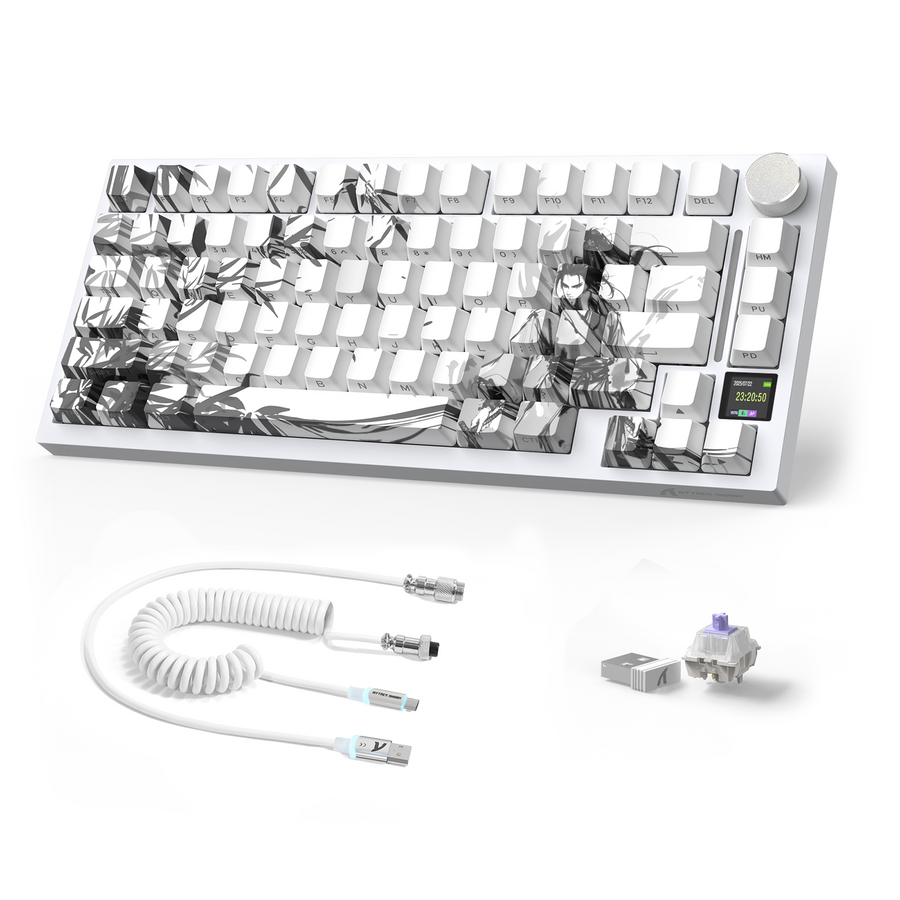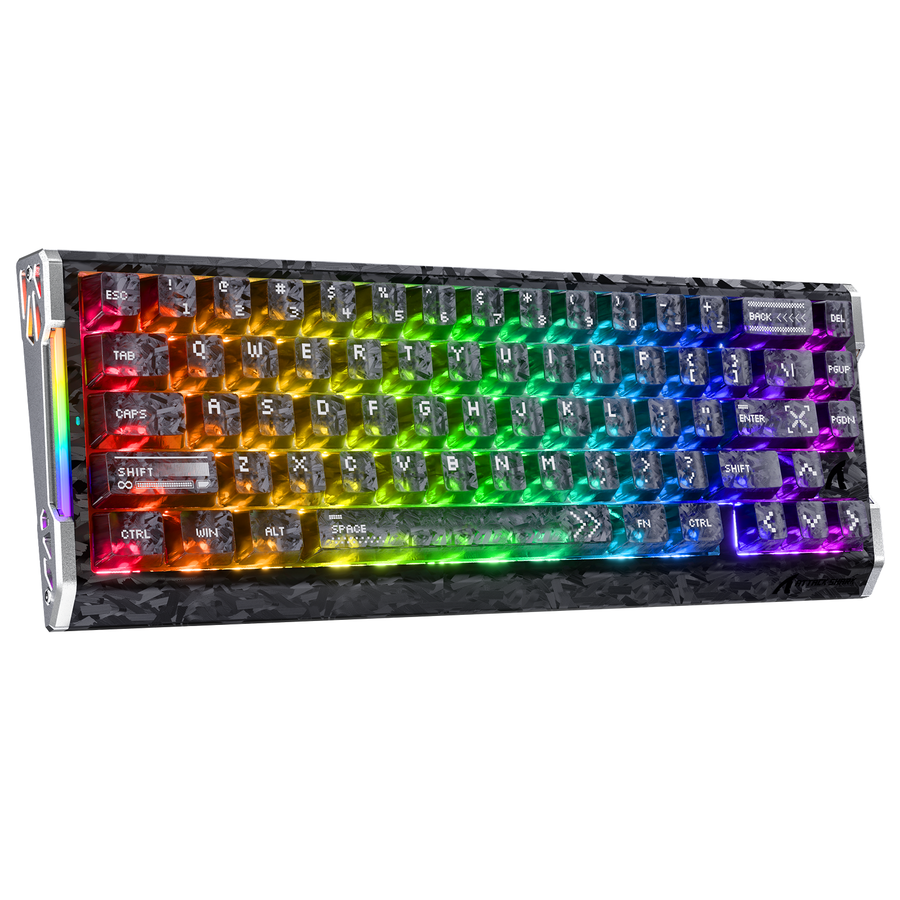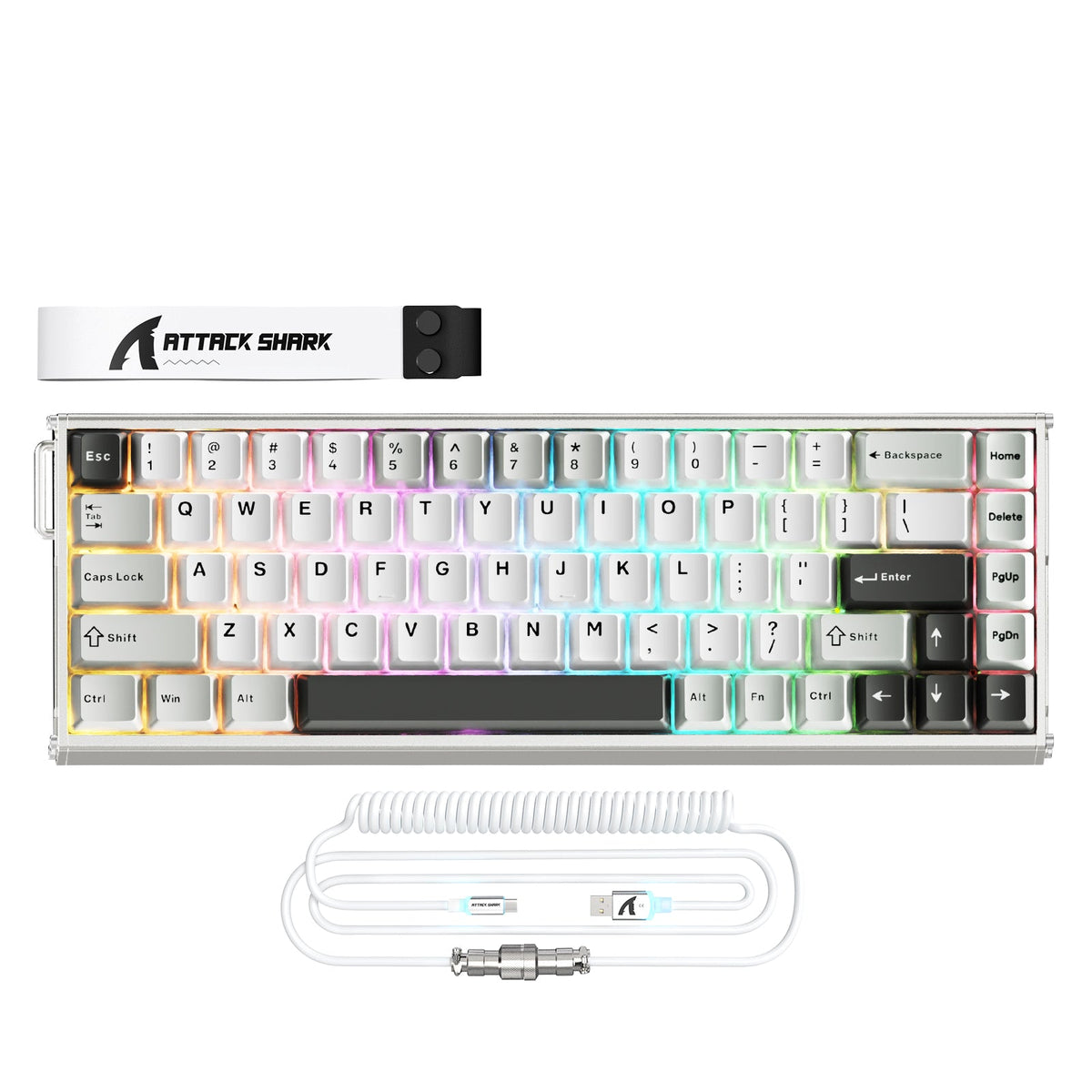
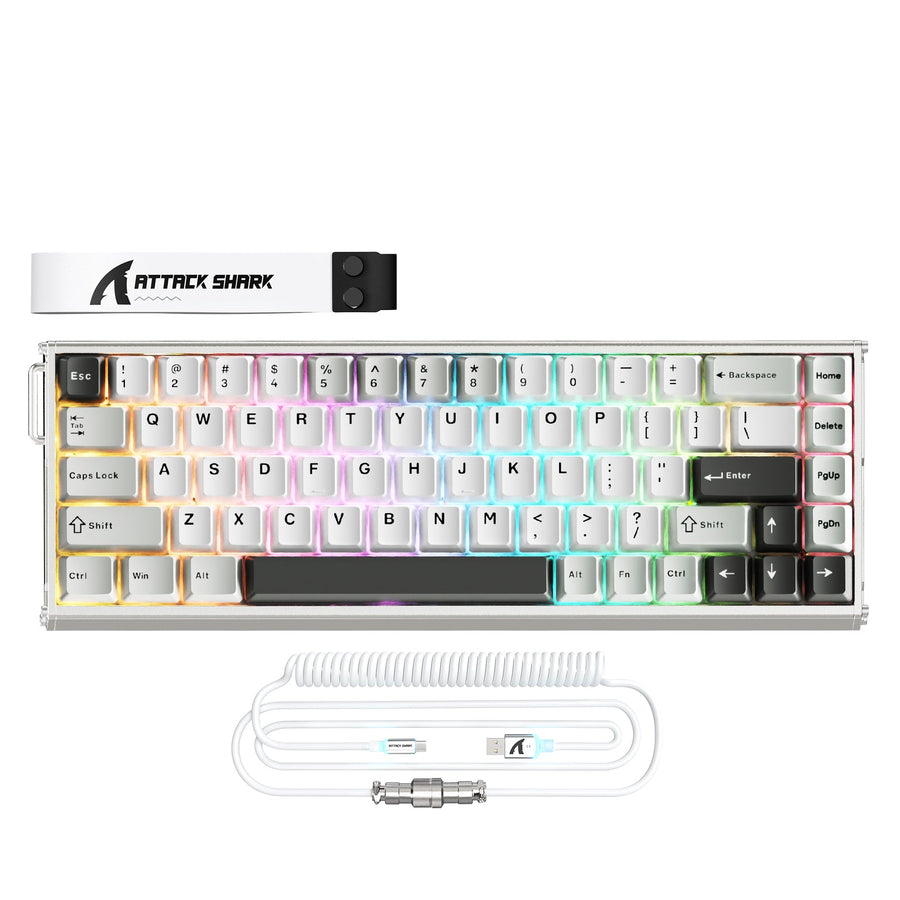
A budget Hall Effect keyboard uses magnetic sensing instead of a physical switch contact. That sensing method is what makes adjustable actuation and rapid trigger possible even on an inexpensive board. It does not, by itself, guarantee a solid case, good software, or reliable support. The compromises worth accepting are usually cosmetic or convenience-related, like plainer materials or fewer extras. The compromises worth rejecting are ones that break configuration, input confidence, connections, or your ability to get help if something goes wrong.

Which Compromises Are Acceptable in a Budget Hall Effect Keyboard?
Acceptable savings remove polish, not function. Red flags remove your ability to configure, trust, or return the board.
A linear Hall sensor varies its output with the magnetic field it senses, which is why a keyboard can track how far a key has traveled instead of only registering on or off. That variable reading is what lets a budget Hall Effect keyboard offer adjustable actuation points and rapid trigger. But Hall Effect sensing enables adjustable actuation and rapid trigger without guaranteeing complete-keyboard performance: a budget board can still cut corners on materials, quality control, firmware support, and overall fit and finish.
That means the same headline feature can sit on a well-built board or a poorly supported one. The table below sorts the trade-offs a buyer will actually run into.
| Acceptable Compromises | Red Flags |
|---|---|
| Plainer case plastic or fewer finish details, as long as the frame doesn't flex badly | Configuration software you can't find, install, or get to detect the keyboard |
| Simpler acoustics or less internal dampening for a gaming-first buyer | Unclear operating system or device support for the exact model |
| A smaller layout or fewer bundled extras | Hot-swap claims with no stated magnetic-switch standard or orientation |
| Wired-only operation when your desk setup doesn't need wireless | Connection drops or lag with no explanation in the listing |
| A narrower switch or keycap ecosystem | Advertised latency or polling numbers presented as proof of consistent input |
| A basic manual instead of extensive documentation | No visible return window, warranty terms, or support contact |
Use this table as your filter before you look at any single model. If a board only shows up in the left column, the lower price is a reasonable trade. If it shows up in the right column, treat that as a reason to slow down.
How Do Case Quality and Typing Feel Affect Mixed Use?
The lower price shows up fastest in how the board feels every day, not in its spec sheet. Whether that matters depends on how much you type.
When Simpler Construction Is an Acceptable Saving
A gaming-first buyer can usually accept:
- Plastic cases without CNC or aluminum finishing, as long as the frame doesn't flex noticeably under normal typing pressure
- Fewer stabilizer upgrades or less internal foam, since a compact competitive layout prioritizes function over acoustics
- Simpler keycap materials or fewer color options, when appearance isn't the priority
These savings mostly affect looks and sound, not whether the board does its job in a match.
When Typing Feel Becomes a Red Flag
If you type for work, school, or long sessions, feel stops being optional. Sound, spring weight, key travel, stabilizer rattle, and layout become daily factors, not luxuries. A budget Hall Effect keyboard is not automatically worse here, and a premium one is not automatically better. Compare the board directly against whatever keyboard you use now, and treat the return window as your real test period rather than assuming the switch to magnetic sensing will feel like an upgrade. If the stabilizers rattle, the case sounds hollow, or the layout doesn't match your workflow, that's a legitimate reason to send it back rather than push through it.
What Software, Switch, and Connection Checks Prevent Setup Regret?
Software is part of the product, not an accessory, because it's what makes actuation and rapid-trigger settings usable. Confirm it works for your exact model before you buy.
Verify the Configuration Path Before Checkout
- Find the exact model's web configurator or desktop software, not a generic download for the brand's whole lineup.
- Confirm it supports your operating system and that actuation, rapid-trigger, and profile settings are documented somewhere you can read before purchase.
- Look for a firmware update path and a model-specific manual, since instructions for a different model may not apply.
Treat Switch and Connection Claims as Fit Checks
- Read the stated magnetic-switch standard and orientation before assuming you can swap in any switch later.
- Confirm whether the board is wired, wireless, or both, and whether that matches your desk setup and your tolerance for a cable.
- Don't convert a polling-rate or latency headline into proof of consistent input. Reviewers have found that software quality can determine whether Hall Effect customization is actually usable, separate from the switch technology itself.
If the configurator is missing, undocumented, or doesn't list your OS, that's a reason to downgrade the board or look elsewhere. Treat a hot-swap claim as incomplete until the listing states the exact magnetic-switch standard your intended replacements use.
How Can You Assess Input Consistency and Reliability Without Guessing?
Rank the evidence instead of trusting a single number. A manufacturer's published latency, polling-rate, or scan-rate figure describes a claimed capability, not confirmed real-world behavior.
Use this rough ladder when judging any budget Hall Effect keyboard: a published spec is the weakest form of evidence. Accessible calibration tools and your own repeatable hands-on checks are stronger, since you can see the board register keys consistently across ordinary use. Independent same-scope testing from a reviewer is stronger still, though it's not always available for every model. An unresolved gap in that ladder should lower your confidence, not confirm either a pass or a fail.
Practically, that means checking for repeatable key registration during normal typing and gaming, stable settings after you unplug and reconnect, and no unexplained input drops. If you can't find independent testing for your exact model, use an early functional check during the return window instead of assuming the specs alone prove the board works the way you expect.
What Support and Return Signals Make the Low Price Worth It?
A low price is worth it only when you can verify the feature path and have a real way to fix problems. Work through this checklist before you commit:
- Published specifications – Confirm the layout, actuation range, and connection type actually match your intended use. If they're vague, treat that as unresolved, not confirmed.
- Software and firmware access – Locate the exact model's configurator and firmware download. If you can't find either, the rapid-trigger features may be hard to use in practice.
- Calibration or input consistency – Test key registration and settings retention yourself, since this is stronger evidence than any spec sheet.
- Connection behavior – Confirm wired or wireless operation works with your setup without unexplained drops.
- Return terms – Read the full return window and conditions rather than assuming a headline return period covers everything.
- Support and warranty documentation – Look for an actual contact method and any stated warranty, separate from the return policy.
A stated return window, like a 15-day no-reason policy, gives you an exit route, but it doesn't establish warranty coverage or long-term durability on its own. If two or more of these six checks stay unresolved for your exact model, treat that as a reason to choose a better-documented alternative instead of relying on the low price alone.
Should You Choose a Budget Hall Effect Keyboard or an Alternative?
Match the board to your priority, not the other way around. Rapid-trigger value, ownership confidence, and typing feel each point to a different choice.
Choose Budget HE When the Trade-Off Is Intentional
- You want to experiment with rapid trigger and adjustable actuation without paying for premium materials or a polished ecosystem
- You've verified the exact model's software, switch compatibility, connection behavior, and return terms yourself
- You accept that independent latency and long-term reliability data may still be limited for your specific board
For a compact wired setup, our compact X65 HE keyboard uses a web configurator, PC and Mac support, and a stated 15-day no-reason return policy, which gives you a concrete path to verify before you commit. If you want a sturdier chassis at a similar footprint, our aluminum X68 MAX HE keyboard trades plastic for a CNC aluminum case while keeping the same web-driver configuration path. For a mixed-use desk with a numpad, our larger R98 HE keyboard adds a layered dampening stack, though that construction is a feel difference, not a guarantee of a better typing experience.
Choose an Alternative When Ownership or Typing Matters More
- Pick a better-documented or premium Hall Effect option when software polish, long-term support, or independently measured consistency matters more to you than the lowest entry price.
- Pick a mechanical keyboard when typing feel, simplicity, or a wide switch-swapping ecosystem outweighs adjustable actuation and rapid trigger.
Once you know which priority matters most, you can explore our product range to compare layouts, construction, and configuration options directly.
FAQs
Are Cheap Hall Effect Keyboards Reliable?
There's no single yes-or-no answer. Reliability depends on case and switch execution, whether the software and firmware are easy to access, how consistent input feels in your own testing, and whether support and returns are clearly documented. Missing long-term data should lower your confidence, not convince you the board will fail.
What Software Issues Should I Look For?
Check that the exact model has an accessible configurator, a documented firmware path, and confirmed support for your operating system. Watch for boards where the software is hard to find, doesn't detect the keyboard, or leaves actuation and rapid-trigger controls undocumented. That's a setup risk to verify, not proof that every budget board has bad software.
Do Budget Magnetic Switches Feel Different From Premium Ones?
They can, but the difference usually comes from the surrounding parts, not the sensing technology itself. Switch consistency, keycap material, stabilizers, and case dampening all shape feel. A budget Hall Effect keyboard with simplified components can feel different from a premium one, but the Hall Effect label alone doesn't predict whether that difference will bother you.