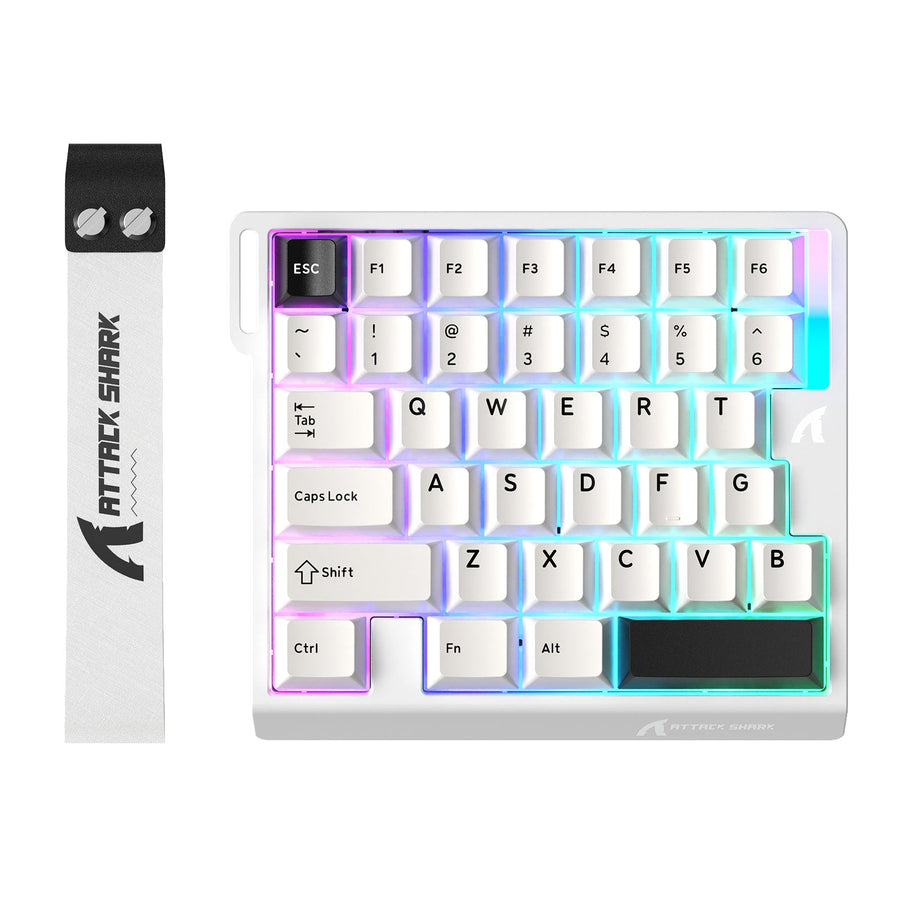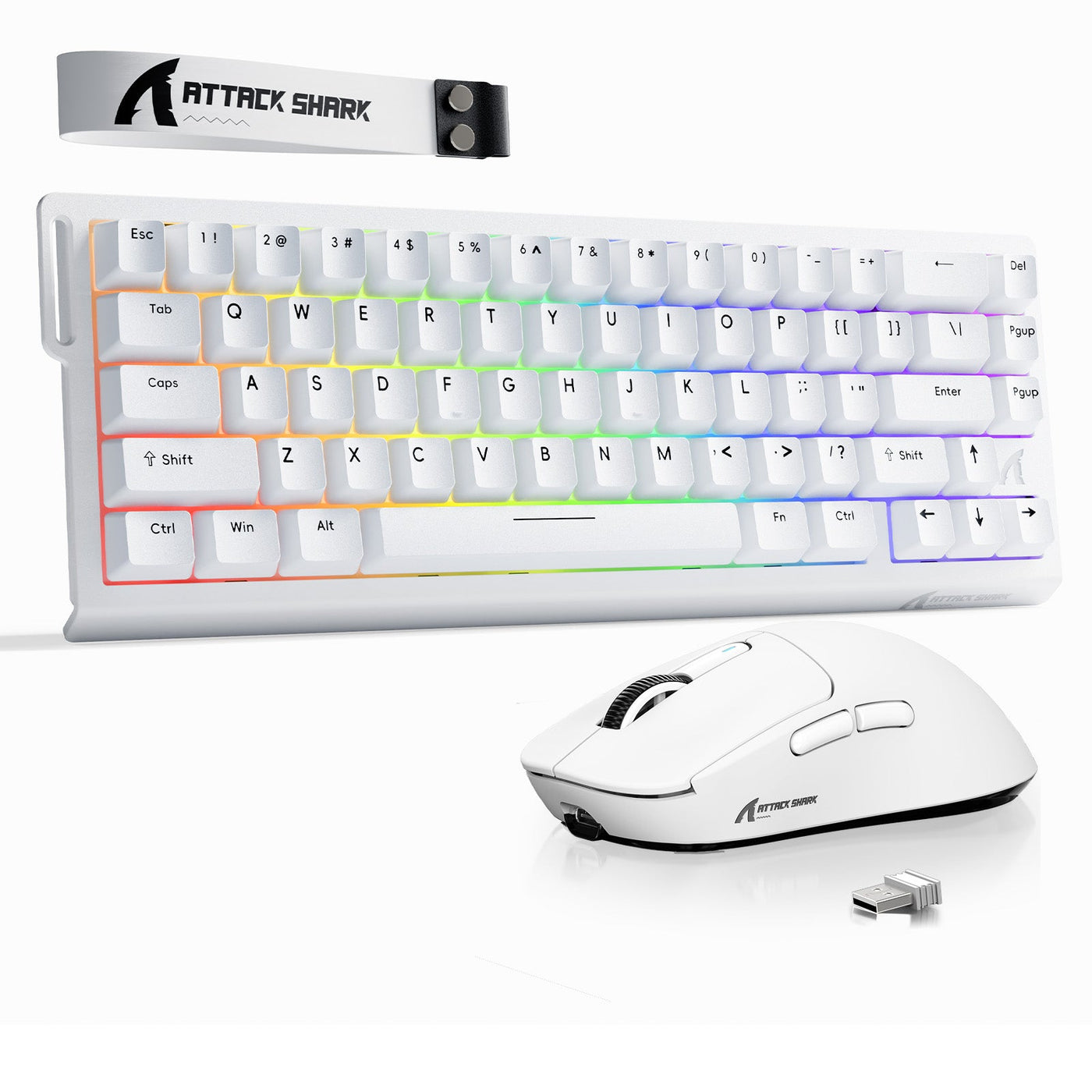
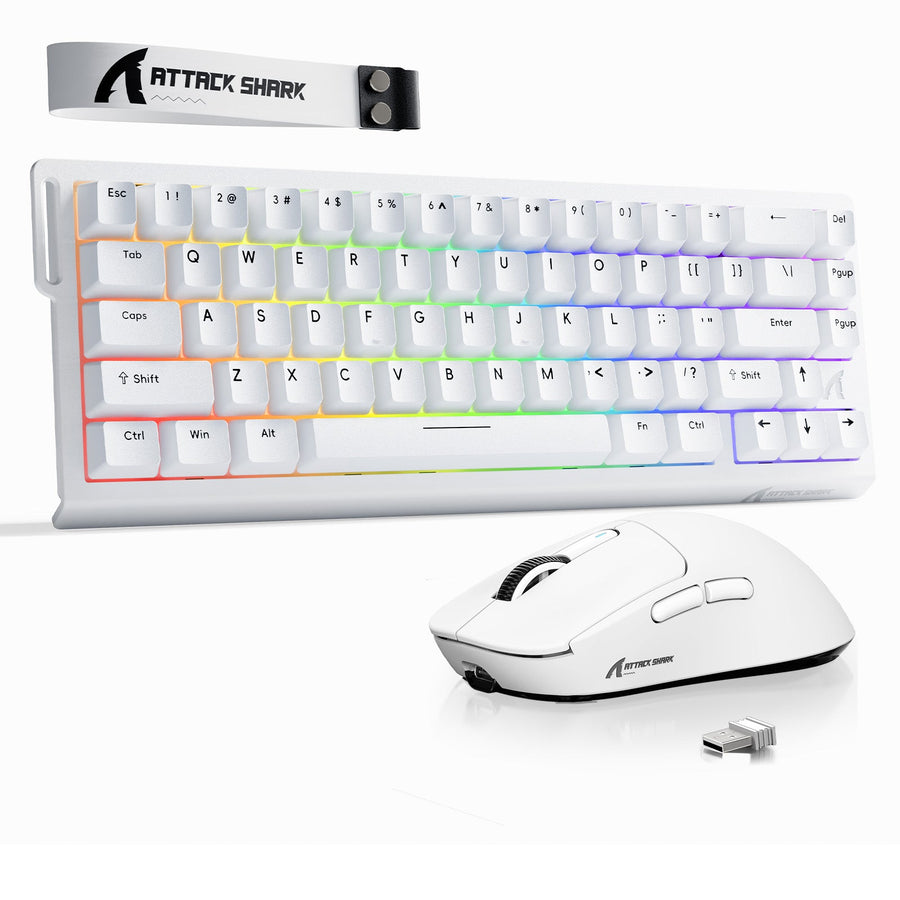
A gaming keyboard and mouse combo is usually the better starting point when you need both devices now, both pass their own fit and connection checks, and the complete cart costs less or is simpler to set up. Buy the keyboard and mouse separately when either device misses a must-have layout, feel, shape, size, control, or connection requirement—or when you expect to replace only one soon. The bundle label alone does not determine the value.

Choose the combo only when both devices pass
Choose a combo for a first setup or simultaneous replacement when the keyboard and mouse each meet your requirements, the wireless arrangement suits your computer, and the total price or reduced setup effort is worthwhile. A combo is not automatically the best choice just because it puts two peripherals in one box.
Use the combo path when all of these conditions are true:

- You would choose both included devices as standalone purchases.
- The keyboard's layout, key feel, size, and controls suit your desk and games.
- The mouse's shape, dimensions, weight, grip, and buttons suit your hand and games.
- The receiver, Bluetooth, wired fallback, software, power, and operating-system requirements fit your setup.
- The final combo cart has an acceptable total after applicable extras.
Buy separately when either device fails a non-negotiable requirement. A lower bundle price does not fix a keyboard with the wrong layout or a mouse that does not suit your grip. Separate purchases also make more sense when only one component needs replacing or when you already know that your keyboard and mouse have different feature priorities. If you are comparing options before shopping, you can compare bundle options, but the collection is a browsing destination—not proof of savings or compatibility.
The decision has two branches: choose the combo when both components pass and the bundle improves the final cart or setup; choose separate purchases when either component misses a must-have or a one-device replacement is more likely. Fit comes before price.
Calculate the real gaming keyboard and mouse combo cost
Compare the two checkout totals, not just the advertised bundle price. The cited comparison notes that a combo may cost less than, or the same as, buying the keyboard and mouse separately, so compare the exact bundle price with standalone prices before treating the bundle as a saving.
Use this worksheet with live cart values:
| Cost item | Combo cart | Separate cart |
|---|---|---|
| Listed device prices | Bundle price | Keyboard price + mouse price |
| Shipping | Applicable shipping | Applicable shipping |
| Required accessories | Receiver, cable, or adapter if required | Receiver, cable, or adapter if required |
| Discounts | Applicable discount | Applicable discount |
| Immediate replacement | Add only if you would replace an unwanted included device | Usually $0 for this comparison |
| Returns and warranty | Check the exact terms | Check the exact terms |
The practical formulas are:
- Combo total = bundle price + applicable shipping + required accessories or receivers − applicable discounts + immediate replacement cost, if needed.
- Separate total = keyboard price + mouse price + applicable shipping and accessories − applicable discounts.
Do not assign an invented dollar value to return or warranty friction. Record the terms that could change your decision, such as whether a return covers the whole bundle or whether a replacement component has separate coverage. Then choose the lower practical total only if both carts meet your fit and connection requirements. A budget gaming keyboard-and-mouse combo that requires replacing one component immediately may cost more in practice than two better-matched products.
Before checkout, write down the two totals, the required accessories, and any component you would not keep. You can review bundle pricing as part of your shopping process, but use the live checkout and product terms for the actual comparison.
Verify wireless setup and independent use
A combo label does not establish one shared receiver, Bluetooth support, operating-system compatibility, or independent use. Check the keyboard and mouse as separate connections before buying, especially if you have limited USB ports or may replace one device later.
Check the keyboard connection
The keyboard's product page or manual should list whether it uses a dedicated receiver, Bluetooth, a cable, or multiple modes. Match that connection to the intended computer, then account for its power or charging method, receiver placement, USB-port demand, and software or firmware requirements. A browsing page such as compare keyboard connections can help narrow your options, but the device documentation determines compatibility.
For a Bluetooth keyboard on Windows, the computer needs Bluetooth or a compatible USB Bluetooth adapter. The device must also be discoverable according to its own instructions, as described in Microsoft's Windows Bluetooth pairing guidance. Keep this check Windows-specific unless the documentation supports another operating system.
Check the mouse connection
The mouse documentation should identify its receiver, Bluetooth mode, wired fallback, charging or battery method, and software requirements. Separately check the mouse's pairing and configuration instructions, along with the combo and replacement products' return, warranty, and independent-use terms. For a competitive setup, rely on exact product documentation or independent testing for any latency or polling claim rather than assuming matched performance from the bundle packaging.
Some combos use one shared 2.4GHz dongle, while others use separate dongles or Bluetooth. That difference affects USB-port demand and can change the convenience of the combo, so the exact receiver and pairing arrangement matter. Microsoft's Windows device troubleshooting guidance also recommends accounting for device power, direct receiver connection, and USB hub setup when wireless peripherals cause problems.
If the connection method, receiver arrangement, operating-system support, or independent-use behavior is still unknown for either device, pause the purchase until the product documentation answers that specific question.
Test keyboard fit and mouse fit as separate decisions
Treat the keyboard and mouse as two buying decisions within the same cart. A wireless mechanical keyboard and mouse can look coherent as a set while still forcing a compromise in layout, key feel, mouse shape, or controls. If either component misses a must-have, buy that component separately.
Decide whether the keyboard fits
Check the exact layout, size, key feel, switch behavior, keycap profile, gaming controls, and wired or wireless preference. Decide whether your desk and games call for a compact layout, a full-size board, a number pad, dedicated controls, or a particular mechanical-switch behavior. Terms such as “gaming,” “mechanical,” or “rapid response” are prompts to identify the specific feature, not proof that the board fits your preferences.
The keyboard passes when its layout and listed features match your must-haves and its feel is acceptable to you. If the bundled board has the wrong size, layout, or control scheme, do not let a well-matched mouse rescue the combo. You can compare mouse fit factors while weighing the other half of the setup.
Decide whether the mouse fits
Check the mouse shape, dimensions, weight, button layout, grip support, sensor behavior, and wireless controls against your hand and games. A mouse that is too large, too small, too heavy, or missing a required button is a reason to buy separately, even when the keyboard is an excellent match.
Sensor, polling, battery, software, and operating-system details belong to the individual product specifications. Comfort and control are personal fit judgments, not guaranteed outcomes from a bundle description. The stricter component requirement controls the cart: if the mouse fails, buy the better-fitting mouse separately rather than accepting an unwanted keyboard for the sake of convenience.
Plan for the next replacement or upgrade
If only one device needs changing, identify whether the reason is failure, fit, or a desired feature, then price that keyboard or mouse alone before considering another full combo. This is the simplest way to avoid paying for a second device you do not need.
- Identify the component that needs replacement or an upgrade.
- Price the exact standalone keyboard or mouse, including applicable shipping and accessories.
- Check receiver reuse, pairing, software or configuration continuity, returns, and warranty for the exact products.
- Compare that standalone cart with a full combo, adding the cost of any unwanted component you would replace immediately.
- Choose the option that preserves the required fit with the lower practical cost and less setup friction.
Do not assume that a replacement device will reuse the original receiver or software. The receiver and pairing arrangement are product-specific. If you are diagnosing an existing setup first, you can test before replacing, but a test does not establish replacement eligibility or warranty coverage.
For a first setup or simultaneous replacement, choose the combo when both devices pass independently and the final cart total or setup simplicity wins. For an upgrade, partial replacement, or any must-have mismatch, compare separate purchases first and choose the components that fit.
Frequently Asked Questions
These answers apply the same fit-first rule to common combo-versus-separate buying decisions.
Are wireless keyboard and mouse combos worth it for gaming?
They can be worth it when both components fit your layout, grip, controls, and connection needs, and the final cart is cheaper or simpler. If either device is a compromise, buy separately.
Is it cheaper to buy a gaming keyboard and mouse combo?
Not automatically. Compare the combo checkout total with the separate keyboard and mouse totals, then add only applicable shipping, accessories, discounts, and any immediate replacement cost.
Can I replace just the keyboard or mouse from a combo?
Sometimes, but the exact receiver, pairing, software, return, and warranty arrangements determine whether it is practical. Price the needed standalone device first instead of assuming the original bundle can be split.