


HE Keyboards | Magnetic Rapid-Trigger Gaming
Filters
16 products
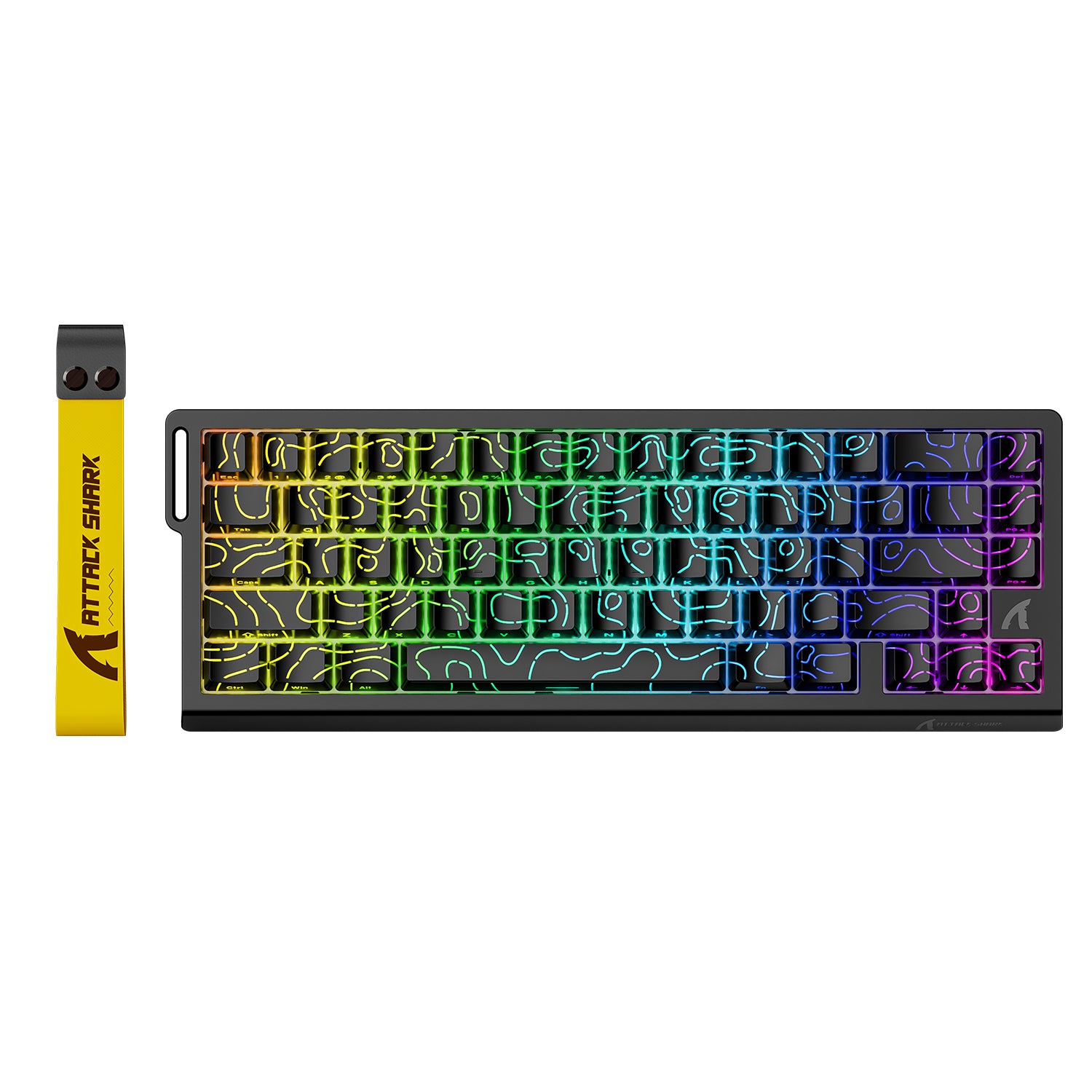

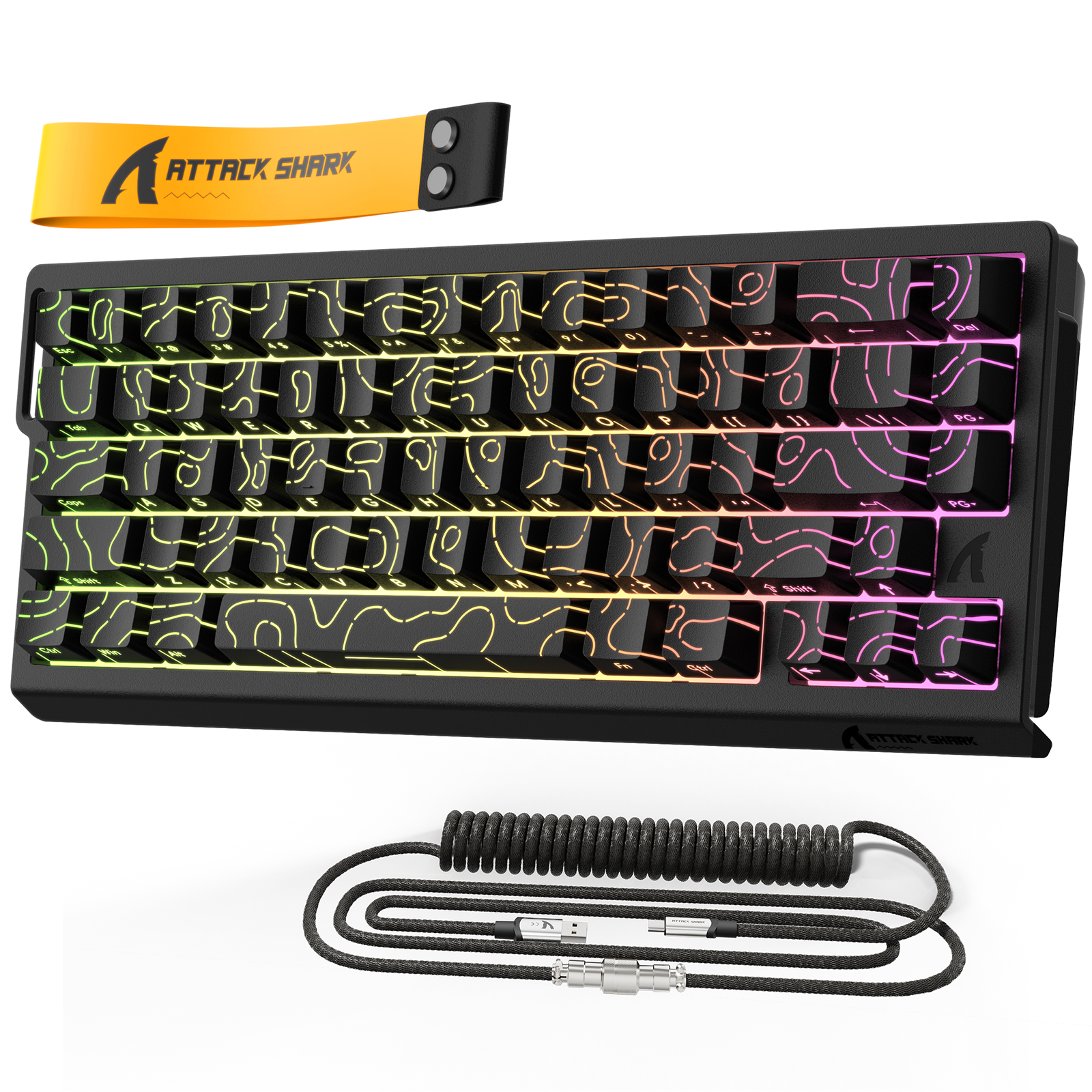
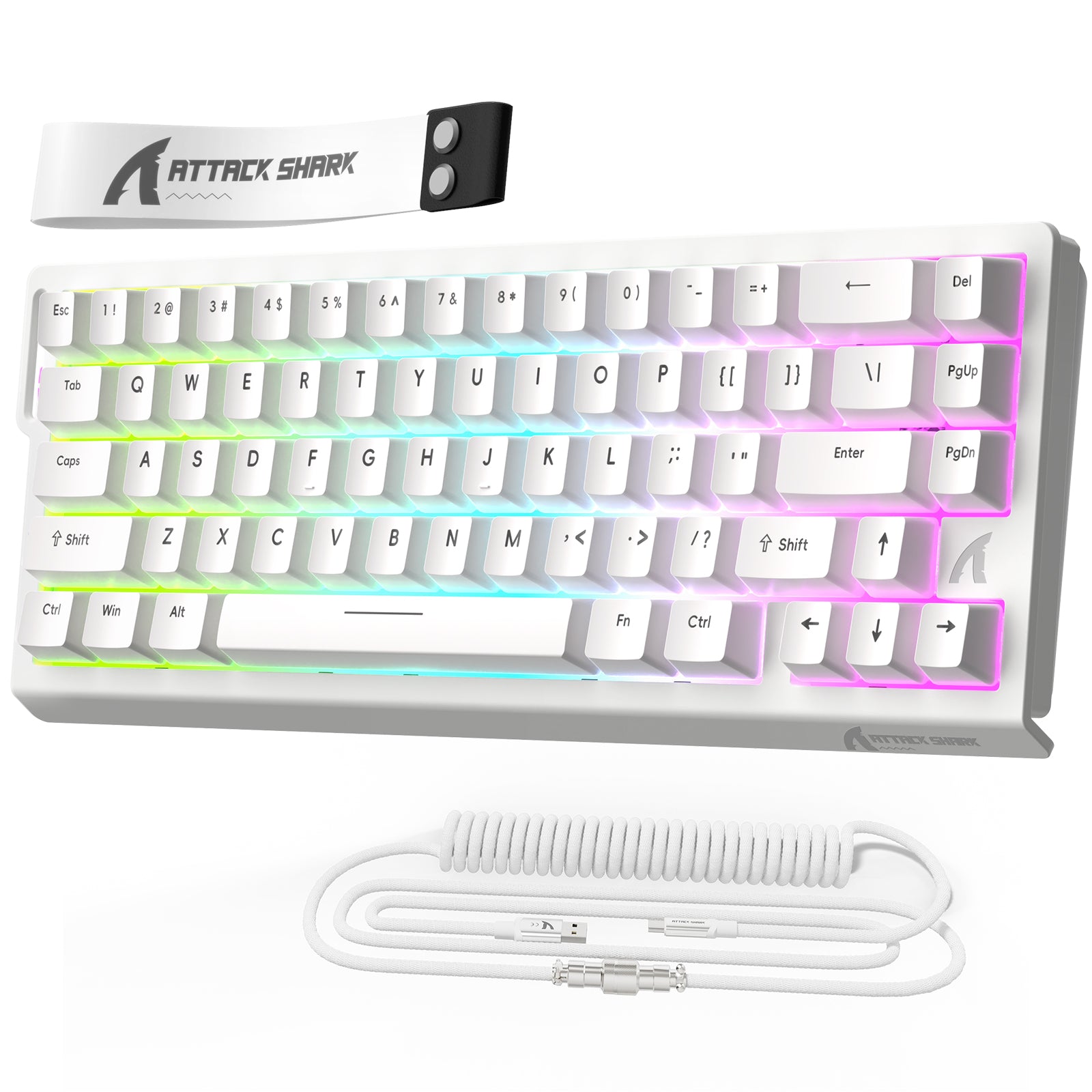
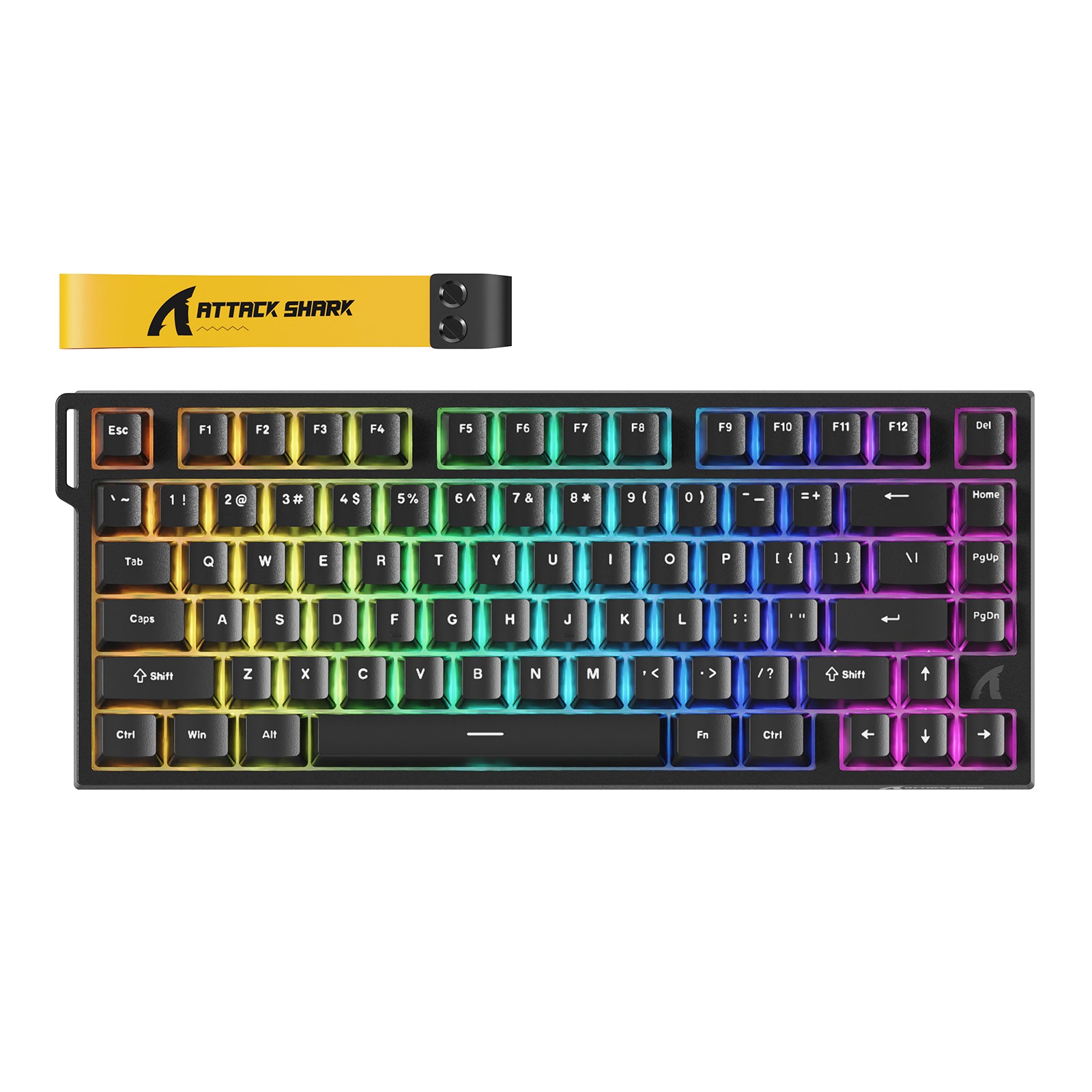
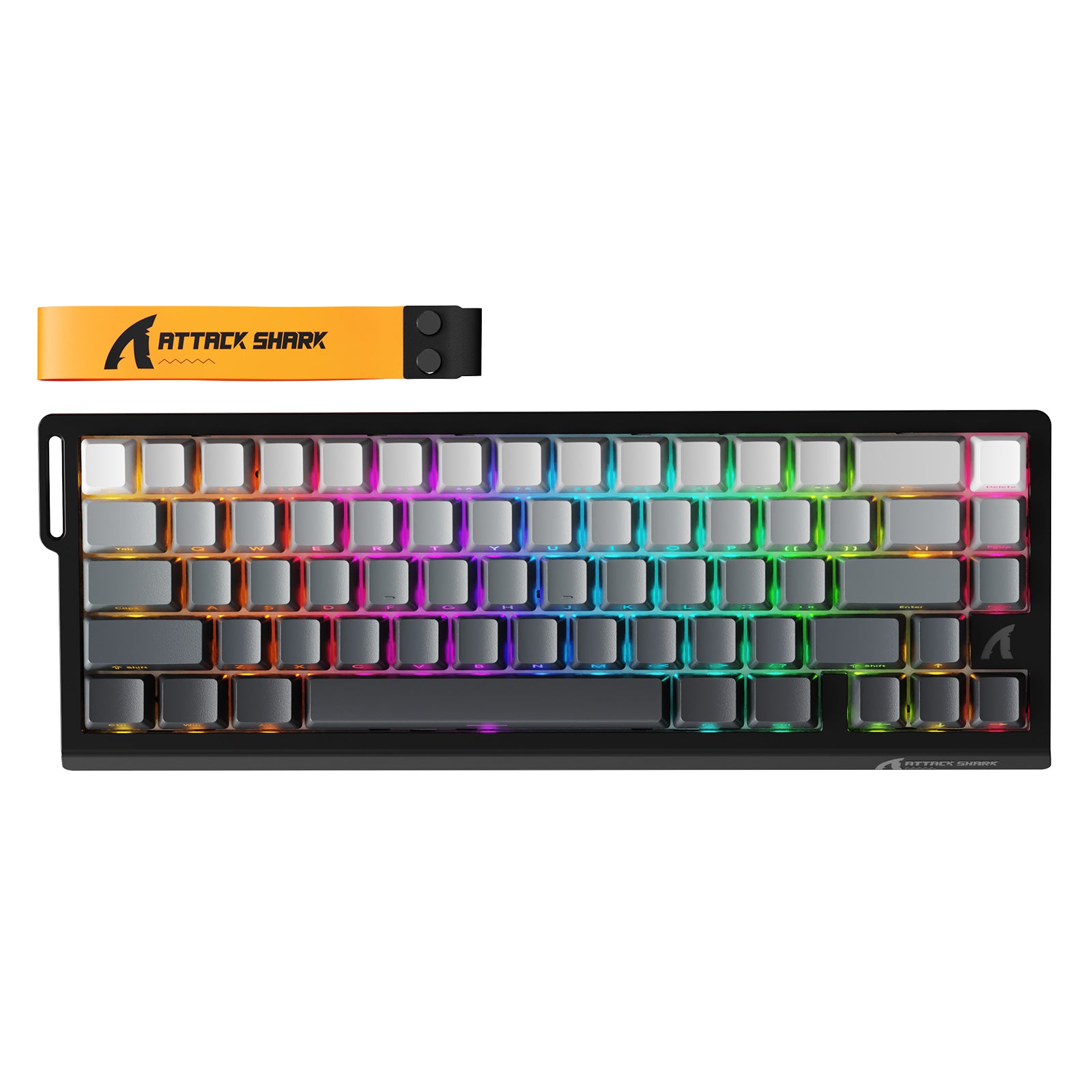
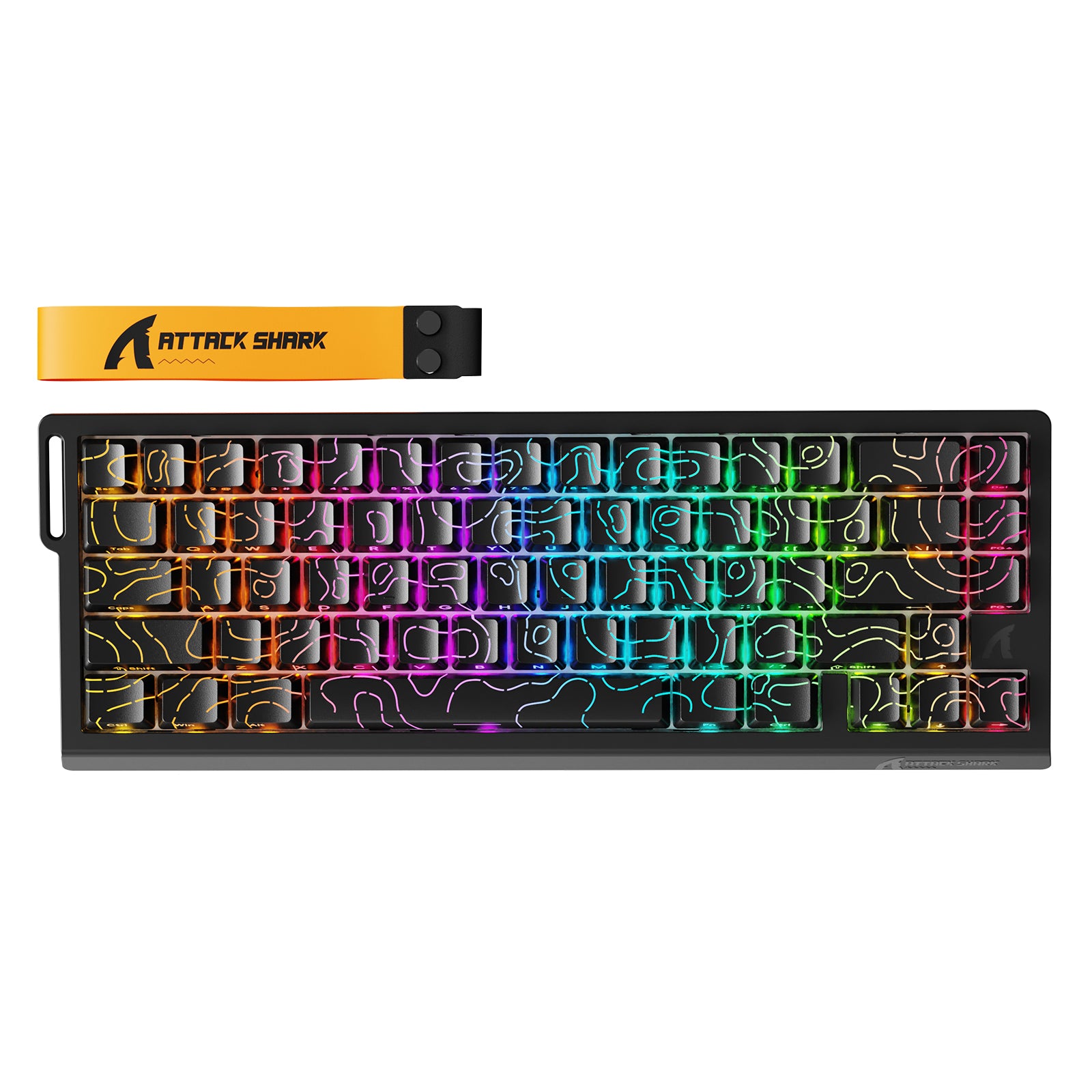
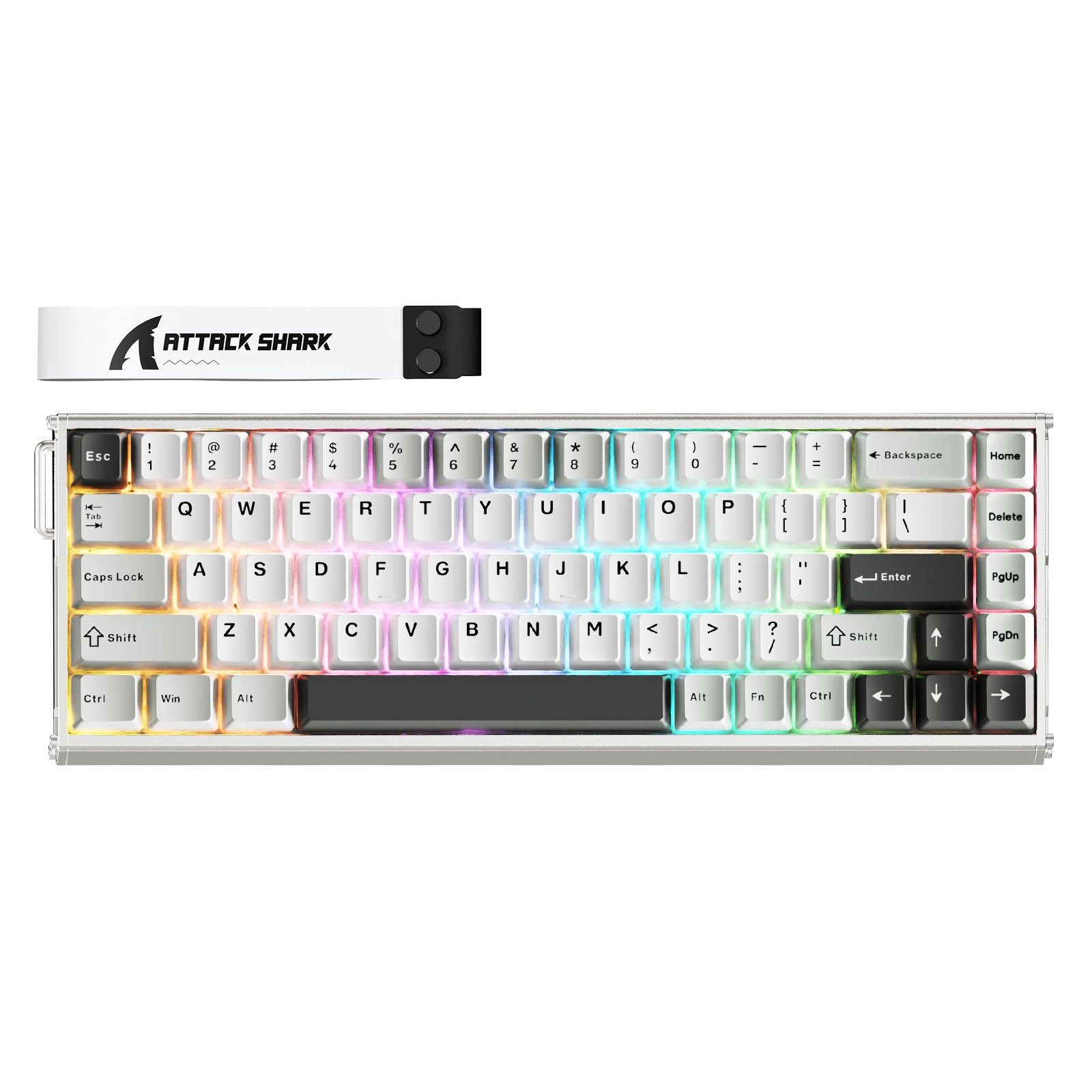
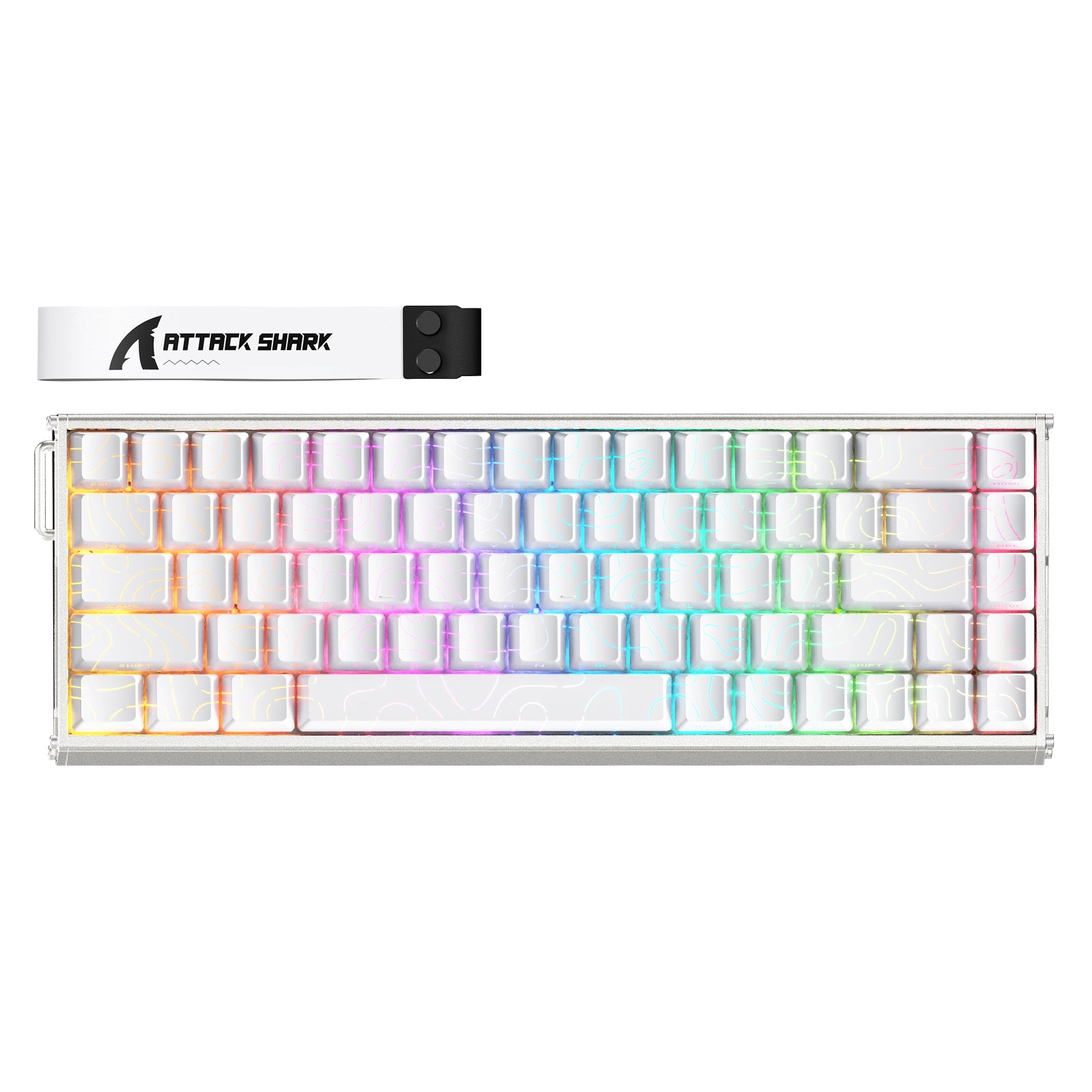
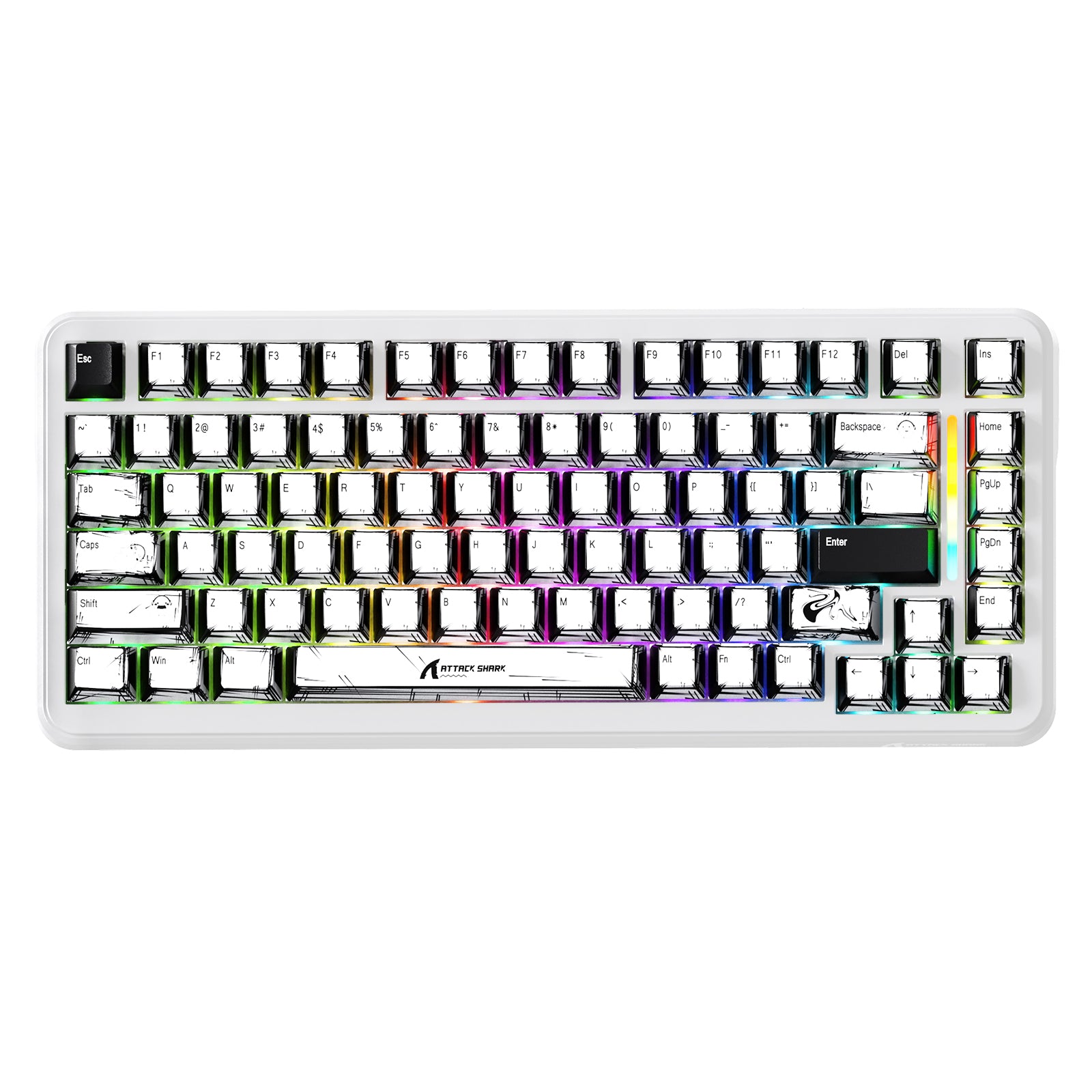

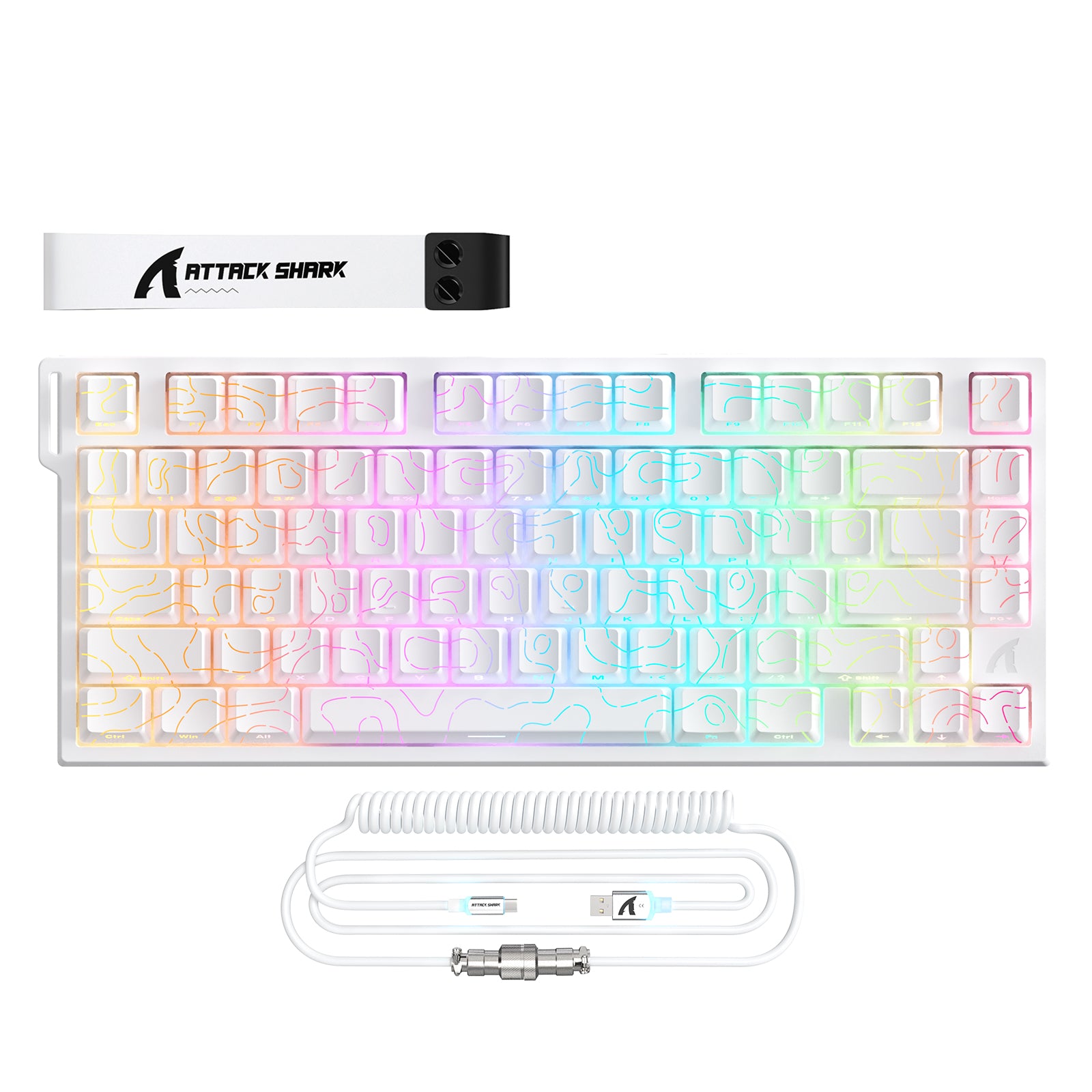
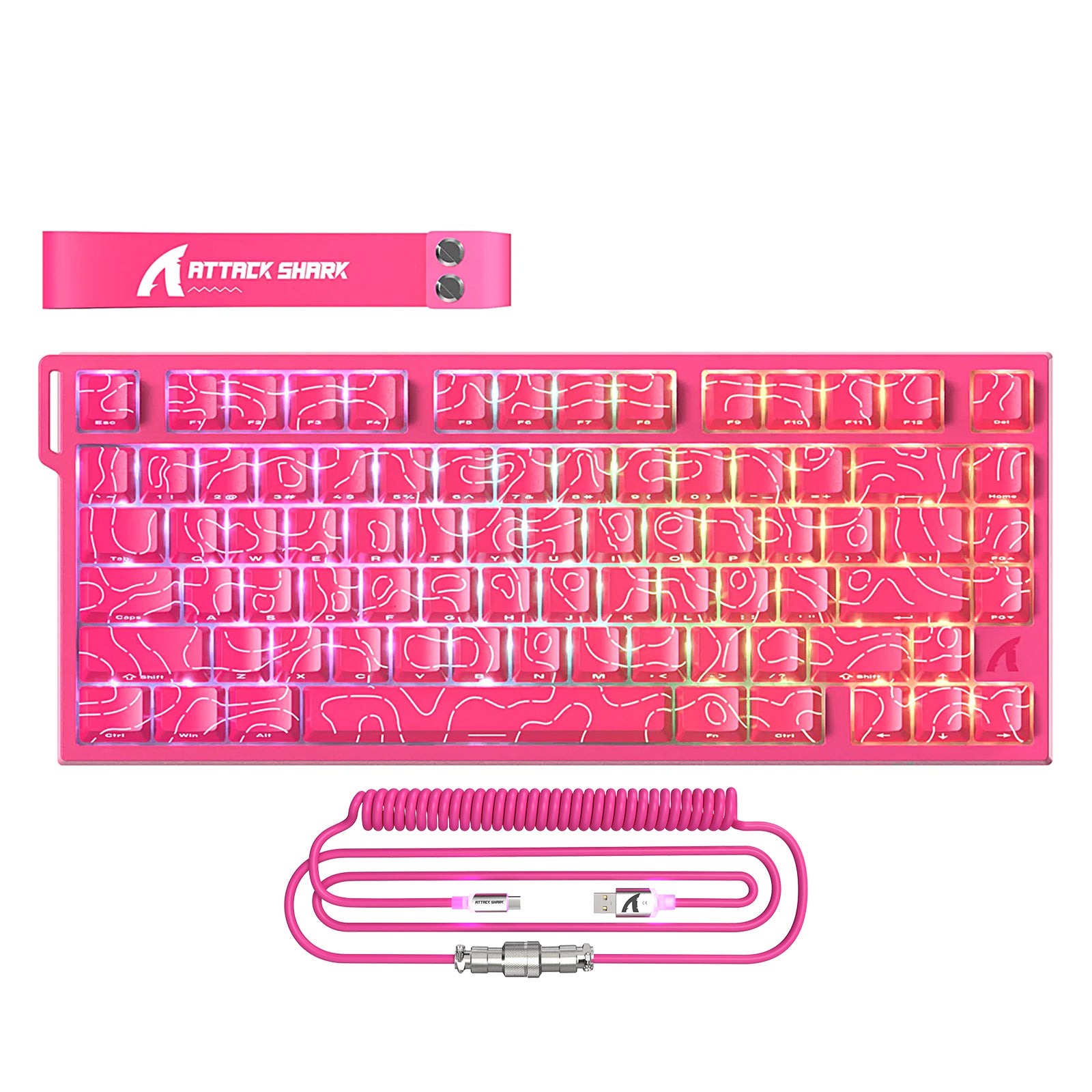
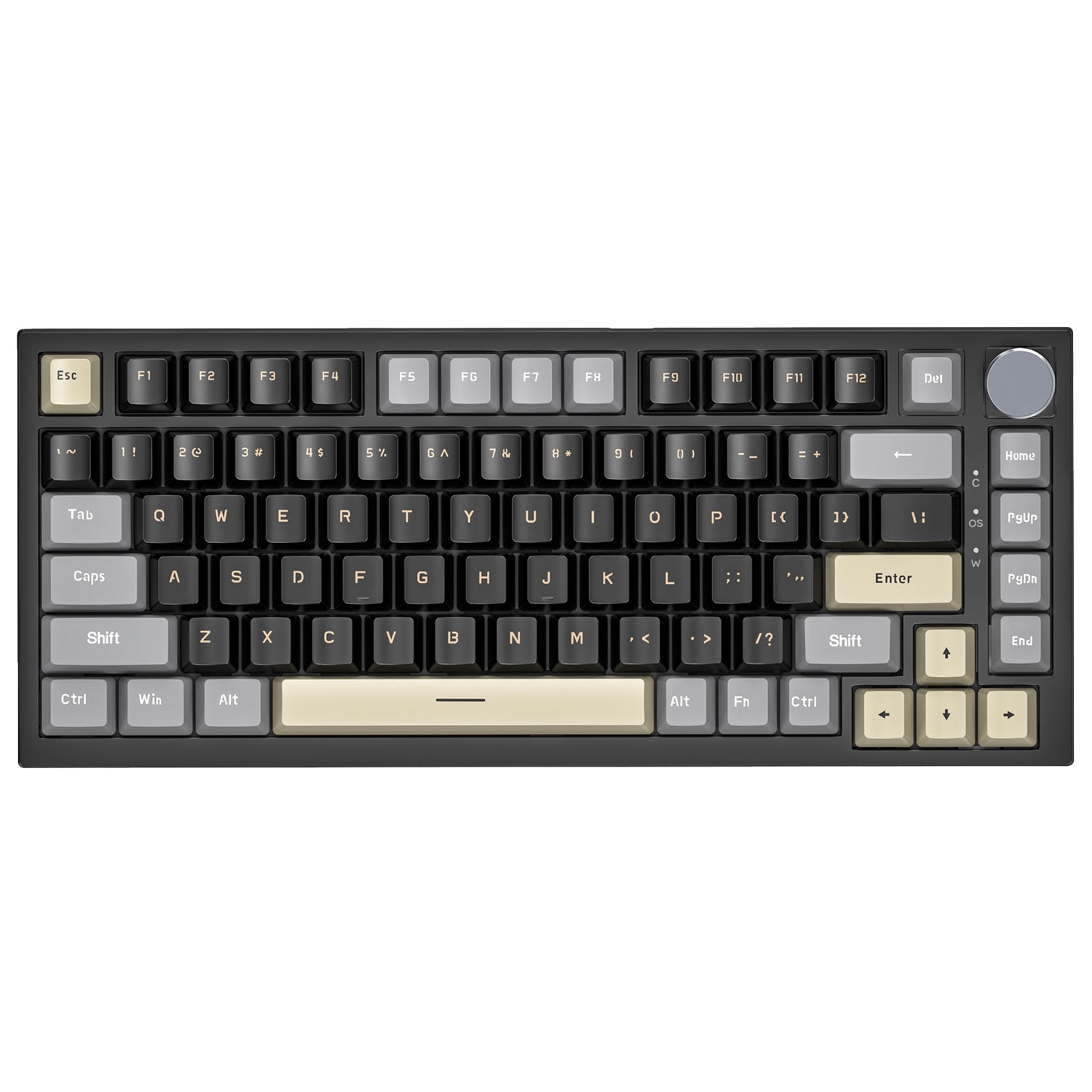


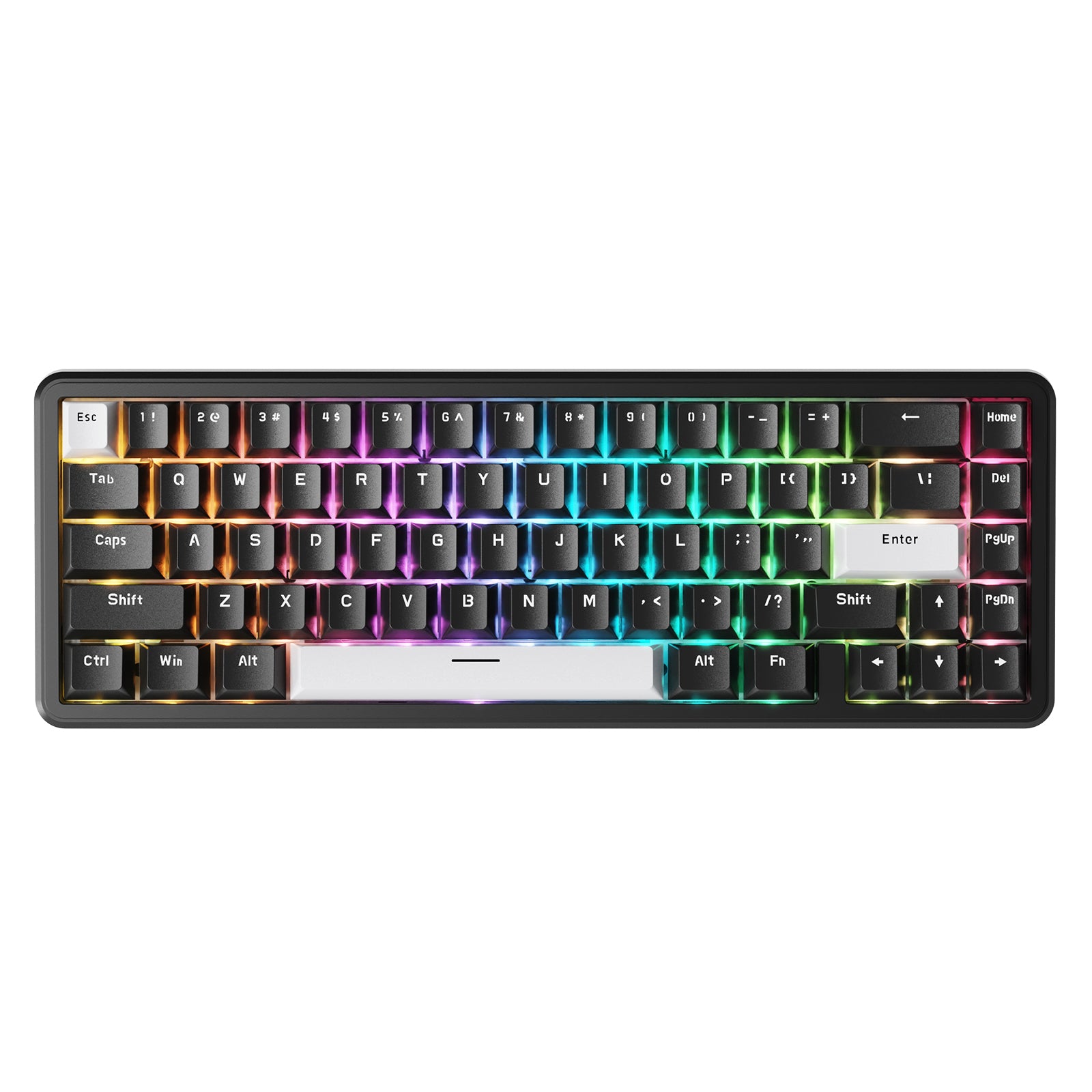
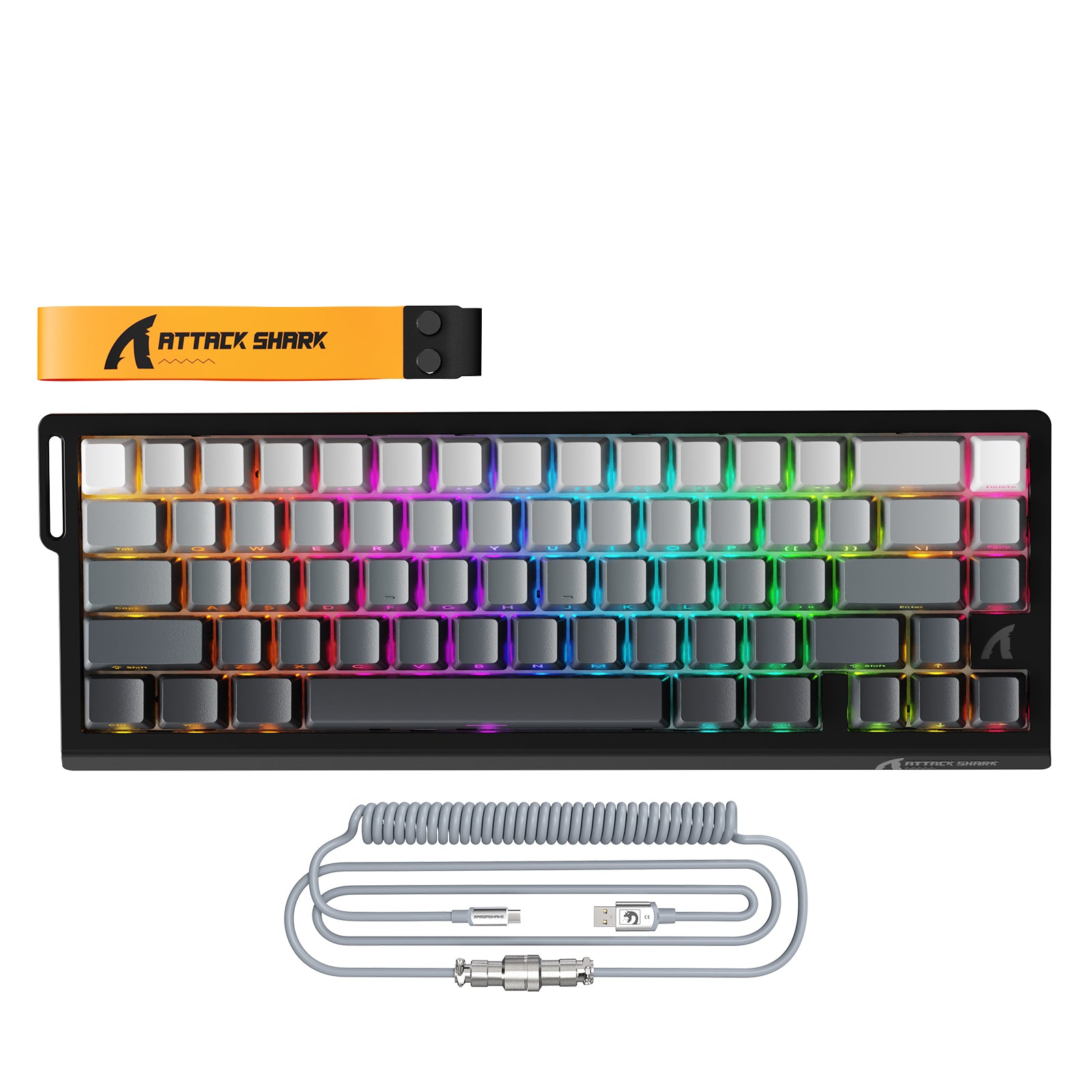
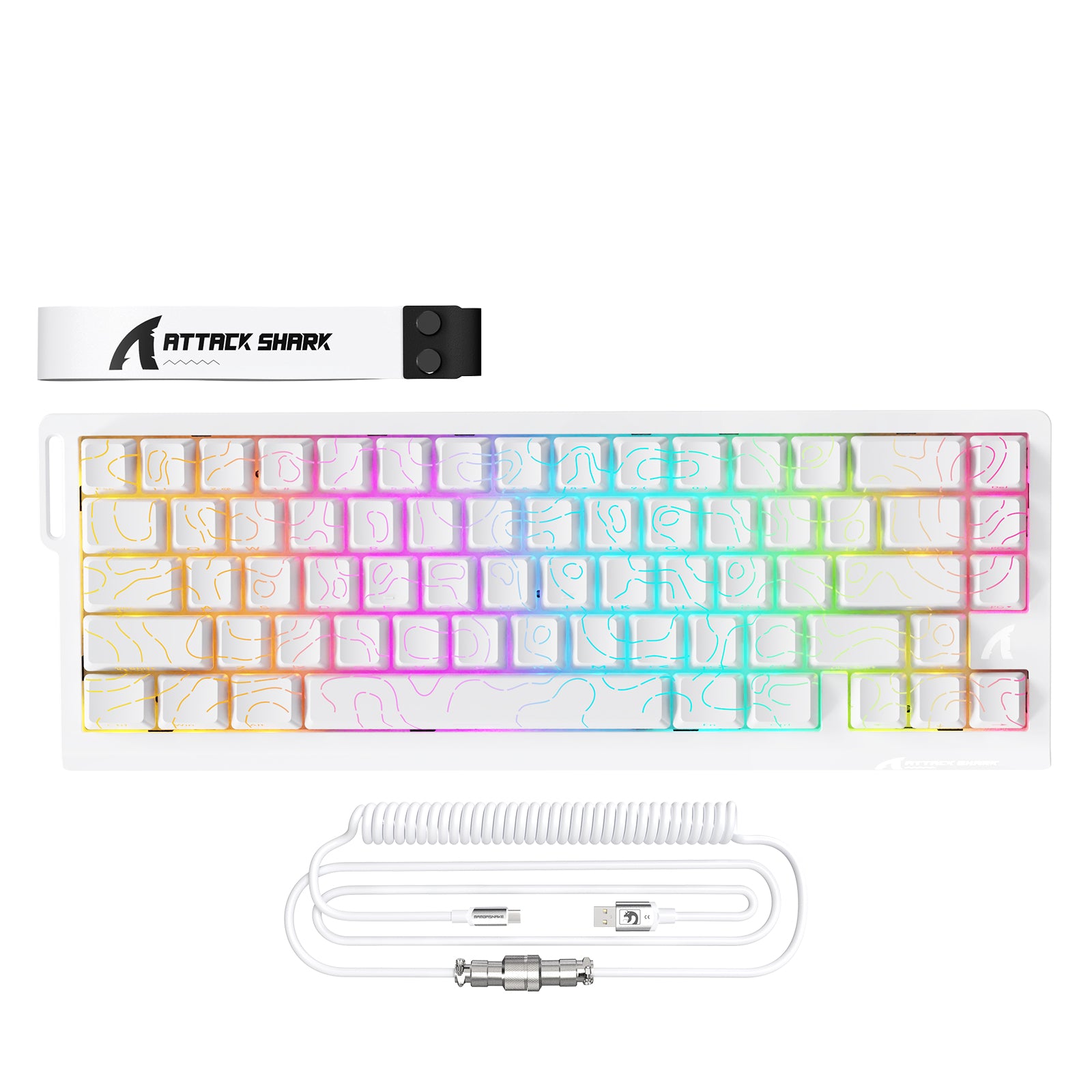
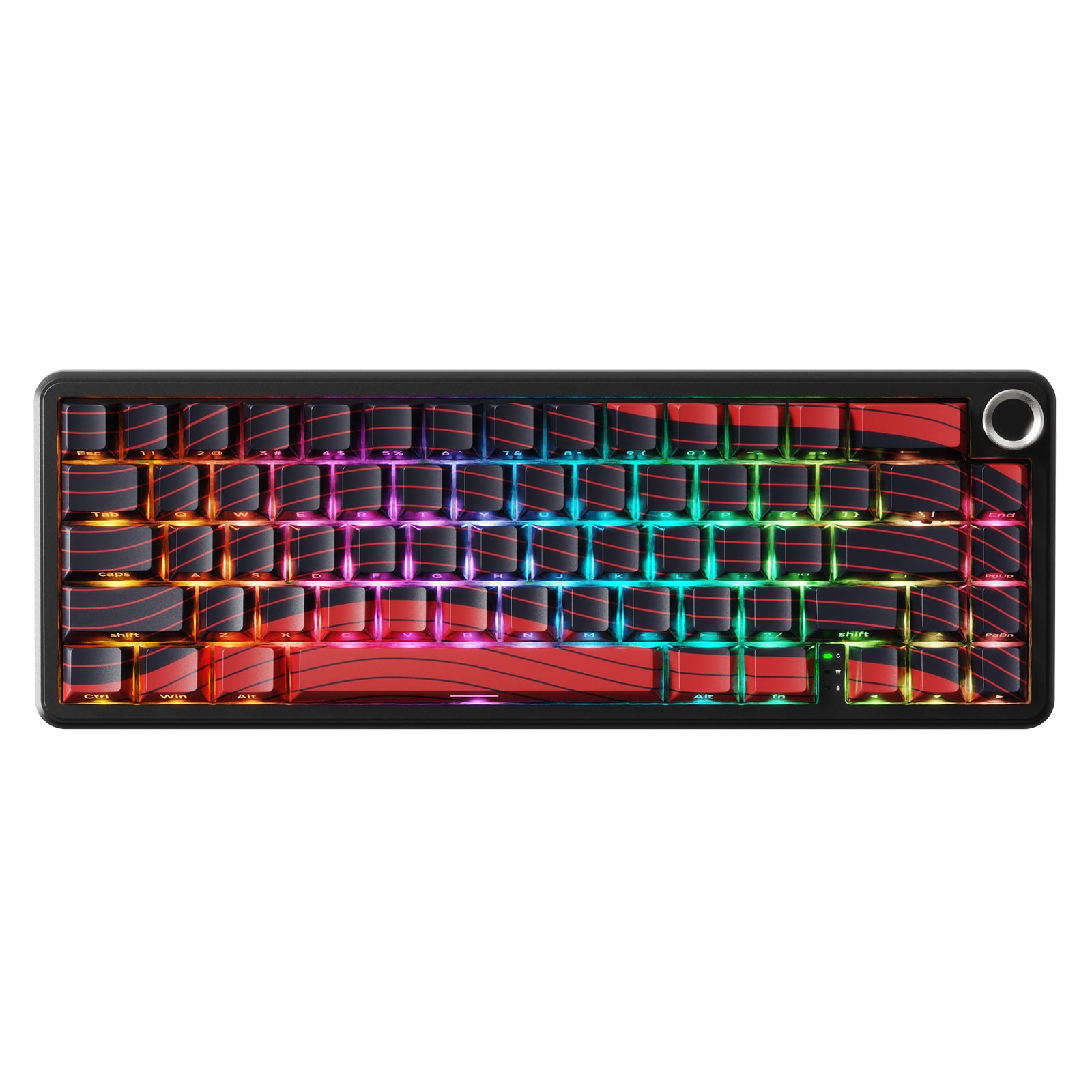
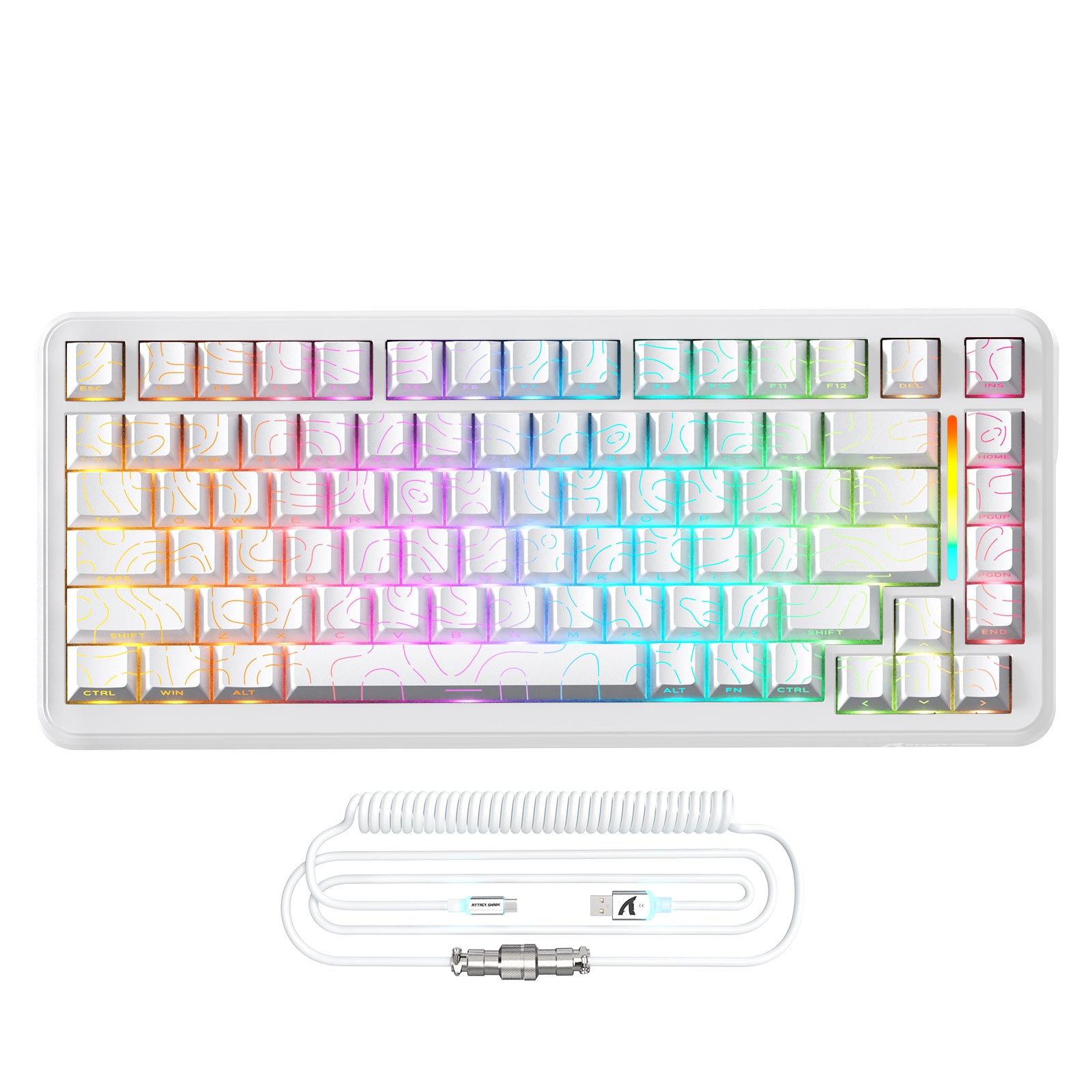
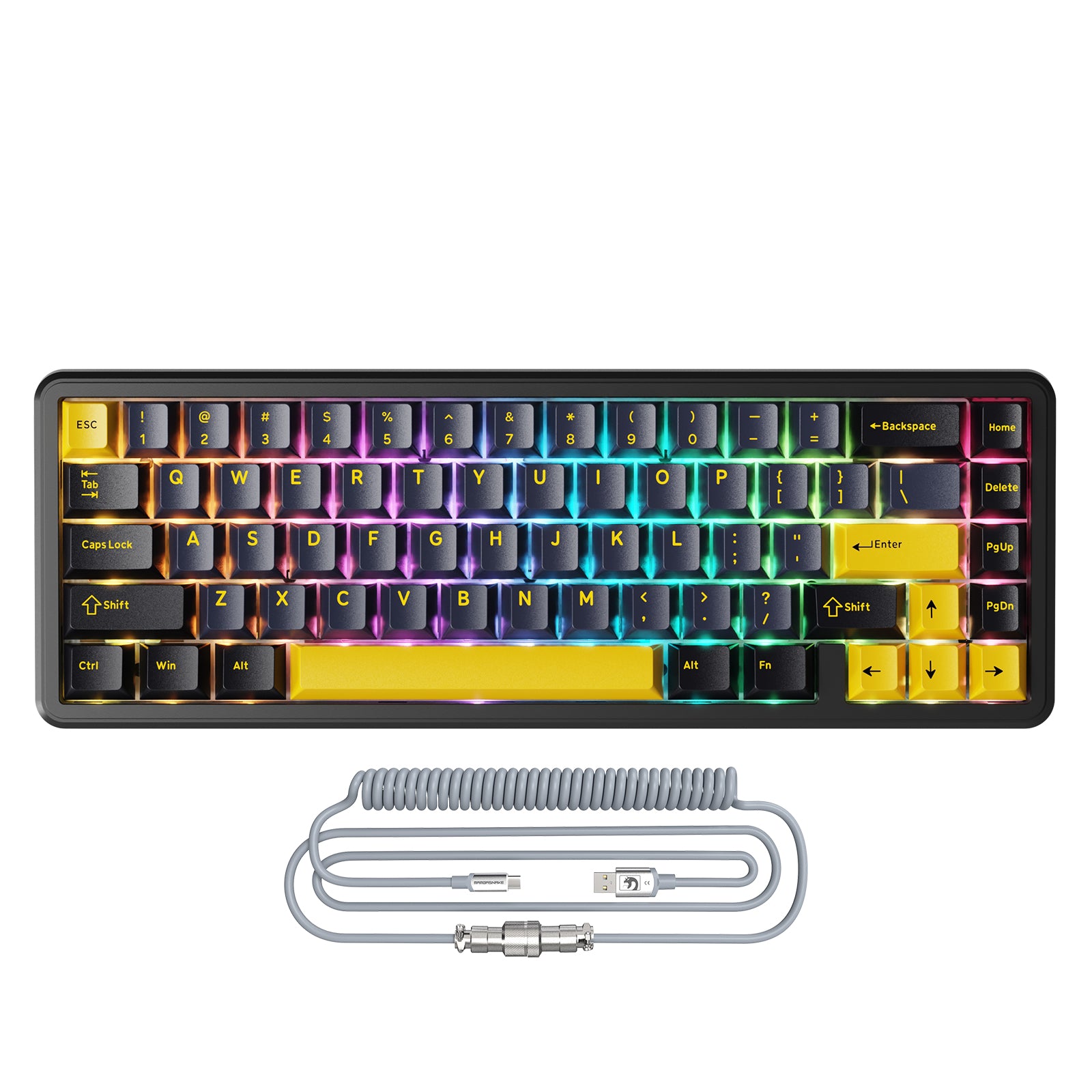

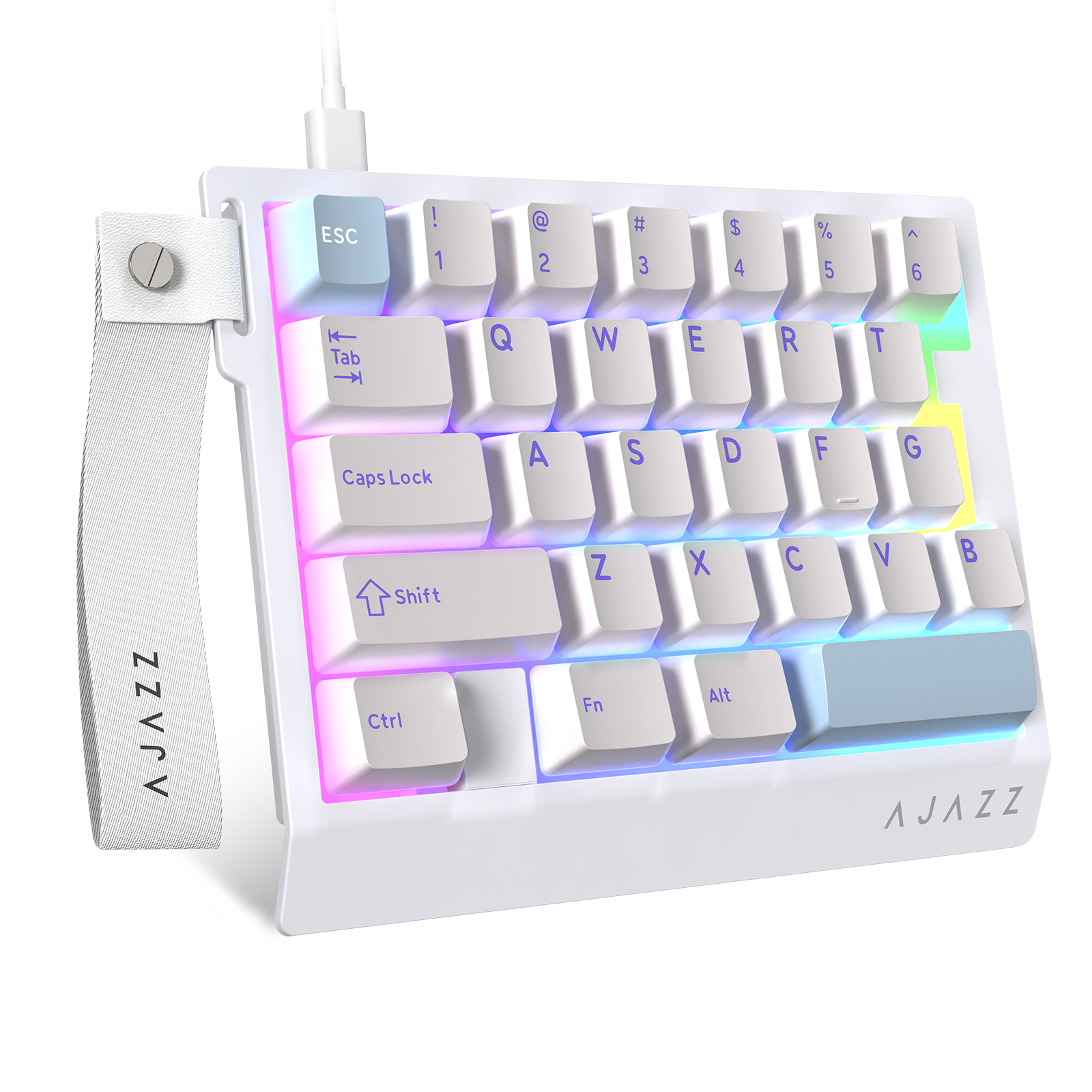


HE Keyboards with Magnetic Rapid Trigger for Competitive Gaming
The HE keyboard range from Attack Shark focuses on fast actuation, magnetic switches, and gaming‑grade performance for players who care about precision and consistency. These boards target FPS, tactical shooters, and rhythm games where tiny input changes and repeatable timing directly influence match outcomes. Attack Shark’s HE lineup centers on three ideas: ultra‑low latency with up to 8000 Hz polling, rapid trigger keyboard behavior using Hall‑effect magnetic sensors, and layouts that range from compact 60–65% to 80–82‑key formats for different desk sizes. Within this collection, shoppers can compare multiple gaming keyboard models by layout, connectivity (wired or tri‑mode wireless), construction (plastic, aluminum, carbon‑fiber), and price band from roughly 50 to 100 USD.
Core Technology of Attack Shark HE Keyboards
Attack Shark HE keyboards rely on magnetic Hall‑effect switches paired with firmware that supports rapid trigger keyboard behavior for faster in‑game reactions than traditional mechanical contact switches. In a rapid‑trigger implementation, the keyboard monitors key travel continuously and can reset and re‑actuate as soon as the key moves by fractions of a millimeter instead of waiting to cross a fixed reset point.
Magnetic Switch Architecture
Each HE model in this collection uses a magnetic switch keyboard design where magnets and Hall‑effect sensors under each key detect motion instead of relying on metal leaf contacts. This architecture allows per‑key adjustable actuation ranges in small steps (for example around 0.1–3.3 mm on certain Attack Shark HE boards) so users can set light triggers for rapid strafes or deeper presses for deliberate inputs. In practical gameplay terms, a magnetic keyboard switch can reduce chatter issues and debounce delays common to older mechanical designs because the firmware interprets a continuous analog position signal instead of a simple on/off click. That analog sensing also underpins features such as variable actuation per profile and advanced behaviors like double‑key‑stroke (DKS) mapping on compatible Attack Shark models.
Rapid Trigger and High Polling
Within this HE collection, highlight boards such as the R68 HE and R85 HE combine 0.005 mm rapid trigger precision with polling rates up to 8000 Hz, yielding measured latencies around 0.08 ms according to Attack Shark’s own product claims. Rapid trigger lets keys reset almost immediately as you lift your finger, so repeated strafes, counter‑strafes, or rhythm‑game taps register without needing the key to travel fully back to its original height. High polling (for example 8000 Hz instead of 1000 Hz) means the keyboard reports its state to the PC more often, which can shave off small but measurable input delay in fast shooters when paired with a suitable system and game configuration. Because these benefits depend on the full setup, users should treat the numbers as best‑case hardware capabilities rather than guaranteed competitive advantages in every title and scenario.
Model Lineup and Use‑Case Guidance
Attack Shark’s HE collection spans around fifteen mechanical keyboard models grouped by layout, shell material, connectivity, and bundle options so buyers can match a board to their setup and budget. At a glance, you will find compact 60–65% layouts like the X65 and X68 lines, 75–82‑key boards such as the R68 HE and X82PRO, and value‑oriented or one‑handed options.
Compact 60–65% HE Boards
Models such as the ATTACK SHARK X65 HE Magnetic Switch Rapid Trigger Keyboard and X68 HE Rapid Trigger Keyboard Magnetic Switch focus on 60–65% layouts for more mouse space and cleaner desk aesthetics. These boards target players who prioritize minimal travel distance from WASD to the mouse and prefer streamlined keys without a numpad, which is common in FPS and competitive aim‑focused games. Variants like the X65 HE with 8 kHz coiled cable or the X68 HE bundles that include C01PRO or C01Ultra RGB coiled cables combine performance with visually themed desk setups for users who care about cable feel and RGB presentation. Prices for these compact HE options in this collection typically list from roughly 59 to 80 USD before discounts, positioning them as mid‑range to upper‑mid gaming boards.
75–82‑Key HE Keyboards
For users who want a function row and more navigation keys, Attack Shark offers 75–82‑key HE models such as the R82 HE Rapid Trigger Keyboard Magnetic Switch with 0.005 mm RT, the R82 HE Wired 75% Gaming Keyboard with C01ULTRA LED Cable, and the X82PRO HE Wireless Rapid Trigger Gaming Keyboard Magnetic Switch. These boards keep the arrow cluster and function keys within easy reach while still preserving more mouse room than full‑size 104‑key layouts. The X82PRO HE variants support tri‑mode connectivity (wired, 2.4 GHz wireless, and Bluetooth) according to Attack Shark’s broader keyboard range, letting users swap between gaming PCs, laptops, or work machines from one board. Shoppers who value wired‑only stability can instead look at the R82 HE wired models in this collection, which emphasize rapid trigger performance and dedicated LED cables over wireless flexibility.
Aluminum, Carbon Fiber, and Bundle Variants
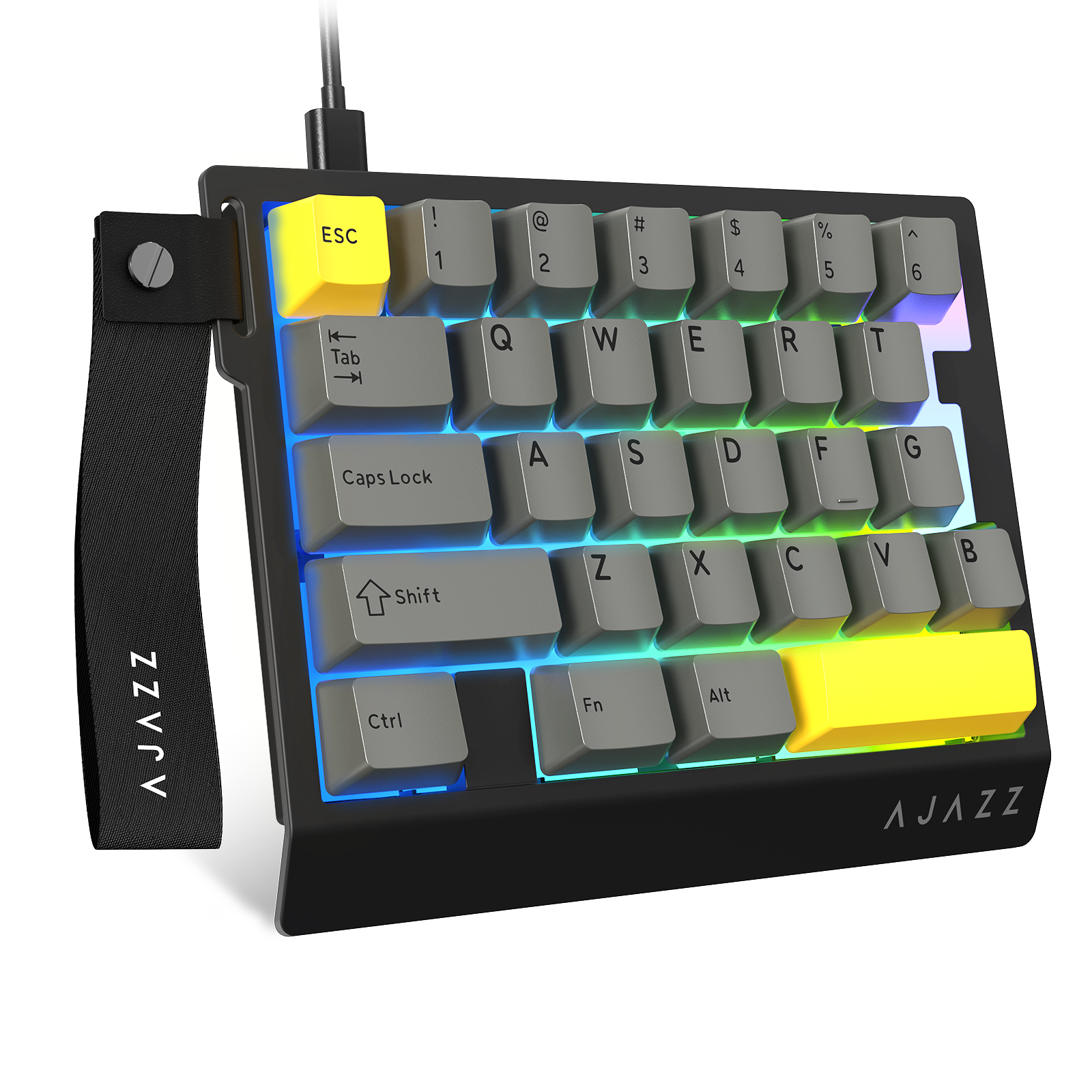
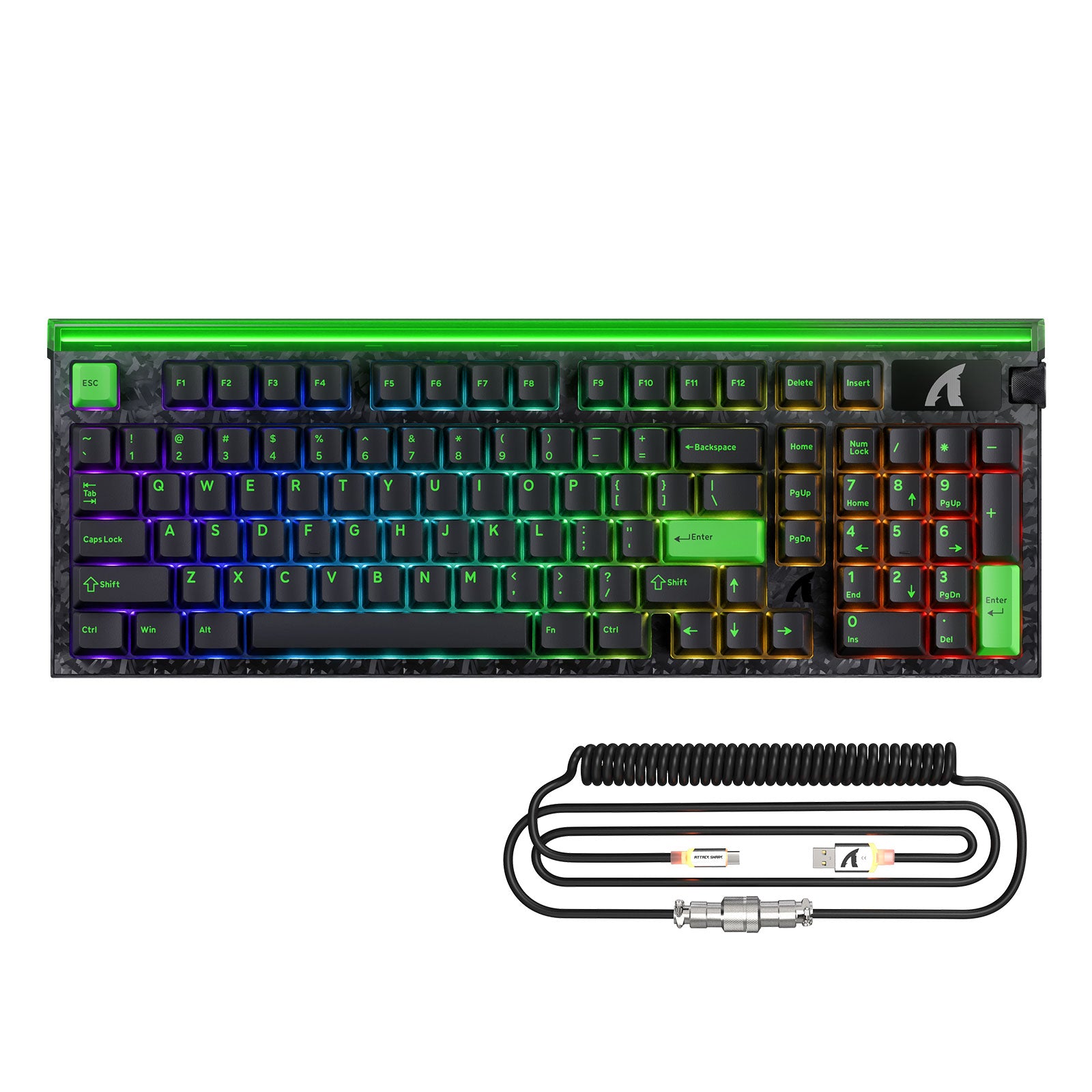
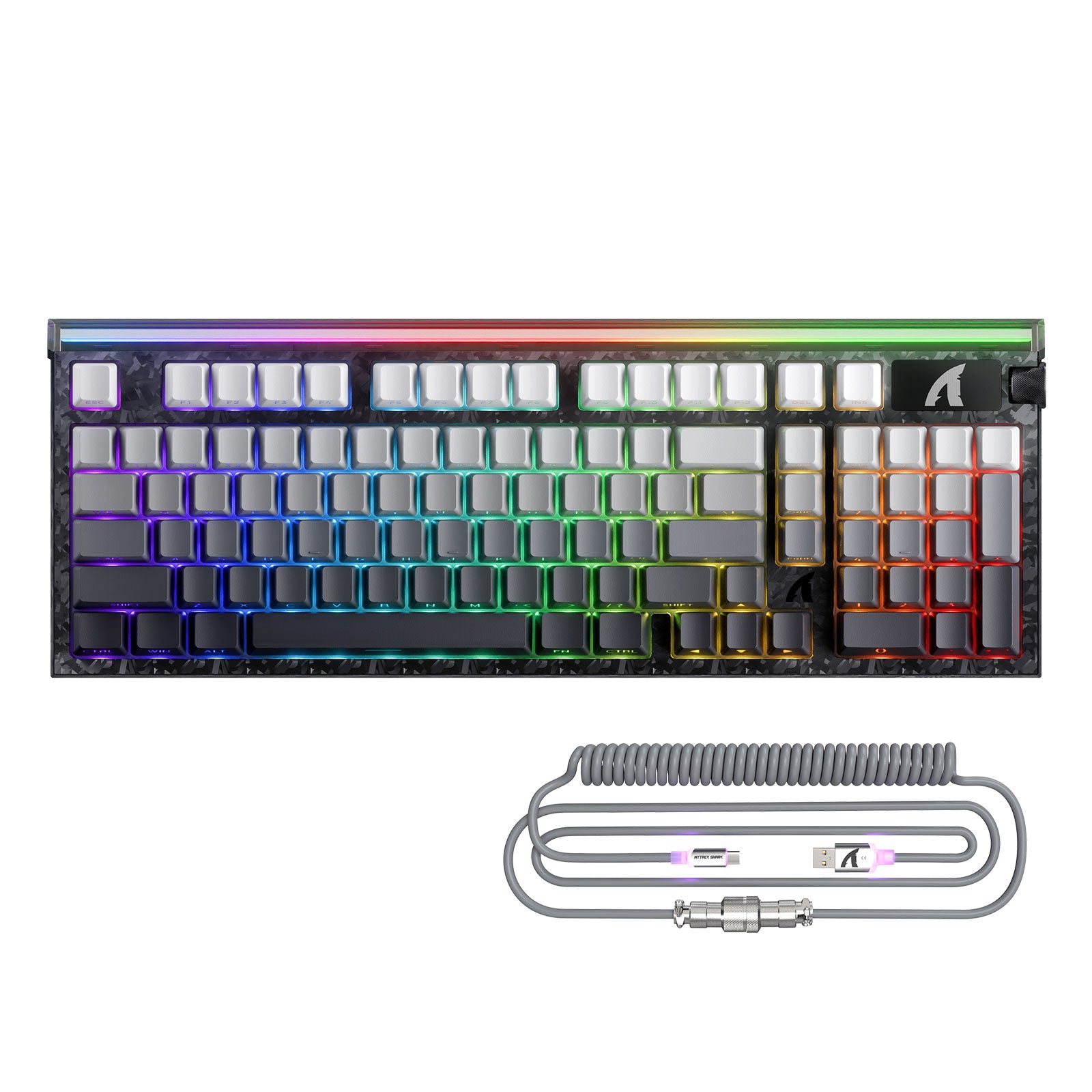
Within the HE category, some boards differentiate via case material and finish, such as the X68MAX HE Rapid Trigger Aluminum Keyboard Magnetic Switch, which uses an aluminum housing for a more rigid feel compared to typical plastic shells. Other HE keyboards from Attack Shark’s broader lineup, like the R68 HE series highlighted on the homepage, add carbon‑fiber top cases and forged carbon‑fiber keycaps that emphasize low weight and a distinct aesthetic. Bundle SKUs in this HE collection pair keyboards with RGB coiled cables (for example X68 HE with C01PRO cable or R82 HE with C01ULTRA LED cable) so buyers planning a themed setup can purchase a matched cable and board in one step. For users who only need a starter or side keyboard for macros, the wired one‑handed ATTACK SHARK X AJAZZ AK029 appears in this collection as a budget‑oriented option with a much lower entry price than full HE boards.
Buying Considerations for HE Gaming Keyboards
The main buying decisions across this HE lineup revolve around layout size, connectivity type, material feel, and how much weight you place on rapid‑trigger precision versus general typing comfort. Competitive FPS and rhythm‑game players commonly prioritize smaller layouts, aggressive rapid trigger settings, and 8000 Hz polling where supported, while users who split time between gaming and productivity often lean toward 75–82‑key boards with more shortcuts.
When to Choose Rapid Trigger HE over Traditional Mechanical
Rapid‑trigger he keyboard designs shine when you need keys to re‑actuate as soon as they move, instead of after a fixed reset distance, which benefits techniques like counter‑strafing or fast skill cycling. Unlike classic mechanical switches that close an electrical circuit at a single actuation point, HE boards monitor key travel continuously, letting firmware respond at tiny incremental movements in both downward and upward directions. If you mostly play slower strategy, MMO, or casual titles, the difference between HE and standard mechanical keyboard technology may feel subtle, so factors such as build quality, key feel, and layout could matter more than absolute trigger speed. Users sensitive to accidental key presses might prefer slightly deeper actuation settings on HE boards, and should spend time in software adjusting thresholds and testing in‑game to balance speed with control.
Latency, Polling Rate, and Real‑World Impact
Attack Shark advertises values like 8000 Hz polling and around 0.08 ms hardware latency on products such as the R68 HE and R85 HE, aligning with the broader high‑end gaming keyboard market. Independent reviews across the industry generally find that while high polling can shave small amounts of delay, the overall feel also depends on system performance, display latency, and game engine input handling. For most players on typical 144–240 Hz monitors, moving from 1000 Hz to 8000 Hz will likely feel incremental rather than dramatic, though very competitive users may still appreciate the tighter response window and smoother cursor and movement updates. Where these HE boards may provide more noticeable change is in rapid trigger behavior and analog sensing, because those features alter how quickly and consistently your key inputs register during repeated presses.