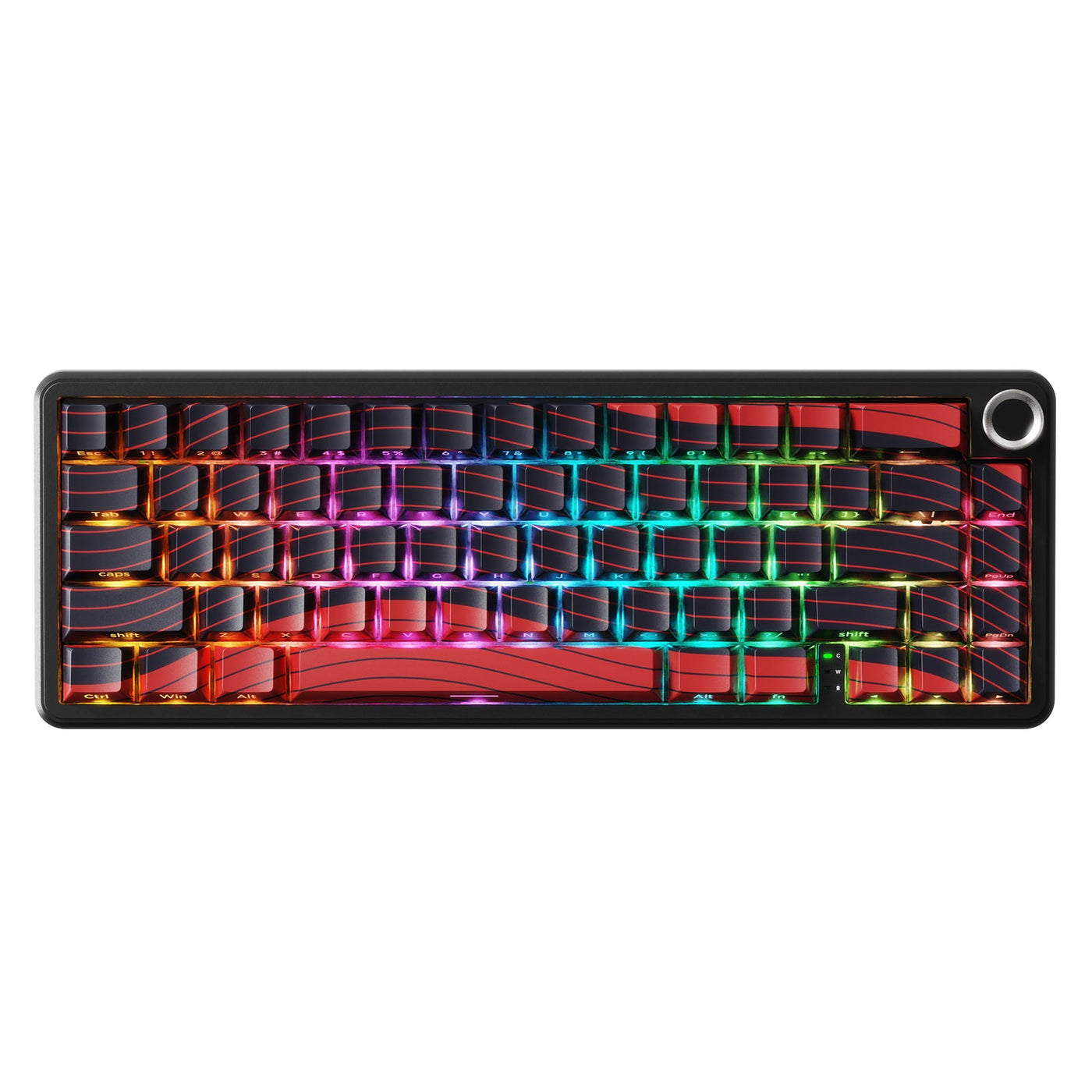
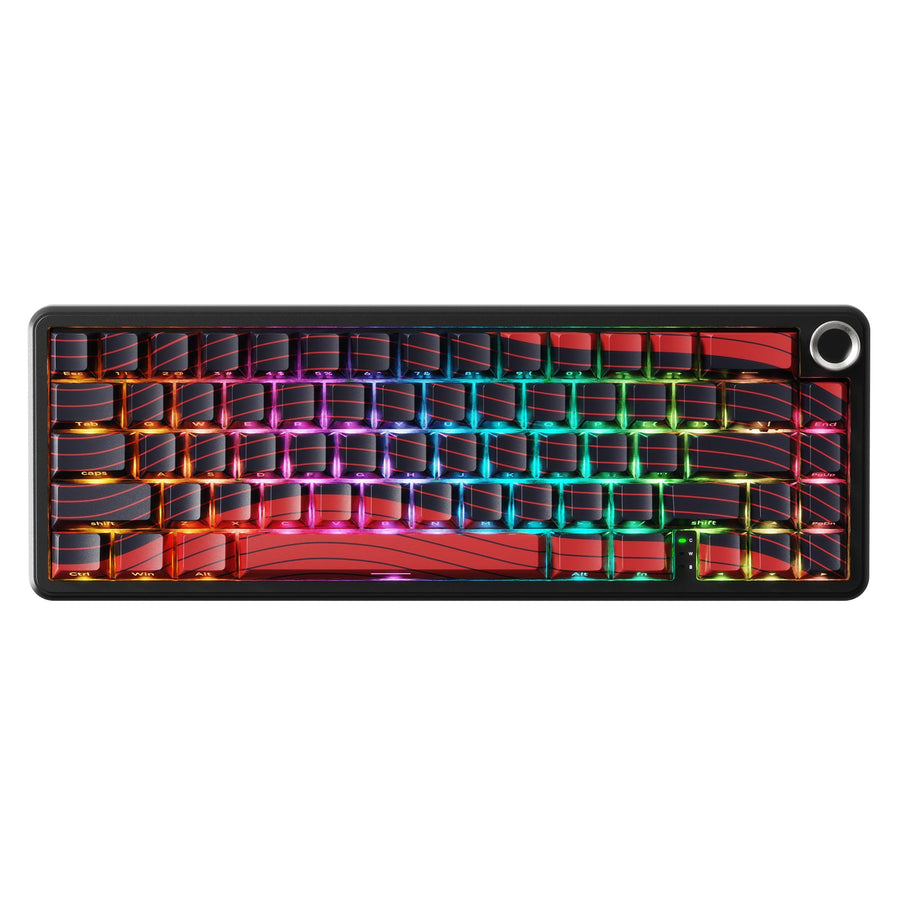
A wireless gaming keyboard can replace a wired board in some competitive setups, but the connection mode and fallback determine whether it makes sense. Wired remains the lower-variable baseline for high-stakes sessions. A tested 2.4GHz receiver can work for ranked play or scrims, while Bluetooth is mainly a convenience option with more recovery variables. Test the exact keyboard, connection mode, software profile, battery state, desk layout, and backup together before relying on it.

Yes: Wireless Gaming Keyboards Can Replace Wired for Some Competitive Play
The answer is conditional: choose wired when an interruption is unacceptable, tested 2.4GHz when wireless convenience is worth the added variables, and Bluetooth mainly for lower-stakes or device-switching use. A wireless label alone does not prove that a particular keyboard will behave like a wired board in your setup.
| Connection | Best fit | Condition that rules it out |
|---|---|---|
| Wired | Tournament preparation or any session where minimizing connection variables matters most | A damaged cable, unreliable port, or untested software setup still creates risk |
| 2.4GHz receiver | Competitive FPS, ranked play, and scrims when the exact receiver setup has been tested | Missed inputs, reconnects, battery uncertainty, or an unready fallback |
| Bluetooth | Casual gaming, multi-device convenience, or sessions where a brief reconnect is tolerable | It is the only input path for high-stakes play and recovery has not been rehearsed |
For a 2.4GHz wireless keyboard for FPS play, test the complete setup instead of judging the connection by its name. Start with a realistic session using the intended game, desk position, nearby devices, software profile, and a reachable backup.

Compare Wired, 2.4GHz, and Bluetooth Where It Matters
The three modes introduce different variables. Wired removes wireless pairing and battery dependence, 2.4GHz adds a dedicated receiver and battery management, and Bluetooth prioritizes convenience while making pairing and reconnect behavior part of the decision.
Latency comparisons also depend on the exact keyboard, connection mode, and test method. Connection-specific latency testing is more useful than treating one wireless result as a rule for every model.
| Connection mode | Where it fits | What must be verified |
|---|---|---|
| Wired | Fewest wireless variables for consequential play | Cable, USB port, operating-system recognition, layout, and software profile |
| 2.4GHz | First wireless path to evaluate for latency-sensitive play | Receiver placement, USB arrangement, firmware or software behavior, battery state, and reconnect behavior |
| Bluetooth | Convenience and device switching when recovery time is acceptable | Pairing stability, power-saving behavior, driver state, wake behavior, and a practical alternate path |
A dedicated receiver does not guarantee wired-equivalent performance. Bluetooth is not automatically unusable for gaming, either. The key question is the cost of failure: the more a dropped connection could affect the session, the more valuable a tested wired path becomes. If you want multiple connection choices in one shopping path, browse tri-mode keyboard options, but treat the collection as navigation rather than performance evidence.
Check Latency and Reliability Before You Trust Wireless
Rely on a wireless setup only after it behaves consistently in the environment where you will play and you can recover without extended live troubleshooting. Independent wireless-keyboard testing separates connection strength, consistency, latency, and battery testing, so evaluate those dimensions together instead of relying on a marketing label.
Before the detailed test, evaluate these conditions:
- The selected connection mode matches the one you will use in the match.
- The receiver position, USB arrangement, nearby devices, and desk layout match normal play.
- The software profile, remapping, layout, and battery state are ready.
- The keyboard responds consistently in the intended game, and the recovery path works.
- Select the intended mode. Use the 2.4GHz receiver or Bluetooth connection you plan to use in the match. Do not validate one mode and compete on another.
- Recreate the desk. Use the same USB arrangement, receiver position, nearby wireless devices, peripherals, and playing position. Receiver placement is part of the setup, not an afterthought. For additional context, see this wireless signal placement guidance.
- Lock the software state. Confirm the active layout, remapping, profile, and required keyboard software. Avoid making a last-minute configuration change part of the test.
- Play a safe session in the intended game. Watch for missed inputs, unexpected reconnects, delayed response, profile failures, and behavior after the keyboard wakes or changes mode.
- Repeat recovery. Test a reconnect and the switch to the wired or alternate-keyboard path before relying on wireless for ranked play, a scrim, or tournament preparation.
There is no supported universal latency cutoff that makes every setup safe for competitive play. Use the conservative rule instead: if the exact setup is inconsistent or recovery is unfamiliar, use the fallback for the consequential session.
Prevent Battery, Software, and Connection Failures Mid-Match
Battery loss, pairing problems, receiver behavior, and software changes can turn a convenient setup into an in-match interruption. Prevention lowers the chance of failure, while a tested alternate path limits the disruption when prevention is not enough.
Control Battery Drain Before Queueing
Prepare the power state before you queue. Confirm the battery or charge status, keep the correct cable and a usable port within reach, and set lighting and sleep behavior before play when the remaining runtime is uncertain. Battery indicators do not establish a guaranteed number of minutes left unless the product documentation explains how to interpret them.
- Confirm the battery or charge status before queueing.
- Keep the correct cable and a usable computer port within reach.
- Set conservative lighting and sleep behavior when the remaining runtime is uncertain.
For practical power-management ideas, use this wireless RGB battery guidance and keyboard sleep-timer guidance as supporting reading. Exact battery behavior still varies by model and settings.
Rehearse a Drop, Pairing, or Software Recovery
Practice the documented reconnect or wired-switch procedure during a safe test window. Avoid firmware, driver, remapping, or profile changes immediately before competition. After reconnecting, confirm the layout and key inputs before returning to play.
- Rehearse reconnecting or switching to the wired path during a safe test window.
- Keep firmware, drivers, remapping, and profiles stable immediately before competition.
- After recovery, confirm the layout and key inputs before returning to play.
Windows troubleshooting identifies power-saving, driver, and Bluetooth recovery issues as possible contributors to repeated Bluetooth drops. That guidance provides Windows-specific recovery context, not a gaming-performance benchmark. If the known recovery path is slow or unreliable, stop troubleshooting live and use the tested fallback.
Shop Wireless Keyboards by the Connection You Can Test
Choose a category based on the connection path you can reproduce at your desk, then use the individual product page to confirm the details that affect your setup. Collections help you browse; they do not establish uniform latency, battery behavior, receiver quality, or competitive suitability.
- Wireless HE keyboards: A fit for buyers who want a wireless magnetic-switch option and are willing to test 2.4GHz with a wired fallback. Start with the wireless HE keyboards collection, then confirm the exact model's supported modes, wired and wireless specifications, software requirements, and battery information.
- Tri-mode keyboards: A fit for buyers who want wired, 2.4GHz, and Bluetooth paths and will test each mode they may use. Browse tri-mode keyboard options, then confirm which modes, receiver details, and recovery behavior the specific product documents.
- HE keyboards for competitive features: A fit when adjustable actuation or rapid-trigger functions are part of the buying decision. The HE keyboard collection is a category path, while the product page and applicable event rules determine whether those features fit your use.
For example, supplied product information lists wired, 2.4GHz, and Bluetooth support for several individual models, and some list different wired and wireless polling specifications. Those are product-page facts, not proof of real-world latency, battery runtime, or tournament suitability. Match the documented connection and specification fields to the setup you actually tested.
Make the Wired Fallback Ready Before Competitive Play
A fallback is part of wireless suitability, not an optional extra. Prepare one of these paths before playing:
- A wired connection for the wireless keyboard, with the cable and compatible computer port within reach.
- A second keyboard that the computer has already recognized and that you have tested with the intended layout.
- The correct receiver, if your backup path uses one, placed where you can reach it without rebuilding the desk.
- The active software profile and remapping state confirmed on the computer you will use.
- One practiced switch under realistic conditions, followed by an input and layout check.
Use wired when eliminating variables matters most. Use tested 2.4GHz when wireless convenience is worth a managed risk. Use Bluetooth when its convenience and recovery limits fit the session, not as an untested sole path for high-stakes play. In short, wireless gaming keyboards can replace wired when the exact mode passes a realistic test and the backup is ready before the match.
FAQs
These answers cover connection choice, testing, recovery, and preparation for competitive play.
Are wireless gaming keyboards good for competitive gaming?
Yes, some are suitable when the exact keyboard and connection mode perform consistently in the intended environment. Tested 2.4GHz is the first wireless path to evaluate, while wired remains the lower-variable choice when a brief interruption would materially affect the session.
Is 2.4GHz wireless better than Bluetooth for FPS gaming?
2.4GHz is the more practical first option for latency-sensitive play because it uses a dedicated receiver, but that does not guarantee a universal latency or stability result. Compare the exact keyboard and mode, then test receiver placement, battery state, software, and recovery before relying on it.
Can I use a Bluetooth keyboard for gaming?
Yes, Bluetooth may work for casual or convenience-led gaming. It is a weaker sole connection for high-stakes competitive play when pairing, power management, or reconnect time has not been tested. Keep a wired or 2.4GHz alternative ready if the session matters.
What should I do if my wireless keyboard disconnects during a match?
Use the rehearsed wired or alternate-keyboard path first. Confirm the layout and inputs after switching, and stop live troubleshooting if reconnecting is not immediate and reliable. A fallback that requires an unknown cable, port, profile, or receiver is not ready yet.
How do I prepare a wireless keyboard for a tournament?
Test the exact connection mode in the intended game and desk layout, confirm the battery and receiver position, and verify the software profile before the event. Avoid last-minute firmware or remapping changes, rehearse the fallback, and keep event-specific rules separate from general connection advice.