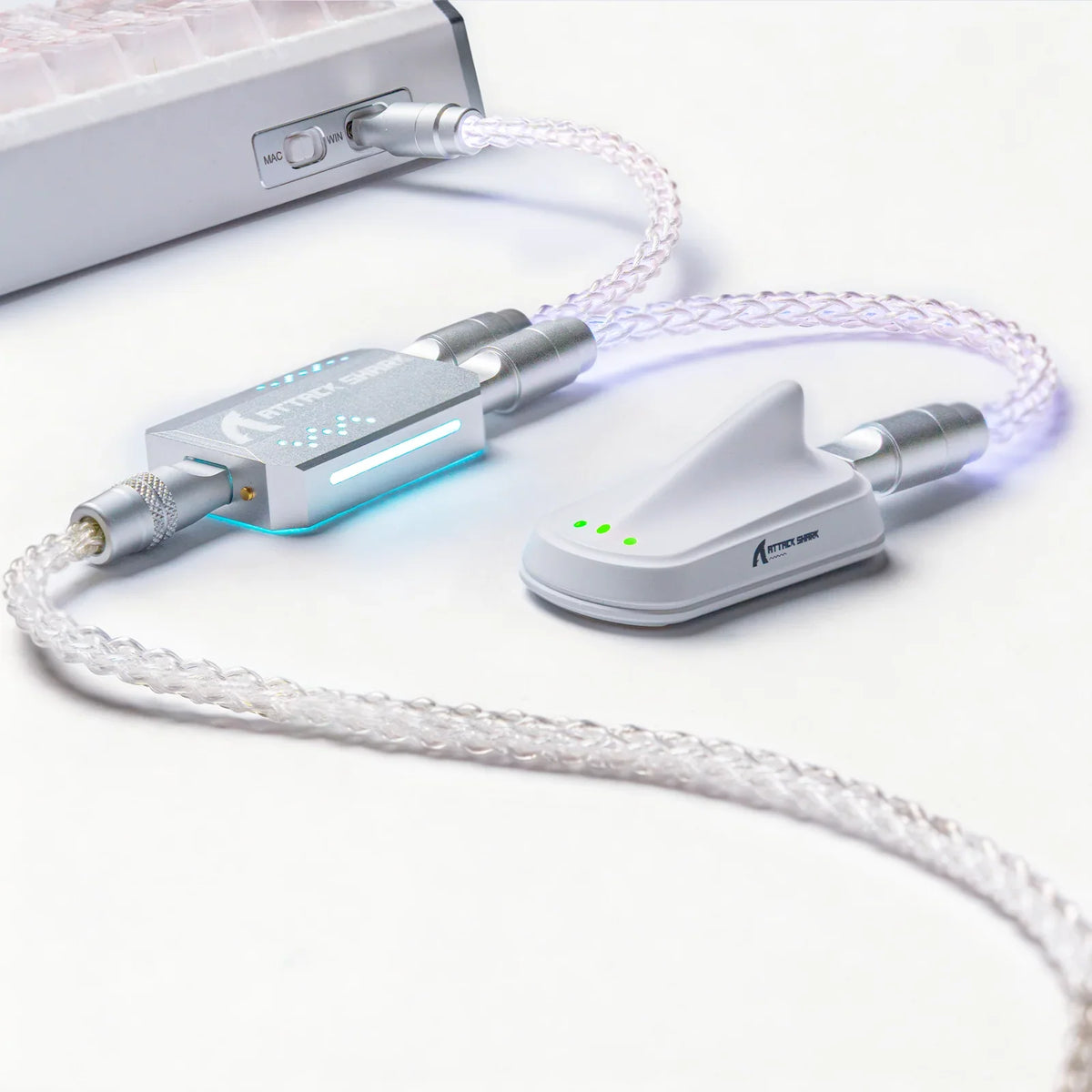
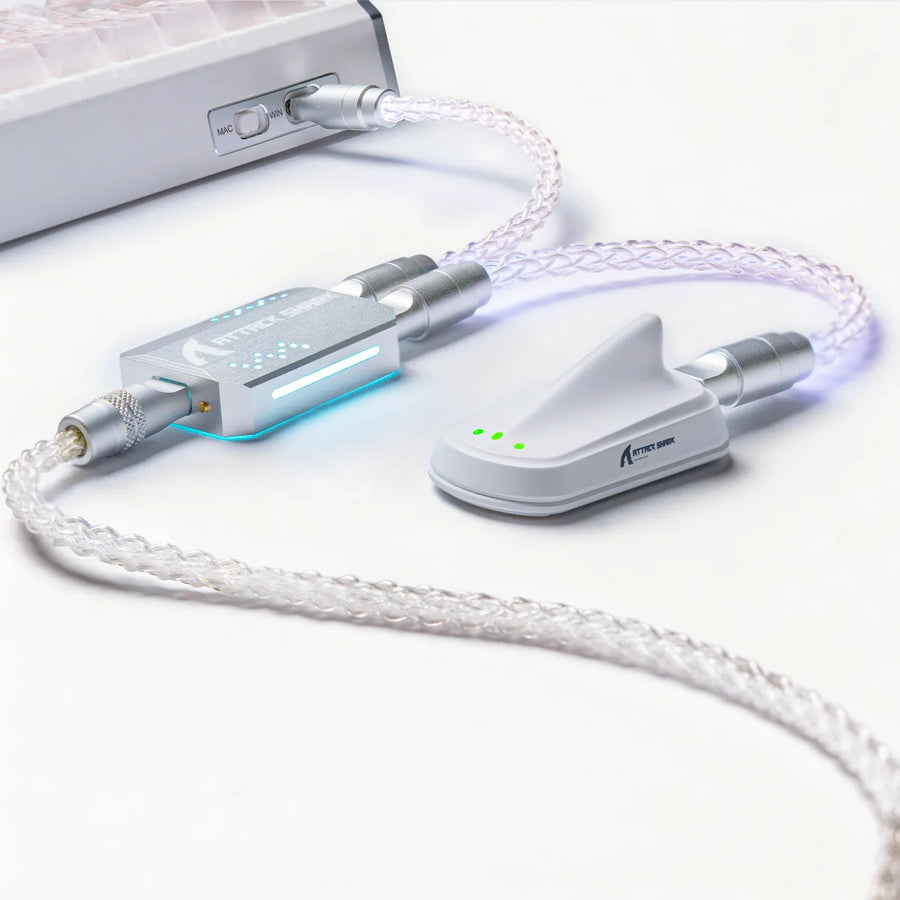
No, not every USB-C cable will work with a magnetic gaming keyboard. A cable can work when your keyboard connects over wired USB-C, the cable has the right ends and carries USB data, and it meets any extra limits your keyboard maker lists. A charge-only cable can fit the port perfectly and still send zero keystrokes.
The Hall Effect switches themselves don't call for a special type of cable. What matters is the wired connection your exact model uses, so a good Hall Effect keyboard cable is one that matches that model's documented requirements.
Can any USB-C cable work with a magnetic gaming keyboard?
A matching plug only tells you the cable fits. The USB Implementers Forum (USB-IF) describes USB Type-C as a connector type in its USB Type-C connector guidance. The name describes the plug's shape and reversible design. It does not promise what the wires inside can do.
Cables really do differ inside. The USB-IF states that all cables do not have the same capabilities, and its USB-IF cable capability guidance puts the job on the user: pick a cable with the capabilities your specific USB setup needs. So two cables with identical USB-C ends can behave very differently once plugged in.

For a wired keyboard, the capability that matters most is data. Your keyboard sends every keystroke to the computer as USB data. The same USB-IF document notes that a USB 2.0 Type-C cable supports USB 2.0 data and can also support USB Power Delivery, which shows that data and power are separate functions. A cable sold as charge-only or "no data" can't carry key input, so set it aside for this job even if the keyboard lights up.
Some things stay model-specific. There is no universal power level, cable length, data rate, or polling requirement that applies to every magnetic keyboard. If your keyboard has one, it comes from that model's documentation, not from the Hall Effect label.
How to check a cable against your exact keyboard model
Compare two things: what your keyboard's documentation says it needs, and what the cable's own listing says it can do. Work through these checks in order. Stop at the first one that fails.
- Confirm your keyboard uses a wired USB-C connection to the computer. Look at the spec block on the product page or in the manual. As one example, our X68 HE magnetic switch keyboard lists "USB-C Wired" under supported connections. That tells you the connection path for that model only. If you own one of our boards, the keyboard manuals and support collection collects the manuals and downloads by model. If your model is wireless or tri-mode, the cable may handle both charging and a wired mode, so check which use you need.
- Check that the cable ends match. Your keyboard side needs USB-C. The computer side needs to match the port you plan to use, either USB-C or USB-A. If the ends don't match your setup, the cable is out.
- Confirm the cable explicitly supports USB data. Look for words like "data transfer," "data sync," or a USB data spec such as USB 2.0 in the listing or on the packaging. Words like "charging cable" or "fast charge" alone don't prove data support. If the listing says charge-only, don't use it for the keyboard.
- Compare any extra limits your keyboard maker states. Apply only the cable limits written for your exact model. If the manual says nothing, don't invent a threshold.
- Ask when a deciding detail is missing. If the cable's data support is unclear, or your manual is vague about cable needs, contact the cable or keyboard maker before relying on it. For our keyboards, you can contact our support team with your model name and the cable details.
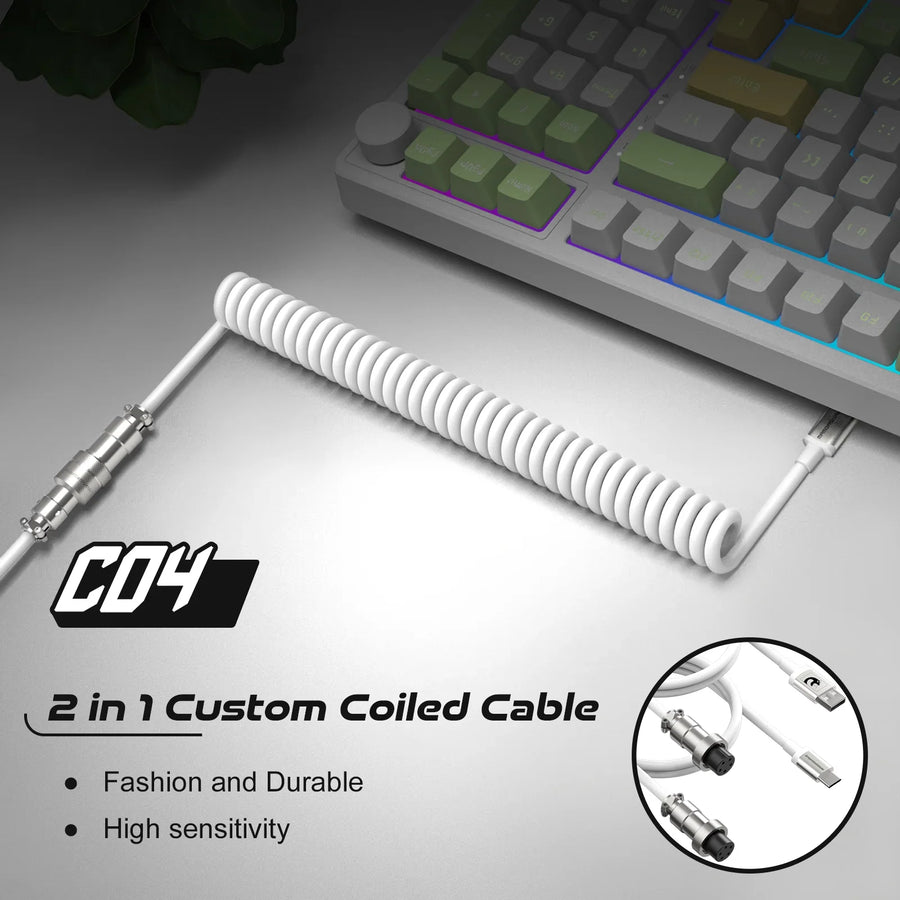
After you connect a cable that passes these checks, confirm that keys register. A browser-based keyboard and mouse test shows each key press in real time, so a dead connection is easy to spot. If you plan to use a coiled cable, our guide on coiled cable fit and compatibility covers measuring your cable path and checking connector fit.
FAQs
Why does my keyboard light up but not type with a certain cable?
Lighting needs power, while typing needs data. A cable can deliver power without carrying USB data, so the keyboard glows but the computer never receives key input. Swap in a cable whose listing clearly states data support, then test again.
Is a phone charging cable OK for my gaming keyboard?
Only if it carries data. Many phone cables do, but some are sold for charging only. Check the packaging or listing for data support. If it isn't stated, treat the cable as unconfirmed and use a known data cable instead.
Do Hall Effect keyboards need a special cable?
The magnetic switches don't create a special cable requirement on their own. Your keyboard still needs a data-capable cable with the right ends for a wired connection. Any further cable requirement, such as one tied to a high polling rate setting, should come from that model's manual.
What if a cable listing doesn't mention data at all?
Missing information isn't proof either way. Ask the seller or cable maker whether it supports USB data before you rely on it. If you can't confirm it, choose a cable that states data support clearly.