


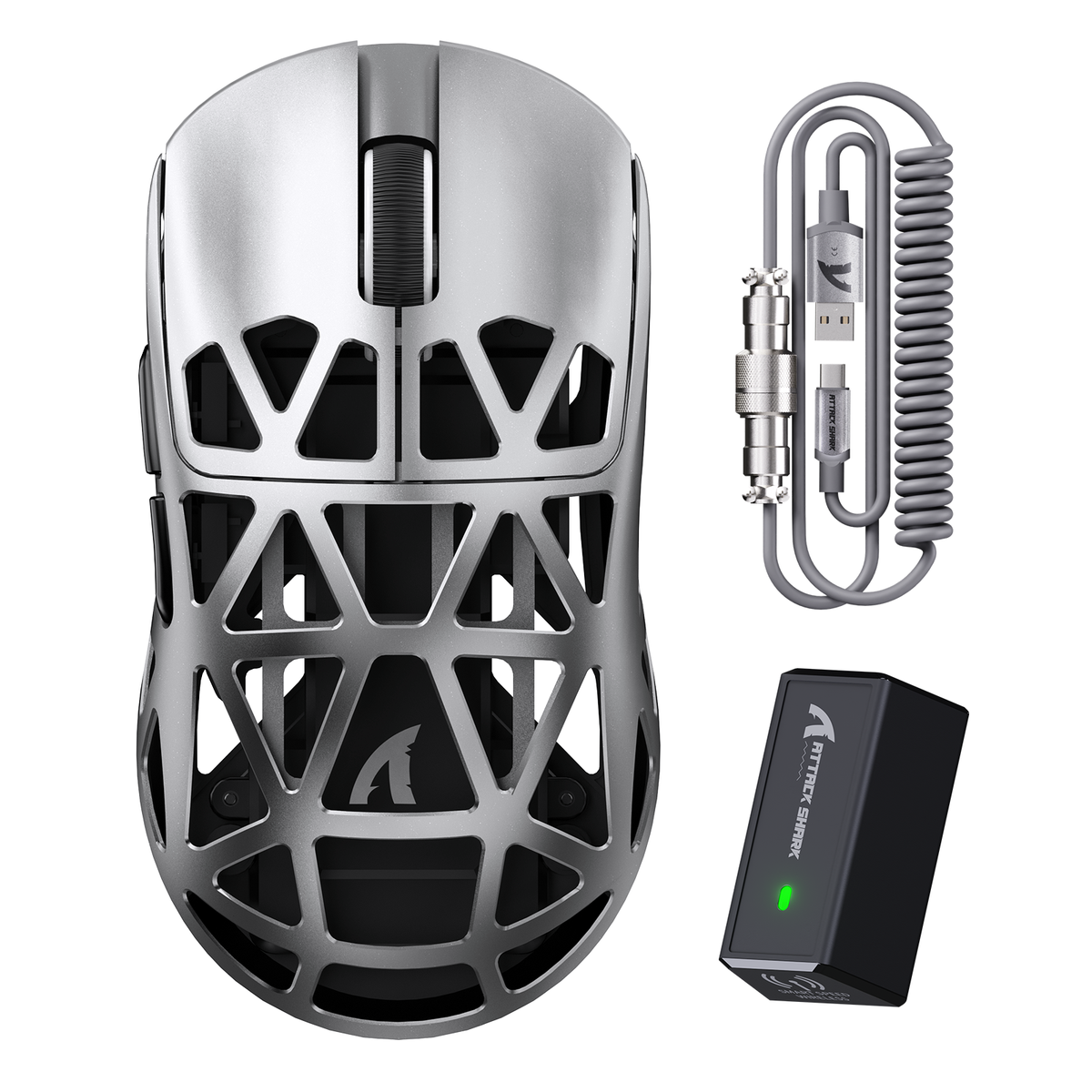
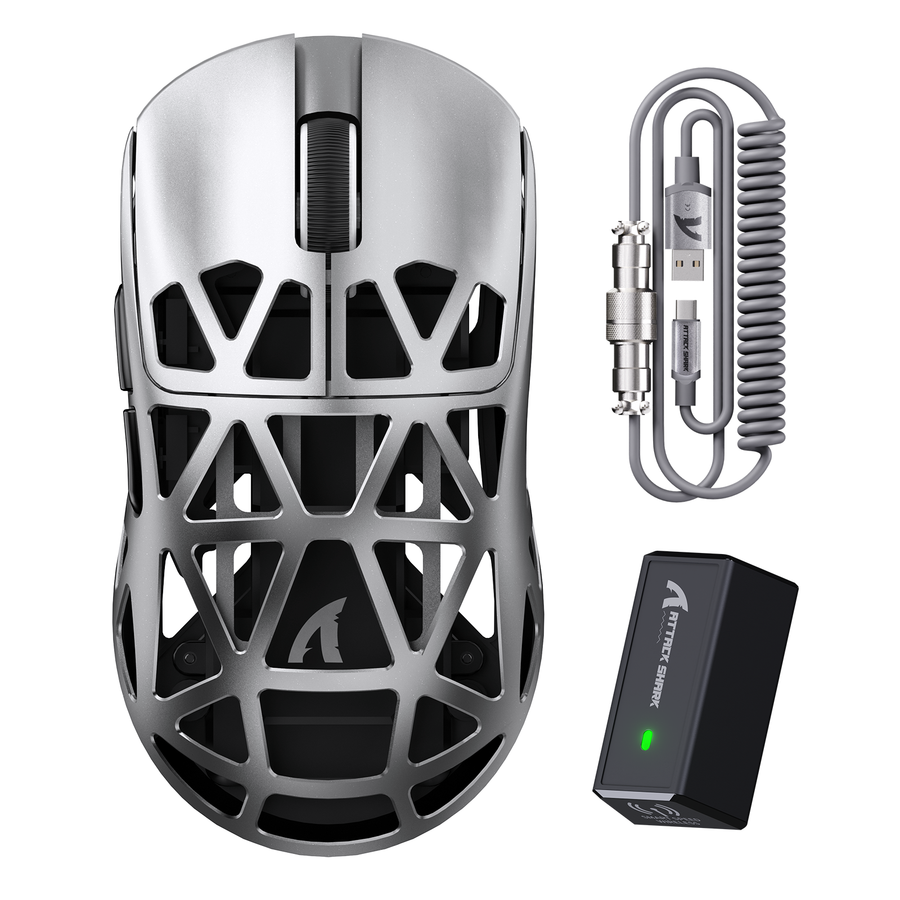
A green gaming mouse can anchor a themed battle station, but the setup only feels intentional when the rest of your gear follows one palette rule instead of chasing an identical shade. Pick a dominant green, a neutral base, and one accent color, then build your mouse, keyboard, keycaps, and cable around those three roles.

Once the palette is set, check hardware fit and specs before you lock in any color, then confirm the exact variant, layout, and return terms before checkout.
Build Green With a Palette, Not a Perfect Match
A themed setup reads as intentional when one dominant green, one neutral base, and one restrained accent carry the whole desk, not when every item matches an identical shade. That three-role rule is the shortest path to a coherent look, and it is the first decision to make before you open a single product page.
Start by choosing your visual anchor. It might be your keyboard, your mouse, or an existing piece of your desk setup, like a mat or monitor stand, that will stay visible no matter what else changes. Whichever item you pick, let it set the dominant tone and build everything else around it in a supporting role instead of trying to match it exactly.
It's worth treating this appeal as a design preference rather than a proven trend. There isn't solid evidence that green or custom-colored peripherals are overtaking the broader gaming market; what's clear is that a coordinated palette makes mixed-brand gear look deliberate. Once you accept that a near match is good enough, you can move from browsing endlessly for an exact green to actually assembling a setup that works.
This approach also protects your budget and your options. If you insist on one identical shade across every component, you narrow your choices to whatever stock happens to match that day. A palette built on roles, rather than an exact hex code, keeps far more hardware on the table, including gear chosen for how it performs, not just how it glows.
Coordinate the Mouse, Keyboard, Keycaps, and Cable
Coordinate by role, not by matching every item to one shade. Let your anchor set the direction, then use the other three pieces as supporting or contrasting elements around it.
Match by Role, Not by Exact Shade
Let your keyboard, or an existing desk surface, establish the dominant visual direction, since it usually covers the most visible real estate on the desk. If you can't verify a matching green mouse variant, use the mouse as a neutral counterpoint or a small accent instead of forcing a shade you're not sure about. Our current Shadow Jade keyboard variant works as one example of a green-adjacent anchor, though it doesn't mean every accessory ships in a matching tone; treat it as a conditional starting point, not proof of full-line availability.
Keep the total palette to two or three colors so your keyboard's RGB, your mouse's finish, and your desk surface aren't competing for the eye. A crowded palette usually looks busier, not more cohesive, even when every piece is technically "on theme."
Add Keycaps and the Coiled Cable as Accents
Keycaps and cables should only enter the build once you know they physically fit, since a mismatched set undoes the visual payoff.
- Confirm layout support (ANSI or otherwise), your keyboard's size class, MX-style stem compatibility, and LED orientation before buying keycaps. Our SK07 prism keycaps support ANSI layouts across 60% through full-size boards with MX-style stems, and their design works with both south-facing and north-facing LEDs, but that fit still needs to match your specific keyboard.
- Confirm the cable's keyboard-end connector, its detachable connector type, its length, and how it will route across your desk before treating it as a finishing touch. Our C01 ULTIMATE coiled cable uses a USB-A to USB-C keyboard-end connector with a detachable four-pin aviator plug and runs 65 inches, extendable to 85 inches, which matters if your keyboard sits far from your PC.
Check Gaming Performance Before You Match the Color
Color should be the last filter, not the first. Run the mouse and keyboard through their performance checks before you let finish or lighting decide anything.
Mouse Checks Before Color
Shape and hand fit come before anything else, since a mouse that doesn't suit your grip won't feel better because it's the right shade of green.
- Confirm hand fit, shape, weight, button layout, sensor, and connection mode against how you actually play.
- Check whether your preferred color variant carries the same specifications as the base model; color options don't always ship with identical hardware.
- Treat polling rate and sensor figures as listed specifications to compare, not automatic proof of better aim or lower latency on their own.
Keyboard Checks Before RGB
Layout and switch or magnetic technology should be settled before you think about keycap color, because they determine what you can type on and how the board feels.
- Confirm layout and switch or magnetic technology before picking keycaps or a finish color.
- Check whether you need wired, 2.4GHz, or Bluetooth connectivity, and whether configuration software is required for the features you want.
- Rely on the exact model's current listing for claims like hot-swap support, RGB orientation, or 8K transmission rather than assuming a whole product line shares one spec sheet.
Verify Color, Compatibility, and Store Policies Before Checkout
A close color match isn't enough on its own. Confirm the exact variant, physical interfaces, and current policy terms before you check out.
Run the Physical Fit Check
Work through this order so a color decision never overrides a fit problem.
- Confirm the exact color variant you want and whether it's currently available.
- Match your keyboard's layout and keycap stem standard, then check LED orientation if shine-through lighting matters to you.
- Match the cable's keyboard-end connector, detachable connector type, length, and desk route to your actual setup.
Read the Current Return and Warranty Terms
Read the current return and warranty policy before finalizing a color-led order, since terms can differ by item category. Our current policy lists a 15-day no-reason return window subject to stated conditions, and a one-year warranty covering keyboards, mice, switches, and accessories, but it excludes some included items such as cables and free spare keycaps from that warranty coverage. Because availability, shipping timelines, and policy details can change, use the current product and policy pages as your final source before you commit to a purchase.
FAQs
What should I do if I can't find a green gaming mouse that matches the rest of my setup?
Prioritize the mouse's shape, hand fit, weight, sensor, and connection mode over an exact shade match; those specifications affect how the mouse performs every time you use it, while color only affects how it looks. If no verified green variant fits your other hardware, use a neutral or black mouse as the base and let your keyboard, keycaps, or cable carry the green accent instead. Before you buy, confirm the exact color name and current availability on the product page rather than assuming a listed shade is in stock.
How do I verify whether custom keycaps will fit my keyboard?
Check your keyboard layout standard (such as ANSI), the board's size class, and MX-style switch stem compatibility before buying. If shine-through RGB lighting matters for your build, also verify whether your keyboard uses north-facing or south-facing LEDs so the keycap design aligns with your board.
What should I check before buying a coiled aviator cable?
Confirm that the keyboard-end connector matches your board (such as USB-C) and verify the detachable connector standard. Next, measure your desk route to ensure the cable length and coil reach provide adequate slack to your PC without straining the connection port.

