The right gaming keyboard layout depends on the task you do most often. Choose full-size for frequent spreadsheet or numeric entry, TKL for dedicated navigation without a numpad, 75% for a balanced programming, school, and FPS setup, and compact when mouse room or a very small desk matters most. The tradeoff is direct access: smaller boards may layer or remap navigation and function keys, while larger boards take up more desk width.

Which Gaming Keyboard Layout Fits Your Workflow?
Use this gaming keyboard layout selector before comparing features. It separates daily requirements from occasional tasks, so you do not give up a numpad, navigation cluster, or mouse space without a clear reason.
| Workflow priority | Starting layout | Tradeoff to accept |
|---|---|---|
| Frequent spreadsheet, finance, accounting, or data entry | Full-size | Accept the widest footprint and potentially less room for the mouse. |
| Daily arrows and navigation without regular numpad use | TKL | Accept more width than 75% for a more separated navigation cluster. |
| Programming, schoolwork, and FPS gaming with no daily numpad | 75% | Accept a tighter cluster and less direct numeric entry. |
| Maximum mouse room or a very small desk | Compact | Accept layered or remapped access for functions that are not dedicated. |
For many mixed workflows, 75% is the practical starting point because it commonly preserves much of a TKL-style board's access in less space. Move to TKL when separated navigation matters every day, full-size when rapid number entry is a recurring task, and compact when desk width takes priority over direct access. Measure the actual board width and the mouse position you use, because a percentage label does not guarantee identical key placement across models.

If the 75% option matches your routine, you can browse 75% keyboard options as a category starting point. The collection is a shopping path, not proof that every board will fit your desk or workflow.
What Each Layout Keeps, Moves, or Removes
The main typing area on all four layouts contains the letters, number row, and common programming symbols. The biggest changes involve the function row, arrows, navigation keys such as Home and End, and the separate numeric keypad. Evaluate those groups independently because a numpad does not replace a dedicated navigation cluster.
| Layout | Access pattern | Mixed-use tradeoff |
|---|---|---|
| Compact | Commonly removes dedicated function, navigation, and numpad clusters. Arrows or other commands may use layers or remapping. | Leaves the most desk and mouse room, but daily coding or document navigation can require more indirect access. |
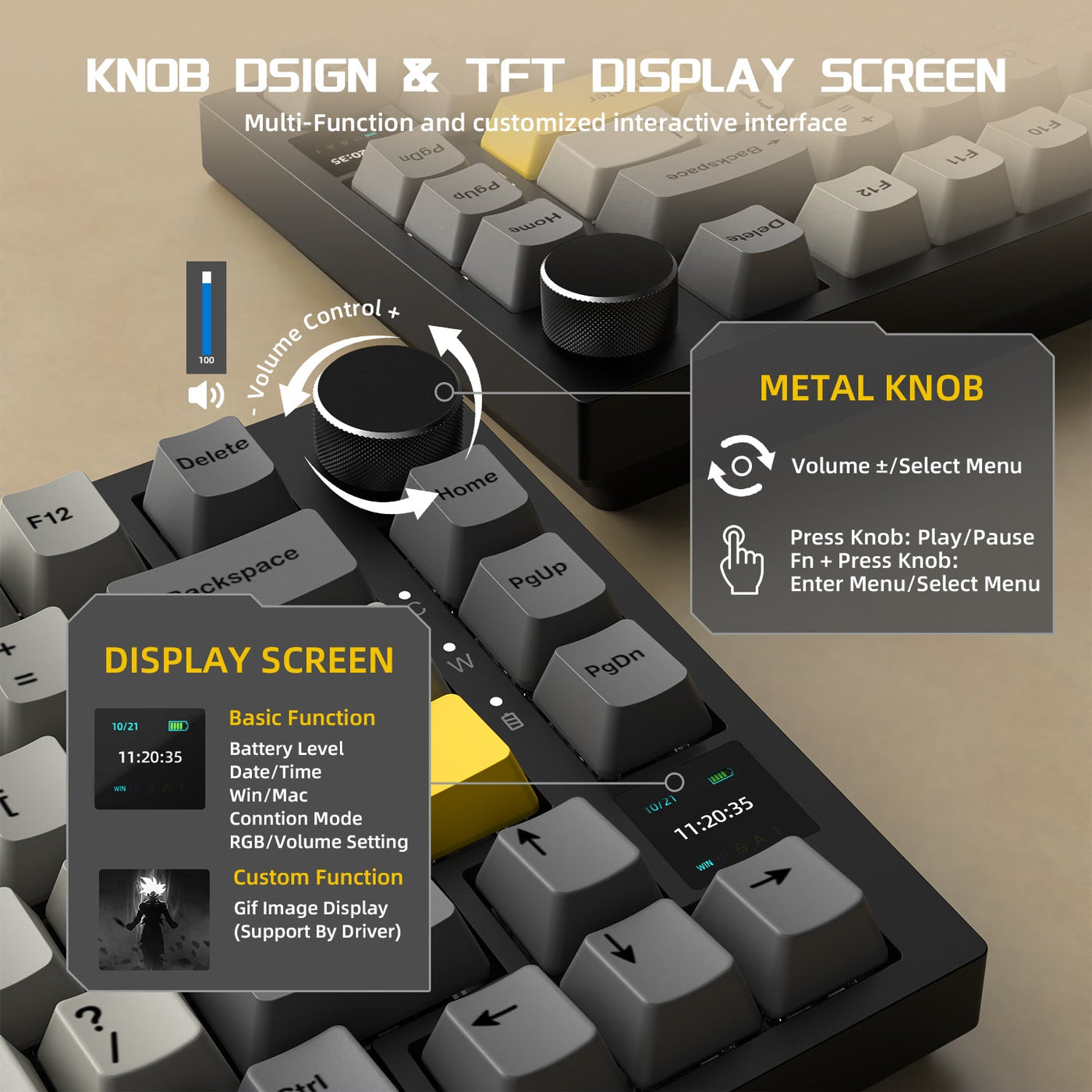
| 75% | Commonly keeps a function row and arrow or navigation functions in a tighter arrangement. It typically preserves much of a TKL board's functionality in a smaller footprint, as keyboard size guides explain. | Balances productivity access and desk width, but the cluster is less separated than TKL and numeric entry is not as direct as full-size. |
| TKL | Keeps the main typing area, function row, arrows, and a dedicated navigation cluster, but omits the numpad. | Favors direct navigation access without the full width of a numpad. The added separation and width may reduce available mouse room. |
| Full-size | Keeps the typing area, function row, arrows, navigation cluster, and dedicated numpad. | Favors repeated numeric entry and broad direct access, while taking the most desk space of these four common layouts. |
A 75% board is commonly described as a more compact TKL-style arrangement, and its function row and navigation area are typically closer together than on TKL, as this keyboard-size comparison notes. That spacing can be a useful compromise, but it does not guarantee an identical key map.
A dedicated function row gives direct access to F-key commands. On smaller boards, those commands may instead require an Fn layer or remapping. The same applies to arrows and navigation on some compact designs. For a deeper explanation of common keyboard function shortcuts, use the exact board's key map rather than assuming its layout label tells you everything.
Match the Layout to Programming, School, or FPS Use
The best keyboard layout for programming and gaming changes with the work you do between matches. Choose based on frequency: navigation-heavy work favors 75% or TKL, repeated numeric entry favors full-size, and mouse-space constraints favor compact or 75%.
For Programming and Code-Heavy Coursework
Start with 75% when you use arrows and function keys regularly but do not enter numbers continuously. It provides more direct access than a compact board while taking up less room than TKL or full-size. Choose TKL when a separated navigation cluster is worth the extra width, especially if you move through files or documents with Home, End, Page Up, Page Down, and arrow keys throughout the day.
Compact can work for programmers who are already comfortable with layers or remapping. Its compromise is less direct access to navigation and function commands, so it is a space-first choice rather than an automatic productivity choice. Choose full-size when programming is paired with sustained spreadsheet, finance, accounting, or data-entry work. A dedicated numeric keypad is intended for rapid numeric input, so occasional number-row use does not by itself justify the wider board. Layered arrow-key access can help explain the compact-board approach, but the exact implementation remains model-specific.
For Writing, Browsing, and Schoolwork
Choose 75% or TKL for essays, browsing, research, and assignments when numeric entry is occasional. A 75% board is the tighter choice for a shared desk; TKL is the better fit when separated arrows and navigation keys matter more than a smaller footprint.
Move to full-size when schoolwork regularly includes spreadsheets, accounting exercises, lab data, or other repeated numeric entry. That is a different requirement from typing papers or entering an occasional number. Compact is reasonable when desk width is tight and you accept layered access or plan to use a separate keypad for numeric work.
For FPS-First Desks
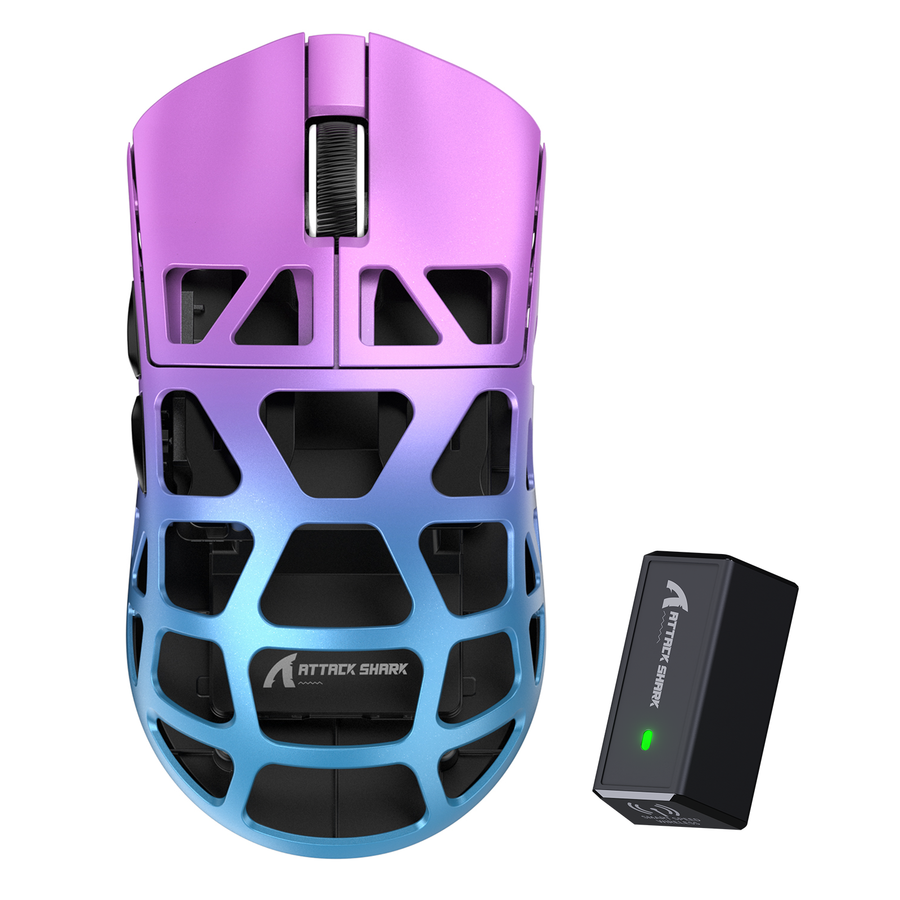
Start with compact or 75% when mouse room is non-negotiable. A smaller footprint can leave more lateral desk space for mouse movement, but that is a workspace tradeoff, not a guaranteed FPS performance improvement. Choose 75% when you still want direct arrows and a function row for school or coding; choose compact when maximum space matters more than those dedicated controls.
Choose TKL when a more separated navigation cluster is worth the additional width. Keep full-size when its numpad is genuinely used or when your desk leaves enough room for both the board and your normal mouse position. The percentage label matters less than the physical width and where the keyboard sits relative to the mouse.
Check the Keyboard Before You Buy
A layout name narrows the choice, but the exact product page or manual determines whether the board supports your daily routine. Use these four checks before adding a keyboard to your cart:
- Identify the repeated task. Decide whether your non-negotiable is rapid numeric entry, separated navigation, balanced access, or maximum mouse room. Occasional tasks should not outweigh the work you perform every day.
- Compare actual width with your mouse position. Use the listed keyboard dimensions and the space available for your normal mouse grip and movement. There is no universal clearance number that makes one desk setup fit everyone.
- Verify the exact key arrangement. Confirm whether arrows, Home, End, Page Up, Page Down, and the function row are dedicated, compressed, or layered. For compact and 75% boards, also compare the ANSI arrangement and documented Fn combinations with the technical key-code reference rather than inferring behavior from the size label.
- Accept one clear tradeoff before ordering. Decide whether you will give up width, direct layered access, or fast numeric entry. Then review the product's remapping support, operating-system compatibility, and retailer return terms on the exact listing instead of inferring them from the size label.
For a mixed desk, the decision is straightforward once the recurring task is clear: 75% is the balanced starting point, TKL adds separated navigation, full-size preserves rapid numeric entry, and compact gives up direct access to save the most space.
Frequently Asked Questions
These answers cover the main layout decisions for coding, schoolwork, and FPS gaming. Choose according to the task you repeat most and the access tradeoff you are willing to accept.
What keyboard layout is best for programming and gaming?
Choose 75% for a balanced mix that needs arrows and a function row without daily numpad use. Choose TKL when separated navigation matters more, compact when mouse room dominates and layers are acceptable, or full-size when repeated numeric entry is essential.
Is a 75% keyboard good for coding and school?
Yes, when you want arrows and a function row but do not depend on a numpad every day. The compromise is less direct numeric entry and a model-specific navigation arrangement, so review the actual key map before buying.
Do I need a numpad for programming or schoolwork?
Usually not for coding, writing, or browsing alone. A full-size layout becomes more useful when spreadsheets, finance, accounting, or repeated data entry are regular parts of the work because a dedicated numpad is built for rapid number input.
Is TKL or 75% better for FPS gaming?
Choose 75% when saving width while keeping arrows and a function row matters. Choose TKL when a more separated navigation cluster is worth the additional desk space. Neither layout guarantees better FPS performance based on size alone.
Are compact keyboards bad for programming?
No. A compact board can suit programming when you are comfortable with layers or remapping, but navigation and function commands may not be dedicated. Check the specific key arrangement and choose compact only if that access method fits your daily work.