A best cheap gaming mouse can be the smarter purchase when its shape, connection, clicks, and tested behavior fit your routine. A premium gaming mouse earns its higher price only when it solves a problem you will notice repeatedly, such as hand discomfort, inconsistent responsiveness, wireless friction, or a need for deeper customization and support.

The key in a cheap vs expensive gaming mouse comparison is to judge the complete model, not its DPI number, sensor name, weight, or price label. Casual plug-and-play users can often stay budget-focused, while frequent competitive players or buyers replacing a recurring problem have a stronger reason to pay more.
Cheap or Premium Gaming Mouse: Which Should You Buy?
Choose the lower-priced mouse when its documented fit and tested behavior already meet your games and routine. Pay more when the higher-priced model addresses a specific issue that affects you often, not simply because it carries a premium label. Budget mice can be sensible when their fit and tested behavior match your use, but the exact model still decides whether that rule applies.
| Buyer situation | Stay budget-focused when | Pay more when |
|---|---|---|
| Casual or mixed gaming | You mainly need comfortable shape, dependable clicks, and a straightforward connection. | You repeatedly notice tracking, button, or comfort problems during longer sessions. |
| Frequent competitive play | Your current grip and shape feel stable, and tested responsiveness meets your games. | Tested click latency, sensor behavior, or repeated-input feel addresses a problem you already notice. |
| Palm, claw, or fingertip grip | The listed dimensions and shape suit your hand and grip without pressure points. | A more predictable shape, hump, or weight distribution is needed for comfort and control over long sessions. |
| Wired or wireless routine | A cable is acceptable, or the budget wireless receiver setup fits your desk and devices. | A wireless workflow, receiver arrangement, or charging routine will remove recurring desk friction. |
| Lightweight handling | The lower-weight model remains comfortable and controlled for your grip. | You have a specific handling preference that the cheaper model cannot meet without compromising comfort or build quality. |
| Plug-and-play versus customization | You use one PC and do not need profiles, remapping, lighting, or advanced controls. | You will regularly use documented software features, saved profiles, or configuration controls. |
Use the fit, connection, tested behavior, and ownership terms as the final boundary. If both models meet those needs, the lower-priced option is the rational default.

What a Cheap Gaming Mouse Can Still Do Well
A budget gaming mouse may provide good-enough fit, basic tracking, main-button feel, and connection for straightforward one-PC gaming. That does not create a universal quality floor, so evaluate the individual listing rather than assuming every low-cost model shares the same tradeoffs.
| Area | What may be good enough at a lower price | What to verify |
|---|---|---|
| Fit | A familiar shape and usable weight can handle casual or mixed gaming. | Dimensions, hump position, grip compatibility, surface, and return coverage. |
| Tracking | Basic tracking may suit the games and sensitivity you actually use. | Tested sensor behavior, not just DPI or the sensor name. |
| Clicks | Main buttons may feel consistent enough for ordinary play. | Switch details, measured click behavior when available, and the return path. |
| Connection | Wired use or a suitable wireless receiver can be entirely adequate. | Connection modes, receiver placement, device compatibility, and charging routine. |
| Software | Plug-and-play operation may be enough for a single-PC setup. | Whether remapping, profiles, lighting, or polling controls are included and usable. |
| Support | A lower price may make sense when the product page and return terms fit your risk tolerance. | Current returns, warranty terms, support contact, and model-specific documentation. |
Budget specifications can overlap with more expensive mice. For example, independent testing found that the MCHOSE L7 Pro combined a 40 g weight with a PAW3395 sensor, Bluetooth, and 8,000 Hz wired and wireless polling in that model. Some budget models combine capable specifications with low pricing, but one model does not prove equal shape, click feel, connection behavior, or ownership experience across the category.
That is the central budget gaming mouse drawback: the headline specification may look strong while the parts you touch every day remain less predictable. Treat the listing as a starting point, then compare the exact dimensions, connection details, testing, software, and terms that affect your routine.
Where Premium Gaming Mice Actually Add Value
What makes a gaming mouse expensive is usually the whole-mouse experience rather than one prestigious component. Premium value may appear in fit consistency, measured responsiveness, click feel, wireless setup, software, and support, but none of those advantages is automatic across every model.
Shape, Weight, and Fit Consistency
A premium mouse can be worth considering when shape and handling are the reason you are replacing your current one. Compare dimensions, hump position, weight distribution, surface, and grip compatibility before treating low weight as the goal. Prioritize hand size, grip style, and the receiver setup when comparing models, especially if wireless use is part of the upgrade.
A lighter mouse may help with quick movement, but comfort, build quality, click latency, and connection type still belong in the comparison. Compare low weight with comfort, build quality, and connection type instead of assuming that the lightest option will feel best. The upgrade is meaningful when the new shape or balance prevents a recurring comfort or control problem.
Sensor Implementation and Click Feel
Sensor behavior and click feel are experienced through tracking and repeated inputs, while a component name alone does not establish superiority. When responsiveness matters, compare tested click latency and sensor performance rather than using DPI as a proxy for the complete experience.
| Area | What the shopper may notice | What to verify |
|---|---|---|
| Sensor implementation | Tracking may feel more predictable in the games and sensitivity settings you use. | Independent testing of sensor performance, not only the advertised sensor model or DPI ceiling. |
| Main clicks | Button tension, crispness, or springiness may change repeated inputs and everyday feel. | Tested click behavior, switch information, and the model's return terms. |
This is where an expensive gaming mouse can justify its cost for a frequent player, but only if the tested difference maps to a real use case. A high polling-rate figure, optical switch label, or very high DPI setting is an attribute to inspect, not proof that the mouse will feel better to every buyer. One independent comparison describes click feel as a possible difference between a budget wireless model and pricier wireless mice, but that observation is not a rule for every model.
Wireless, Software, and Support
Wireless value depends on the complete routine: connection method, receiver placement, charging, and the devices you use. Software matters when you will use remapping, profiles, lighting, polling controls, or other documented settings; it matters much less when you want a mouse that works with minimal configuration.
- Connection and charging routine: Match the receiver setup and connection modes to your desk, PC, and daily charging habits. A wireless feature has less value if its setup adds friction to your normal use.
- Software you will actually use: Pay for configuration depth only when you expect to use those controls. A plug-and-play buyer should not treat extra software as an automatic benefit.
- Ownership terms and support: Compare current battery information, compatibility, warranty, returns, and support for the exact model. These details can change the practical value of a higher upfront price.
Which Mouse Details Match Your Setup?
Use product pages to translate a documented feature into a buyer question, not to declare a winner. These examples show how to read specifications while keeping fit, current terms, and real-world behavior separate from the listed attribute.
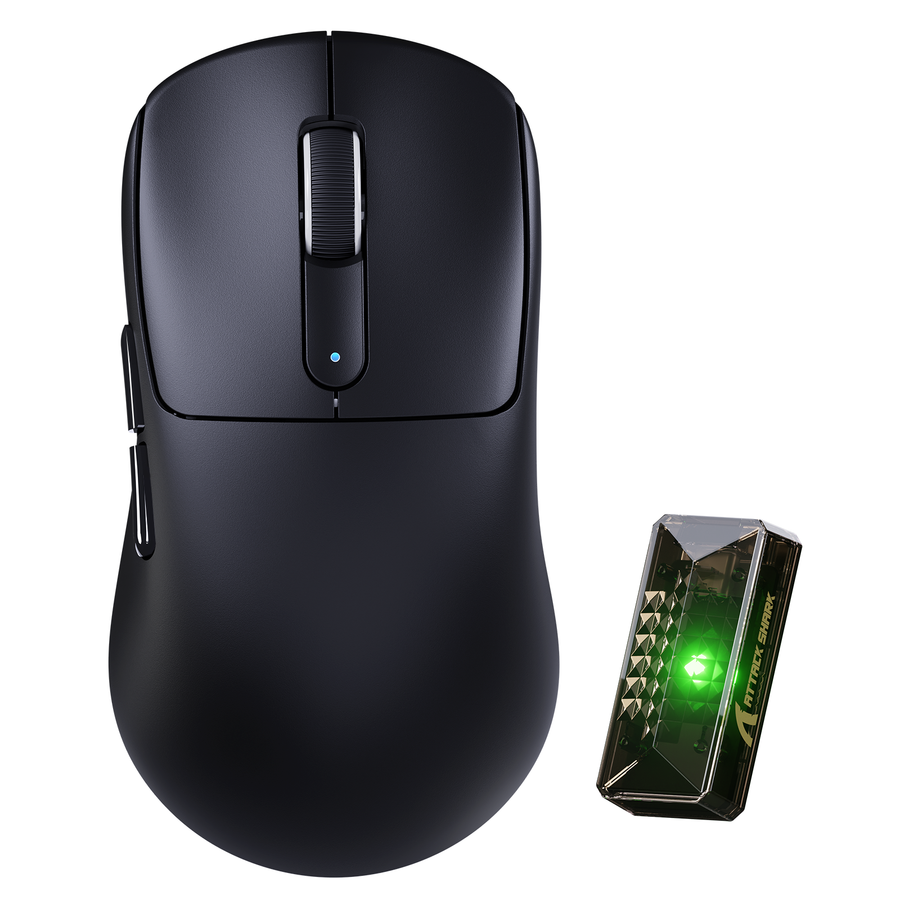
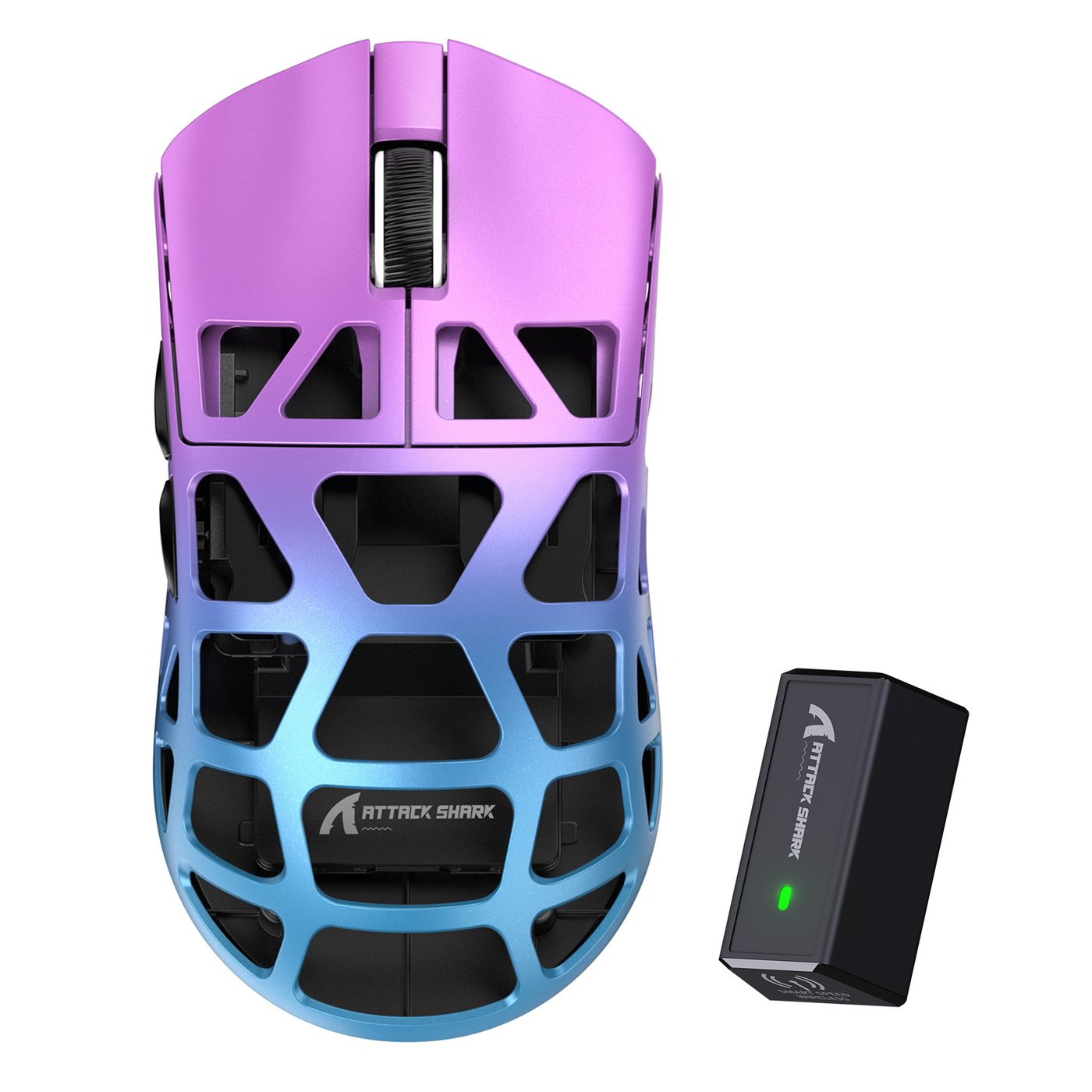
- Construction and weight: The ATTACK SHARK R3 details list a 46 g ±2 g weight, magnesium alloy construction, a CNC-integrated metallic frame, wired, 2.4G, and Bluetooth 5.2 connections, a PAW3395 sensor, and up to 8,000 Hz polling. This helps a buyer investigate lightweight handling and connection options. The remaining questions are whether its 119 × 61 × 36 mm shape suits the hand, whether the weight distribution feels right, and whether its current software, battery behavior, warranty, returns, and reliability fit the purchase.
- Connection and charging: The ATTACK SHARK V3PRO details list wired, 2.4 GHz, and Bluetooth connections, a USB-C interface, a PixArt PAW3311 sensor, and an RGB magnetic charging dock. That makes it relevant to a buyer comparing a multi-mode setup with a simpler wired mouse. The exact model page still needs to answer the battery, software, warranty, return, and desk-fit questions that determine whether the dock improves ownership.
- Model-specific sensor and connectivity: The ATTACK SHARK X8 Ultra details list the X8Ultra's PAW3950MAX sensor, tri-mode 2.4 GHz, Bluetooth, and wired connectivity, 42000 DPI, and up to 750 IPS tracking speed. Those are attributes for a buyer comparing sensor and connectivity specifications. They do not establish fit, battery runtime, reliability, software experience, price tier, or competitive suitability, and they should not be generalized to every X8 model.
How to Decide Whether the Upgrade Is Worth It
Use this four-step cart rule to decide whether a premium gaming mouse solves a real problem or simply adds specifications you may not notice.
- Name the recurring problem. Start with discomfort, unstable clicks, unwanted cable friction, wireless setup issues, insufficient controls, or another problem you notice during normal use. If you cannot name one, there is no automatic reason to upgrade.
- Verify the exact listing. Compare dimensions, weight, shape, grip fit, connection modes, sensor and click information, software requirements, and current return and warranty terms. Use the compare gaming mouse specs page as a side-by-side navigation aid, not as proof of performance or ownership quality.
- Match the feature to repeated use. Ask how often the proposed upgrade will change your sessions. A charging dock matters to a buyer who wants that routine; deeper software matters to someone who will use profiles; tested responsiveness matters more when repeated inputs are a daily priority.
- Apply the spend-or-save rule. Choose the lower-priced model when both options clear the fit and connection checks. Pay more only when the higher-priced model directly resolves the recurring problem you identified.
For a shopper deciding whether a cheap gaming mouse is worth it, the answer is yes when the exact model fits and behaves well enough for the routine. For everyone else, spend more only on a documented improvement you expect to notice often, then put the model that solves that problem in your cart.
FAQs
These questions cover the main tradeoffs between a budget gaming mouse and a premium model, including fit, features, and the point at which an upgrade makes sense.
Are cheap gaming mice worth it for casual PC gaming?
Yes, when the exact mouse has a suitable shape, dependable connection, usable tracking and clicks, and acceptable return coverage for your routine. A casual buyer who does not need advanced profiles or wireless customization can stay budget-focused, but should still compare the model's dimensions and connection details rather than choosing by price alone.
What makes a gaming mouse expensive?
A higher price can reflect more consistent fit and construction, measured responsiveness, click feel, wireless and charging features, software controls, or ownership support. Those additions matter only when they solve a problem you experience repeatedly, so an expensive gaming mouse is not automatically the better choice for every hand, grip, or setup.
What are the biggest drawbacks of a budget gaming mouse?
The possible compromises are model-specific: shape and comfort, click feel, connection behavior, software depth, or support may be less suitable for your routine. Start with the area causing concern, then compare independent testing and the exact product listing for that feature before deciding whether the lower price is worth the tradeoff.
When is a premium gaming mouse worth the upgrade?
Upgrade when a recurring comfort, fit, responsiveness, wireless, customization, or support problem will be noticeable often enough to affect your sessions. If the cheaper model clears those checks and both options fit your setup, choose it instead of paying more for headline specifications you are unlikely to use.