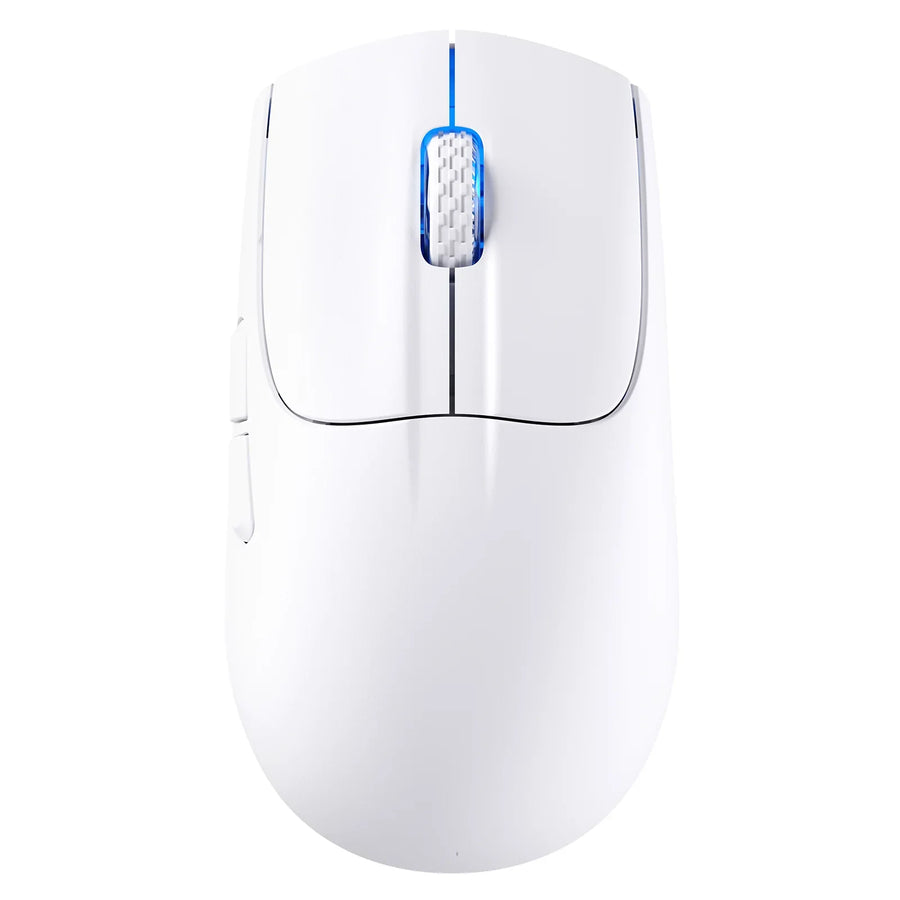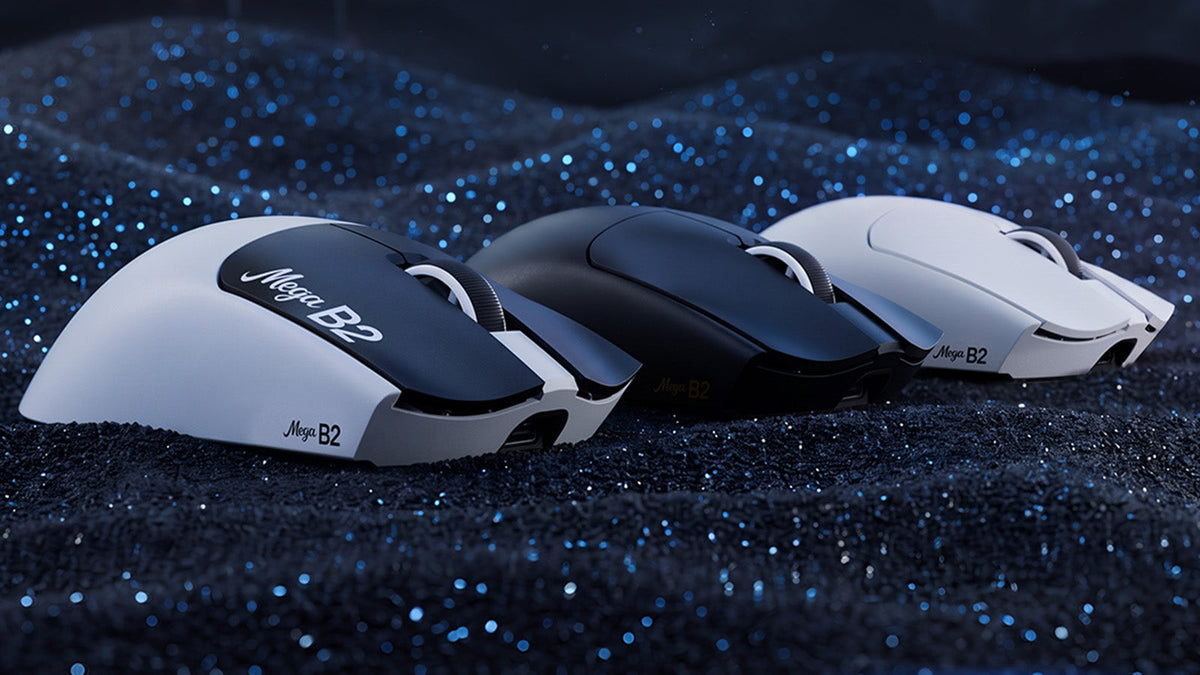

In FPS games, fast tracking is only part of accurate mouse control. Click timing, reset speed, wireless responsiveness, and sensor consistency also shape how the mouse feels in competitive play. The ATTACK SHARK MEGA B2 is an 8K polling rate mouse built around these details, combining TMR electromagnetic microswitches, Rapid Trigger control, adjustable haptic feedback, a PAW3955MAX sensor, and three connection modes in one configurable design.
What Is the ATTACK SHARK MEGA B2?

The ATTACK SHARK MEGA B2 is a customizable wireless gaming mouse built around TMR click sensing, adjustable Rapid Trigger, dual 8000Hz polling, and the PAW3955MAX sensor. It also provides three connection modes, adjustable haptic feedback, and web-based or PC software control.
| Feature | MEGA B2 Specification |
|---|---|
| Main-button technology | TMR electromagnetic microswitches |
| Actuation adjustment | 10 levels, starting from 0.1 mm |
| Rapid Trigger | 5 adjustable levels |
| Haptic feedback | 5 intensity levels plus off |
| Sensor | PAW3955MAX |
| DPI range | 1 to 60,000 DPI |
| DPI adjustment | 1-DPI increments |
| Tracking speed | 850 IPS |
| Acceleration | 75G |
| Sensor scan rate | Up to 20,000 FPS in Hunting Shark Mode |
| Polling rate | Up to 8000Hz in wired and 2.4GHz modes |
| Connectivity | Wired, 2.4GHz wireless, and Bluetooth 5.2 |
| Chipset | Nordic 54LM20 |
| Weight | 63 ± 3g |
| Dimensions | 128 × 64 × 40 mm |
| Battery | 300mAh |
| Rated battery life | Up to 360 hours at 1000Hz under controlled conditions |
| Software | Web driver and PC driver |
| Available colors | White & Black, White, Black, and Magenta |
TMR Switches Put Click Behavior Under Your Control
Traditional mechanical mouse switches register input through electrical contacts that meet at fixed actuation and reset positions. Their behavior is largely predetermined, leaving limited room to adjust how far the button must move before a click registers.
The MEGA B2 uses TMR electromagnetic microswitches instead. TMR, or tunneling magnetoresistance, sensing reads changes in a magnetic field to determine button movement. The system does not rely on conventional mechanical electrical contacts to register an input, although the mouse button still moves physically and retains a tactile click feel.
This sensing method allows the MEGA B2 to offer 10 actuation levels, with a minimum setting of 0.1 mm. A shorter actuation distance can help players register inputs with less downward movement, while a deeper setting can reduce unwanted clicks for users who rest more weight on the main buttons.
The best setting depends on finger pressure and play style. A low actuation point may suit rapid taps, while a more deliberate setting can feel easier to control during everyday use.
Rapid Trigger Supports Faster Click Reset
A fixed reset point requires a mouse button to rise to a predetermined position before another click can register. During repeated tapping, that extra travel can make the button feel less responsive than expected.
Rapid Trigger changes the reset behavior according to button movement. As the button starts moving upward, it can become ready for the next input without returning to one fixed reset position. This gives players more control during repeated shots, fast semi-automatic firing, and other actions that depend on consecutive clicks.
The MEGA B2 provides five Rapid Trigger levels, allowing players to choose how sensitive the reset response should feel. Actuation and Rapid Trigger control different stages of the click:
- Actuation distance determines how far the button moves downward before an input registers.
- Rapid Trigger sensitivity determines how quickly the button becomes ready again as it moves upward.
Adjusting both settings together helps create a click response that matches the player rather than forcing every user into the same fixed behavior.
Adjustable Haptic Feedback Adds Physical Confirmation

The MEGA B2 uses a built-in linear motor to provide five levels of haptic feedback, along with the option to turn the effect off. A stronger setting produces more noticeable physical feedback, while a lighter setting keeps the response subtle.
This adjustment allows players to choose how strongly each registered click feels. Users who prefer a cleaner and quieter response can disable haptic feedback completely without disabling TMR click detection or Rapid Trigger.
Dual 8K Polling Supports Wired and Wireless Play
Polling rate determines how often a mouse reports its position and button data to the computer. At 1000Hz, the mouse can send an update every 1 millisecond. At 8000Hz, that interval can fall to approximately 0.125 milliseconds.
The MEGA B2 supports an 8000Hz polling rate in both wired and 2.4GHz wireless modes. Its Nordic 54LM20 chipset manages high-speed data transmission, giving players the choice between a direct USB connection and low-latency wireless play.
The practical effect of 8K polling depends on the complete setup. Game support, CPU performance, display refresh rate, USB configuration, and system load can all influence the result. A high polling rate creates more frequent data updates, but it also requires more system resources and battery power.
Bluetooth 5.2 provides a third connection option for compatible devices and general use when maximum polling performance is not the priority.
The PAW3955MAX Sensor Handles Detailed Tracking Adjustments

The MEGA B2 uses the PAW3955MAX sensor, with a range of 1 to 60,000 DPI, tracking speeds up to 850 IPS, and acceleration support up to 75G.
DPI controls how far the cursor moves in relation to physical mouse movement. The MEGA B2 supports 1-DPI step adjustment, allowing players to fine-tune sensitivity instead of choosing only from large preset intervals. This can help users preserve familiar aim when changing games, displays, or in-game sensitivity settings.
Tracking speed and acceleration describe different aspects of sensor performance:
- 850 IPS indicates how quickly the sensor can track physical movement.
- 75G acceleration describes its ability to follow rapid changes in movement speed.
- DPI controls cursor sensitivity rather than tracking quality by itself.
Hunting Shark Mode raises the sensor scan rate to up to 20,000 FPS. This figure refers to how frequently the sensor captures surface information. It is separate from a game’s frame rate and does not mean the game itself will run at 20,000 frames per second.
Web and PC Software Make the Mouse More Customizable
The MEGA B2 supports both a web driver and a PC driver, giving users two ways to configure its adjustable features. Available controls include actuation distance, Rapid Trigger level, haptic intensity, DPI, and virtual sensor offset.
Virtual Sensor Offset Adjustment lets users reposition the sensor’s virtual center to better match their grip and movement habits. Small changes can help tracking feel more familiar when switching from a mouse with a differently positioned sensor.
Players can adjust click sensitivity, reset behavior, haptic strength, and tracking settings according to the game or task. This makes it possible to use a more sensitive response for fast FPS inputs and a more deliberate setup for general desktop use.
A Lightweight Structure Designed for Controlled Movement
The MEGA B2 uses a SHARK-RIDGE reinforced button-module endoskeleton to support the main buttons. This structure helps reduce unwanted button wobble and maintain a firm, consistent click feel during extended use.
Its high-density molded shell features a Glass-Feel Ice Coating, creating a smooth, cool-to-the-touch surface. A TTC Gold scroll wheel encoder provides crisp, defined scroll steps, while PTFE feet support smooth movement across the mouse pad.
Battery Life Depends on the Selected Performance Settings
The built-in 300mAh rechargeable battery provides up to 360 hours of use at 1000Hz under controlled conditions. Actual runtime varies with polling rate, connection mode, haptic settings, usage, and operating environment.
Higher polling rates require the mouse to transmit data more frequently, which increases power consumption. The published 360-hour figure should therefore be understood as a 1000Hz result rather than an estimate for continuous 8000Hz operation.
Players can choose settings according to the session. High polling is available for competitive play, while moderate settings can extend the time between charges during work, browsing, or less demanding games.
What Comes With the ATTACK SHARK MEGA B2?
The MEGA B2 package includes the main accessories needed for wired and high-speed wireless use:
- ATTACK SHARK MEGA B2 gaming mouse
- 8K wireless receiver
- 8K USB-C cable
- Grip tape
The included grip tape gives players an additional way to adjust surface traction without permanently changing the mouse body.
Build the MEGA B2 Around the Way You Play
The MEGA B2 is built for players who want to tune more than DPI alone. It brings click actuation, reset behavior, haptic feel, sensor response, and connection mode into one configurable system. That flexibility lets you create a faster competitive setup or a more controlled everyday experience without changing mice. Ready to make every setting work around the way you play? Explore the ATTACK SHARK MEGA B2, review the full specifications, and check current availability.
Frequently Asked Questions About ATTACK SHARK MEGA B2
Q1. Does the MEGA B2 support 8K polling over Bluetooth?
No. The MEGA B2 supports up to 8000Hz in wired mode and through its 2.4GHz wireless connection. Bluetooth 5.2 is available as a separate option for general use. The package includes the 8K wireless receiver, so you do not need to buy one separately.
Q2. Where should I start with actuation and Rapid Trigger settings?
Start with a moderate actuation setting and test a few familiar games or tasks. If you want clicks to register with less finger movement, try a shorter actuation distance. If you trigger clicks accidentally, choose a deeper setting. Then adjust Rapid Trigger separately to find a reset response that feels comfortable during repeated clicks.
Q3. What does adjustable lift-off distance change?
Lift-off distance determines when the sensor stops tracking as you lift the mouse to reposition it. A lower setting may reduce unwanted cursor movement during frequent lifts. If tracking stops earlier than you expect on your mouse pad, try a higher setting. The MEGA B2 offers five settings from 0.7 mm to 1.6 mm.
Q4. Can I turn off haptic feedback and still use the adjustable click settings?
Yes. Haptic feedback controls the physical sensation of a click and can be turned off. The MEGA B2’s actuation and Rapid Trigger settings remain available for adjusting when a click registers and how it resets.